
Directory Groups
Directory Groups connects UEC to Entra ID and browses security groups for user/device targeting and device-group scoping.
Directory Groups connects UEC to Entra ID and browses security groups for user/device targeting and device-group scoping.
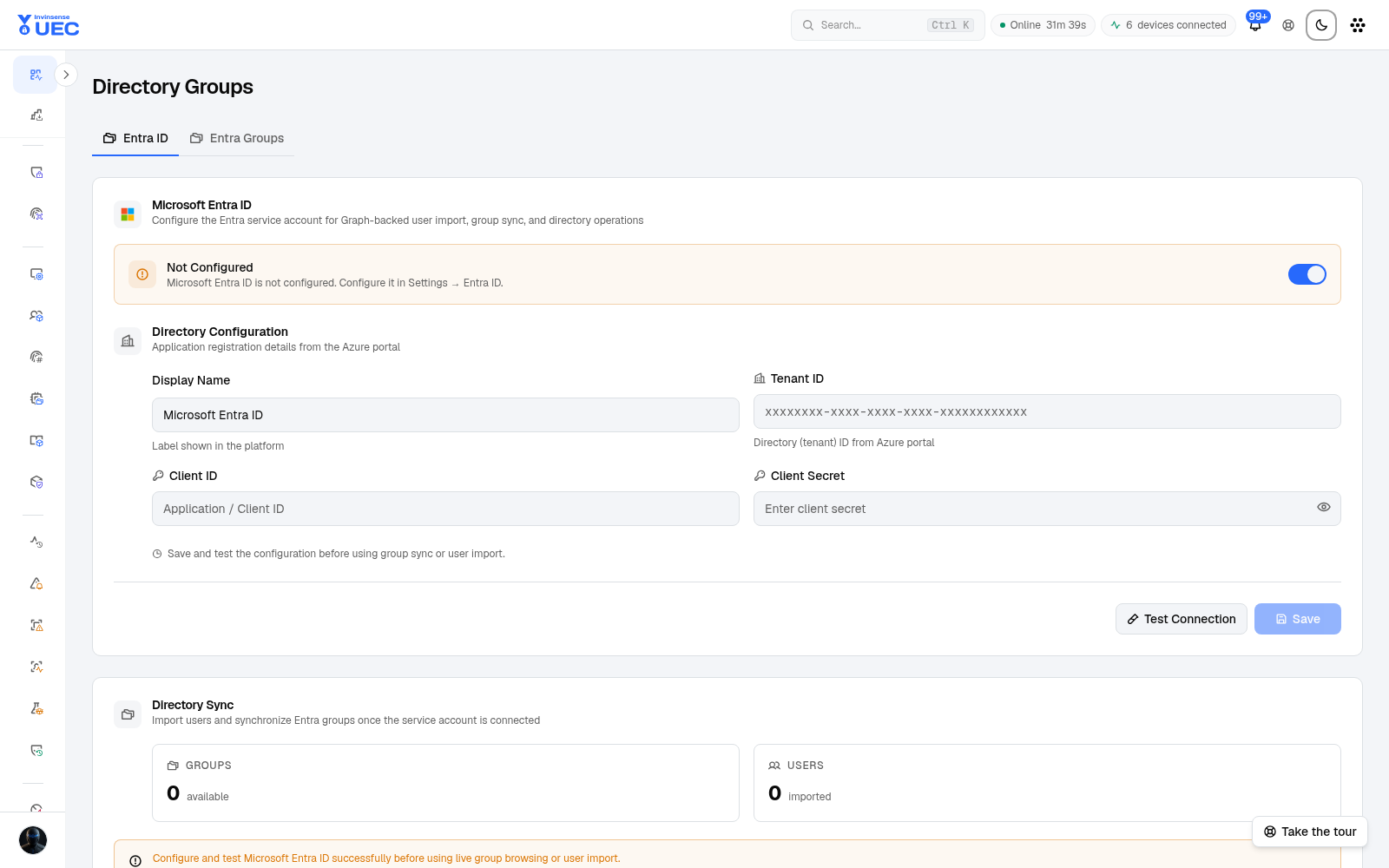
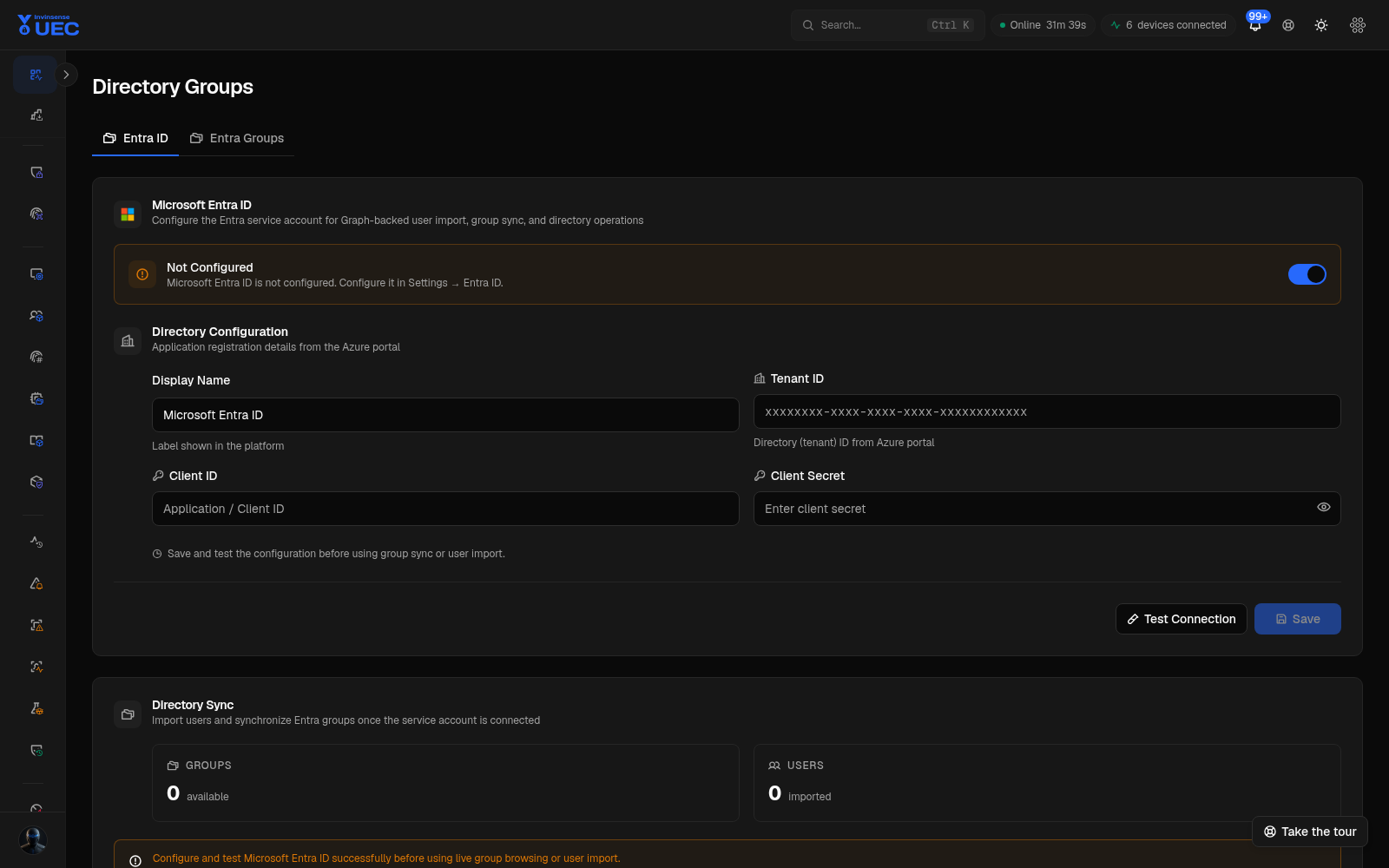
Configure Entra ID
Section titled “Configure Entra ID”- Create a directory service application with least-privilege group read.
- Store tenant, client and credential information in Settings.
- Test the connection.
- Browse groups.
- Select groups for UEC targeting or user scoping.
- Revoke and rotate credentials on your directory schedule.
Credentials are write-only in the UI. Do not paste client secrets into tickets or chat.
Group scoping
Section titled “Group scoping”Directory groups can drive per-user visibility grants. Restricted roles then see only granted device groups and device-derived aggregates. The control is server-side; hiding a link is not the security boundary.
Current scope coverage and honest exclusions are documented in Roles and permissions.
Operational hygiene
Section titled “Operational hygiene”- Sync groups on a documented schedule.
- Remove stale groups after directory reorganisation.
- Do not use broad “All staff” groups for privileged scoping.
- Review scoped users quarterly.
- Keep an emergency unscoped SuperAdmin account in a controlled vault.