
Windows Features
Windows Features inventories and changes Windows optional features, capabilities and packages through DISM across managed Windows devices.
Windows Features inventories and changes Windows optional features, capabilities and packages through DISM across managed Windows devices.
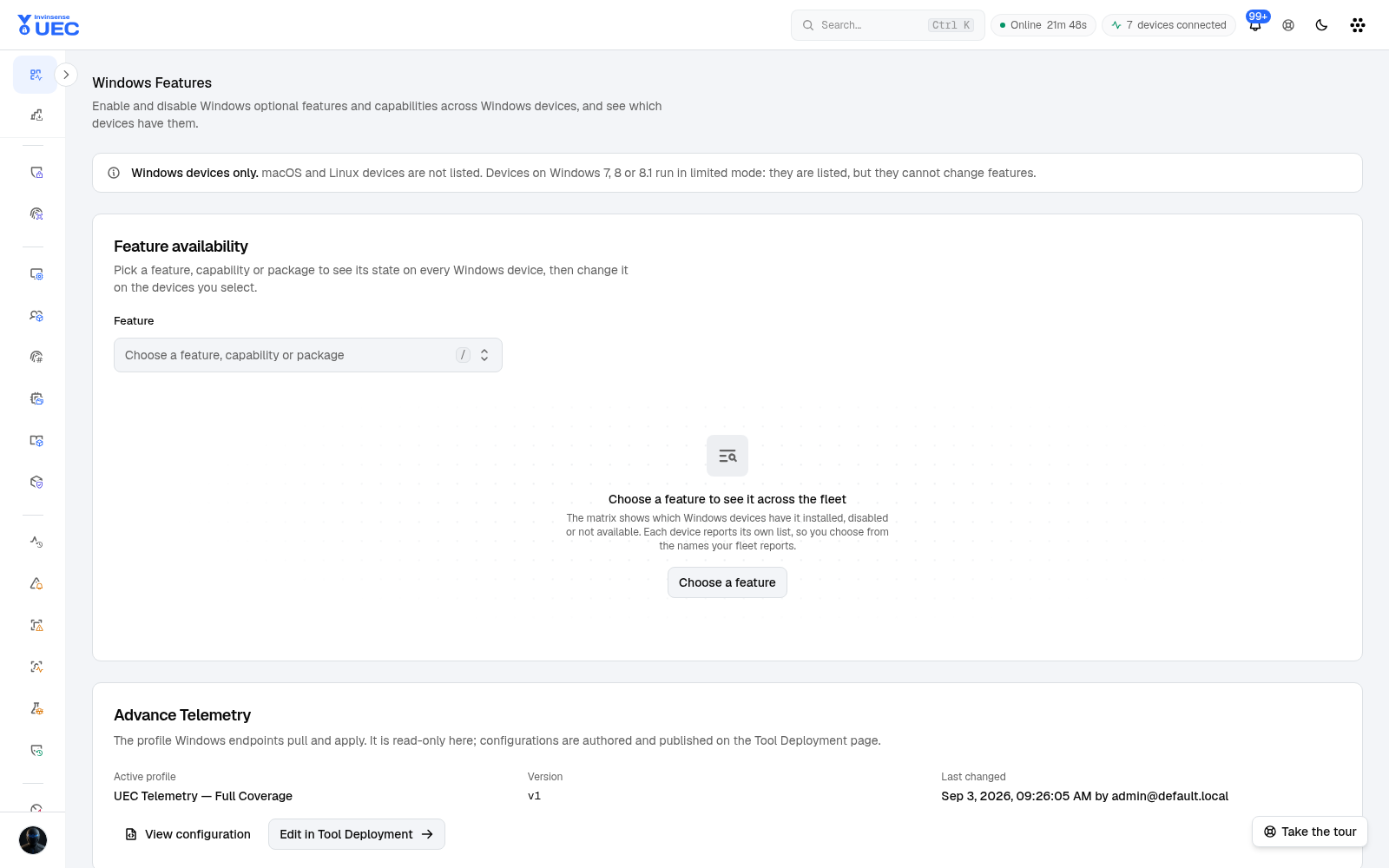
List and matrix
Section titled “List and matrix”The list page selects a feature/capability/package and shows a device matrix: which devices have it installed, disabled, staged, pending reboot, not installed, not reported or unavailable. Search, feature/kind/state filters, sorting and paging are server-side and kept in the URL.
Rows that cannot take a change explain why: limited-mode agent, old agent version, never reported, or the feature is not offered by the device.
Device detail
Section titled “Device detail”Opening a device shows:
- OS, agent, last seen and inventory age;
- all reported features, capabilities and packages;
- search, kind/state chips, sorting and paging;
- Refresh inventory;
- SuperAdmin Deploy package.
An inventory older than seven days is flagged so stale data cannot masquerade as current state.
States
Section titled “States”| State | Meaning |
|---|---|
| Installed | Feature/capability installed |
| Pending reboot | Install or uninstall awaiting restart |
| Partially installed | Partial state |
| Disabled | Feature disabled; payload may remain |
| Staged | Package staged |
| Not installed | Not present/removed/payload removed |
| Superseded | Replaced by another entry |
| Not available | Absent on the device |
| Not reported | No inventory data |
Change flow
Section titled “Change flow”- Choose a feature.
- Review device eligibility and current state.
- Select target devices.
- Enable or disable.
- Confirm the dialog naming the feature and device count.
- For disable, decide whether to remove payload.
- Actions are queued per device.
- Matrix updates as each device reports its next inventory.
Some shared names (for example language capabilities) are read-only because DISM accepts a base name only and targeting one variant would be ambiguous.