
Events
Events is the endpoint telemetry workbench.
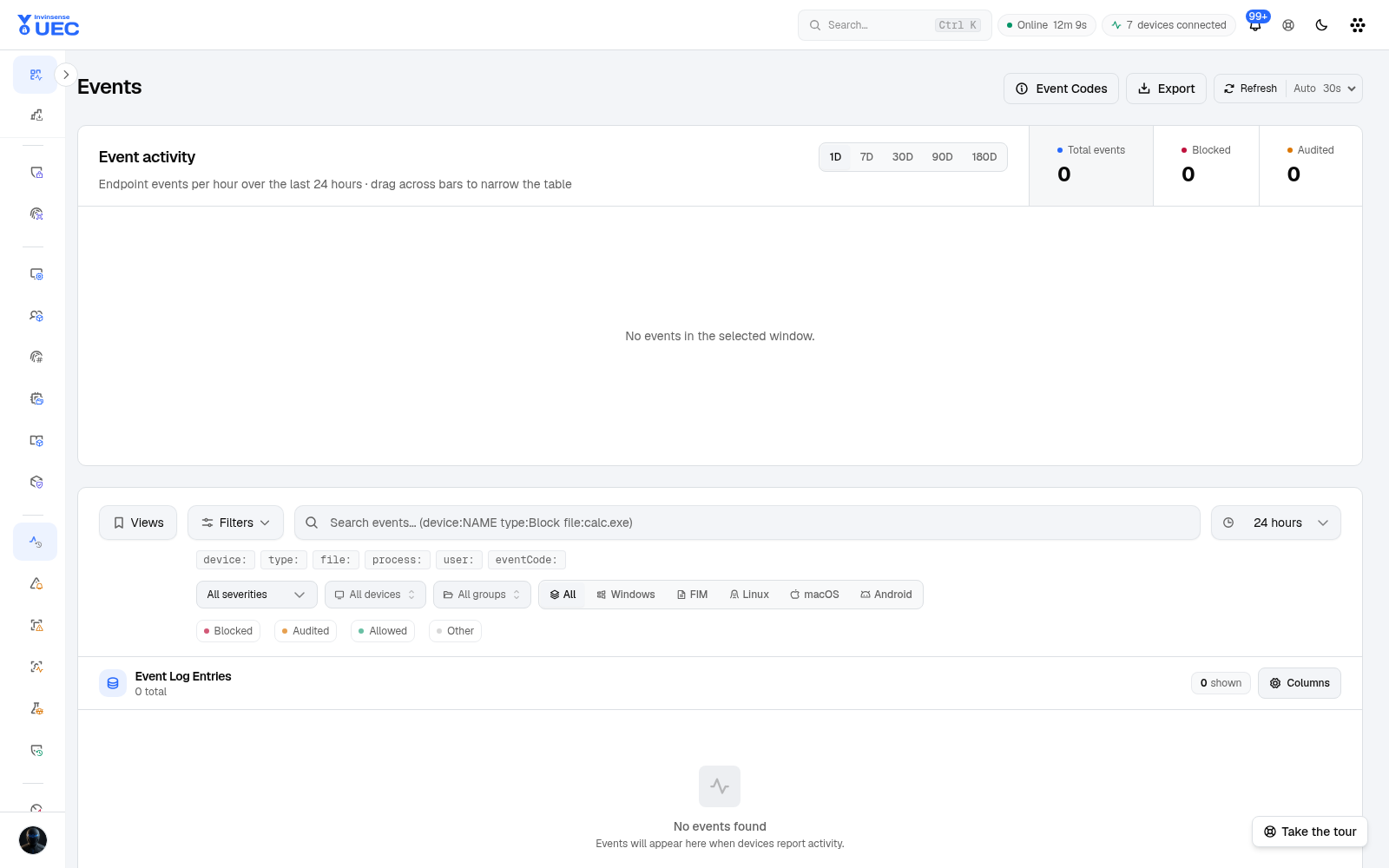
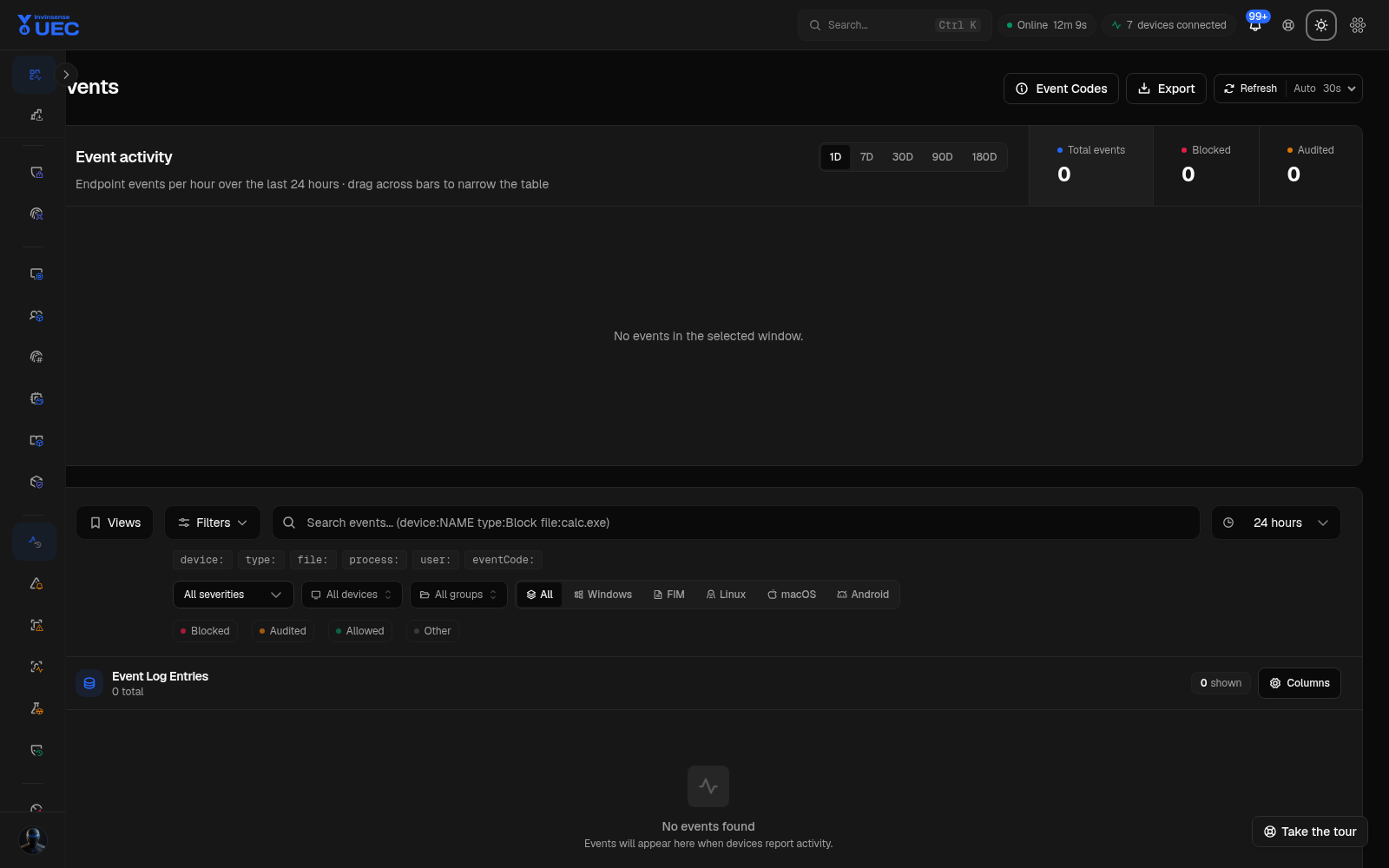
Events is the endpoint telemetry workbench. It shows blocked, audited, allowed, signature, file-activity, authentication, detection and diagnostic telemetry, then lets you narrow it, pivot through it, explain it and export exactly what you saw.
Summary cards
Section titled “Summary cards”| Card | Meaning |
|---|---|
| Total Events | All events in the selected range |
| Blocked | Executions or actions blocked by policy |
| Audited | Would have been blocked/evaluated in audit mode |
| Allowed | Permitted by effective policy |
| Unsigned | Events involving unsigned files |
The security summary combines blocked executions, unsigned software detections and threat detections so a change in one series is visible beside the others.
Filters
Section titled “Filters”| Filter | Options / notes |
|---|---|
| Search | KQL-style operators and full text |
| Event type | Blocked, Audited, Allowed, Signature Info and related values |
| Source type | Windows, macOS, Linux |
| OCSF class | File activity, process activity, detection finding, authentication |
| Severity | Critical, High, Medium, Low, Informational |
| Time range | 15m, 1h, 24h, 7d, 30d, custom |
| Device | Search by hostname |
| Alert only | Only events that generated an alert |
Full-text fields include file name/path, process, device, user, hash, publisher, message and event ID. The complete current state is shareable through the URL.
Search grammar
Section titled “Search grammar”| Example | Meaning |
|---|---|
device: RDX |
Device contains RDX |
user: anubhavg |
User contains the value |
file: setup.exe |
File name/path contains the value |
process: powershell.exe |
Process contains the value |
"Program Files" |
Quoted free-text phrase |
severity: high |
Severity filter |
eventid: 3077 |
Numeric sensor event code |
Remove a clause chip to widen only that clause. A saved view preserves filters, time range, source tab and table state so recurring investigations do not start from scratch.
| Column | Use |
|---|---|
| Time | Relative time; hover for absolute timestamp |
| Event ID | Sensor code |
| Type | Blocked / audited / allowed / signature / other classification |
| File | Subject file and path |
| Hash | Copyable SHA-256 |
| Signed | Signature state |
| Process | Process that produced the event |
| Device | Endpoint |
| Severity | Operator priority |
| User | Account context where available |
The subject cell falls back intelligently: file name, path basename, process, Windows event id,
message, then “Unknown Event”. Linux and macOS collected log lines can use the raw message as the
subject when no file/process field exists.
Timeline and zoom
Section titled “Timeline and zoom”The chart stacks blocked, audited and allowed activity over time. Drag across a span to narrow the table to a minute-precise window. When the table window is narrower than the chart, the chart shades the visible window so you do not mistake a subset for the whole range.
Event detail
Section titled “Event detail”Select a row to open the detail sheet.
| Section | Contains |
|---|---|
| Overview | Event id, type, channel, timestamp, severity, OCSF class |
| File | Name, path, size, SHA-256/SHA-1, product, version, description |
| Signature | Signed state, publisher, issuer, signing level, CI signature type |
| Process | Process, PID, parent, command line, parent process, user |
| Enforcement | Blocked, reason, file event type |
| Policy | Policy name/hash where available |
| Network | Protocol, direction, source/destination |
| Script | Script path and blocked script text where available |
| Logon | Logon type, user and source IP |
| Process tree | Parent/child process chain with blocked colouring |
| Explain | UEC Intelligence explanation |
| Raw Data | Raw XML/JSON tree with expand and copy |
Keyboard operators can step rows with j and k while the detail sheet remains open.
Pivot workflow
Section titled “Pivot workflow”- Start from a blocked event or suspicious process.
- Select the device, user, file or process value.
- Choose Filter by this value or Open device.
- Add time/event-type constraints.
- Open the process tree.
- Copy the hash or signer into File Identities or Policy Diagnostics.
- Save the resulting view for the case.
A pivot replaces the previous clause for the same field rather than silently ANDing two contradictory device filters.
Event codes
Section titled “Event codes”Event Codes opens a reference sheet with every numeric event code the sensors raise, a short title, meaning, and UEC’s verdict. Select a code to filter the current table to it. Use this before writing documentation that assumes a Windows event id always means the same thing across products.
Export
Section titled “Export”Export uses the current filter state and supports formats including CSV, JSON, XML and, as of v7.3.1, HTML/PDF for event logs. Exports are capped, and the interface states the cap; do not treat a completed export as proof that every matching event in a very large range was included.
Real-time and freshness
Section titled “Real-time and freshness”Events are queried from high-volume analytics storage. The page can refresh automatically, and the connection state is visible. If the real-time hub disconnects, UEC falls back to polling and says so. Check the time range and source filters before concluding that a stream stopped.