
Discovery Scans
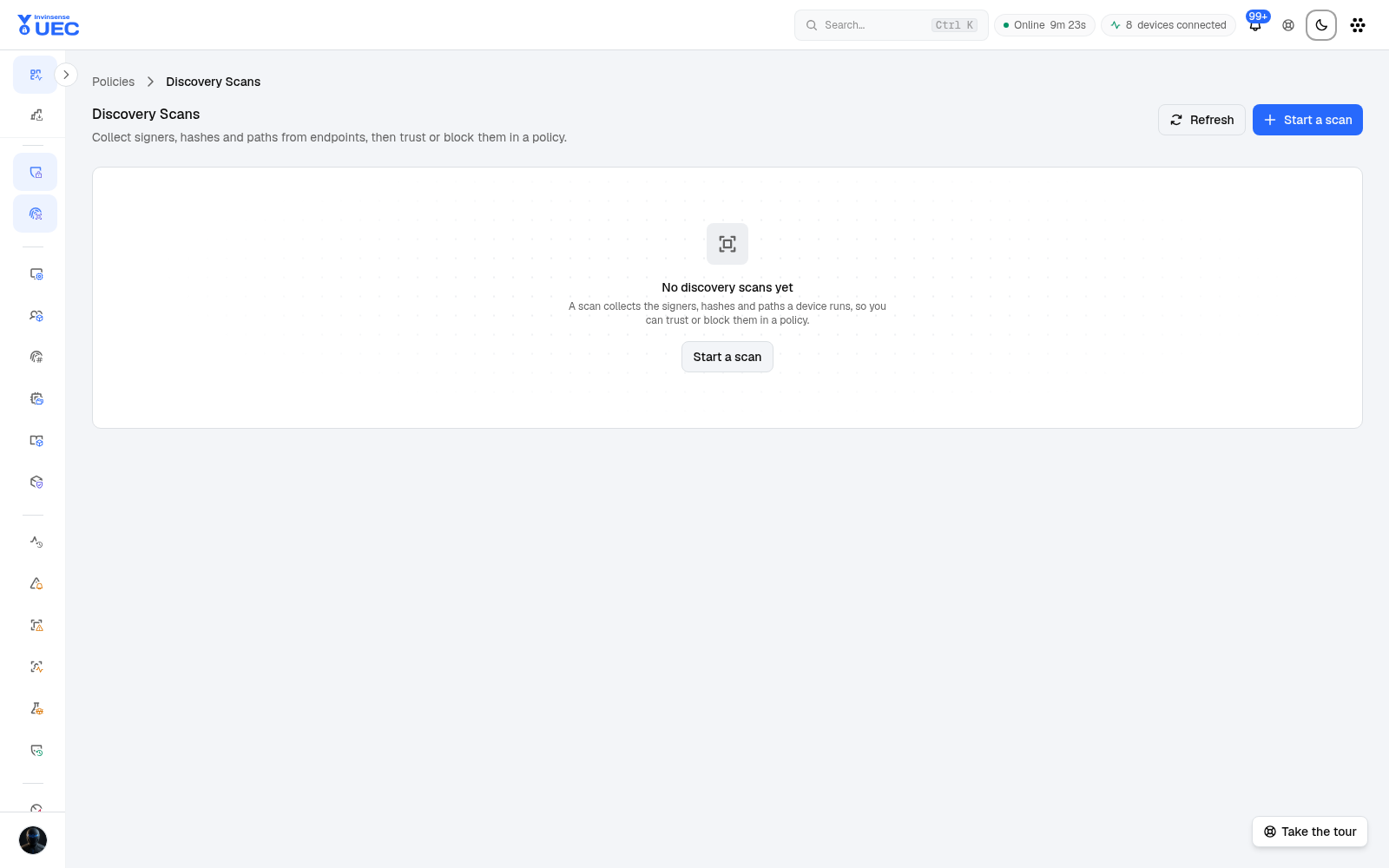
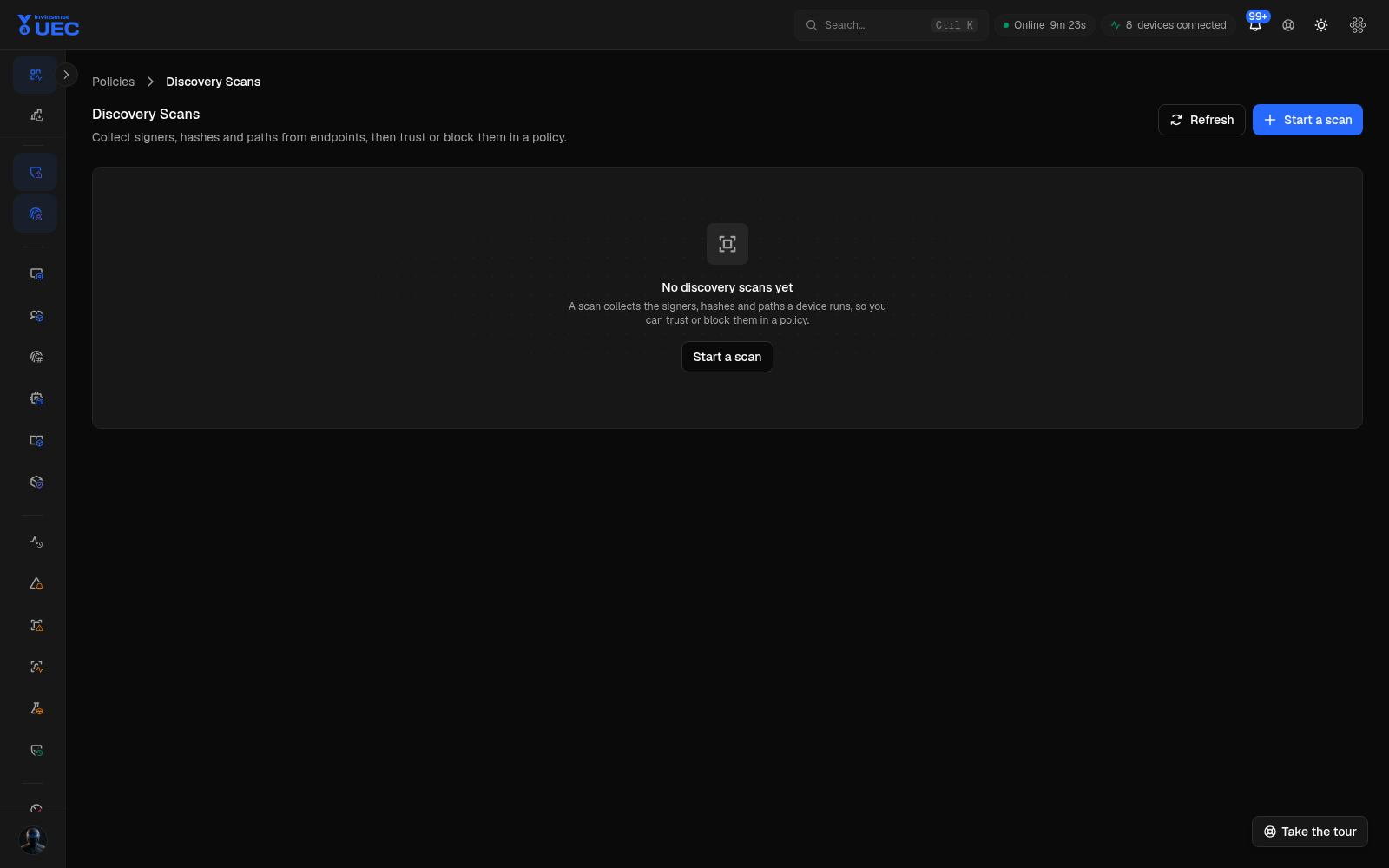
Discovery Scans turn files observed on real endpoints into policy candidates.
Discovery Scans turn files observed on real endpoints into policy candidates. Instead of inventing an allowlist from a vendor list, UEC asks a device what it actually runs and then proposes rules at the trust level you choose.
When to use a scan
Section titled “When to use a scan”| Situation | Good scan source |
|---|---|
| New department baseline | Recent blocks and audited executions |
| Portable software not in registry | Folders |
| Build a policy from live policy telemetry | A policy’s observed events |
| Software Catalog entry needs trust | Catalog-linked scan for that device |
| Blocked execution requests JIT | JIT-linked scan/request |
| One-off evidence from a saved log | EVTX upload / event source where supported |
| Known folder of tools | Explicit folder list |
Start a scan
Section titled “Start a scan”- Open Discovery Scans.
- Select New Scan.
- Pick an eligible device. Offline devices can be selected; ineligible devices explain why.
- Name the scan and state whether results are for Trust or Block.
- Select a source:
- recent blocks;
- folders;
- events since a date;
- a linked software-catalog or JIT entry where applicable.
- Add up to 50 folders when using folder discovery.
- Choose a rule level and observe its fallback chain.
- Set an identity limit if you need a bounded scan.
- Submit.
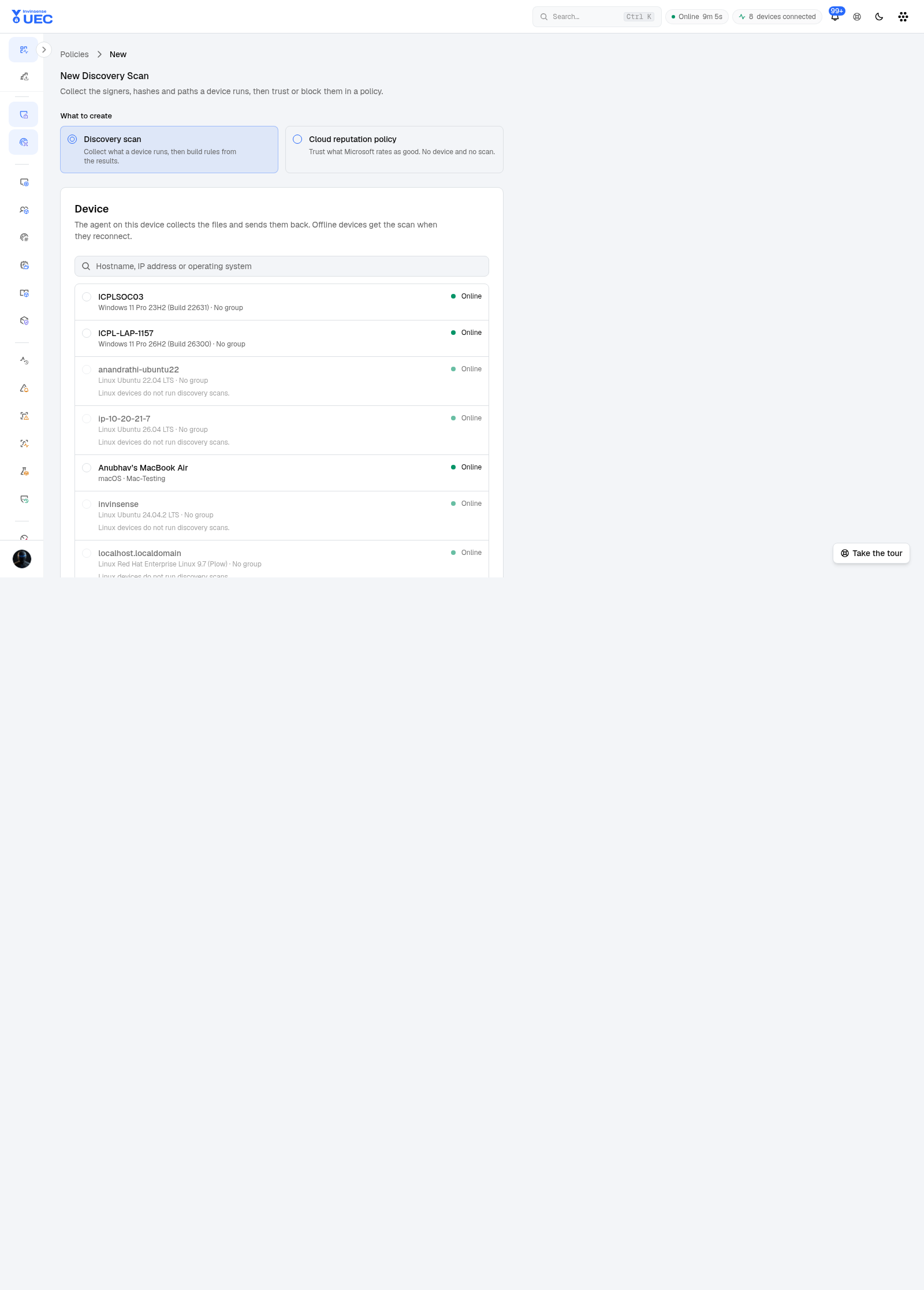
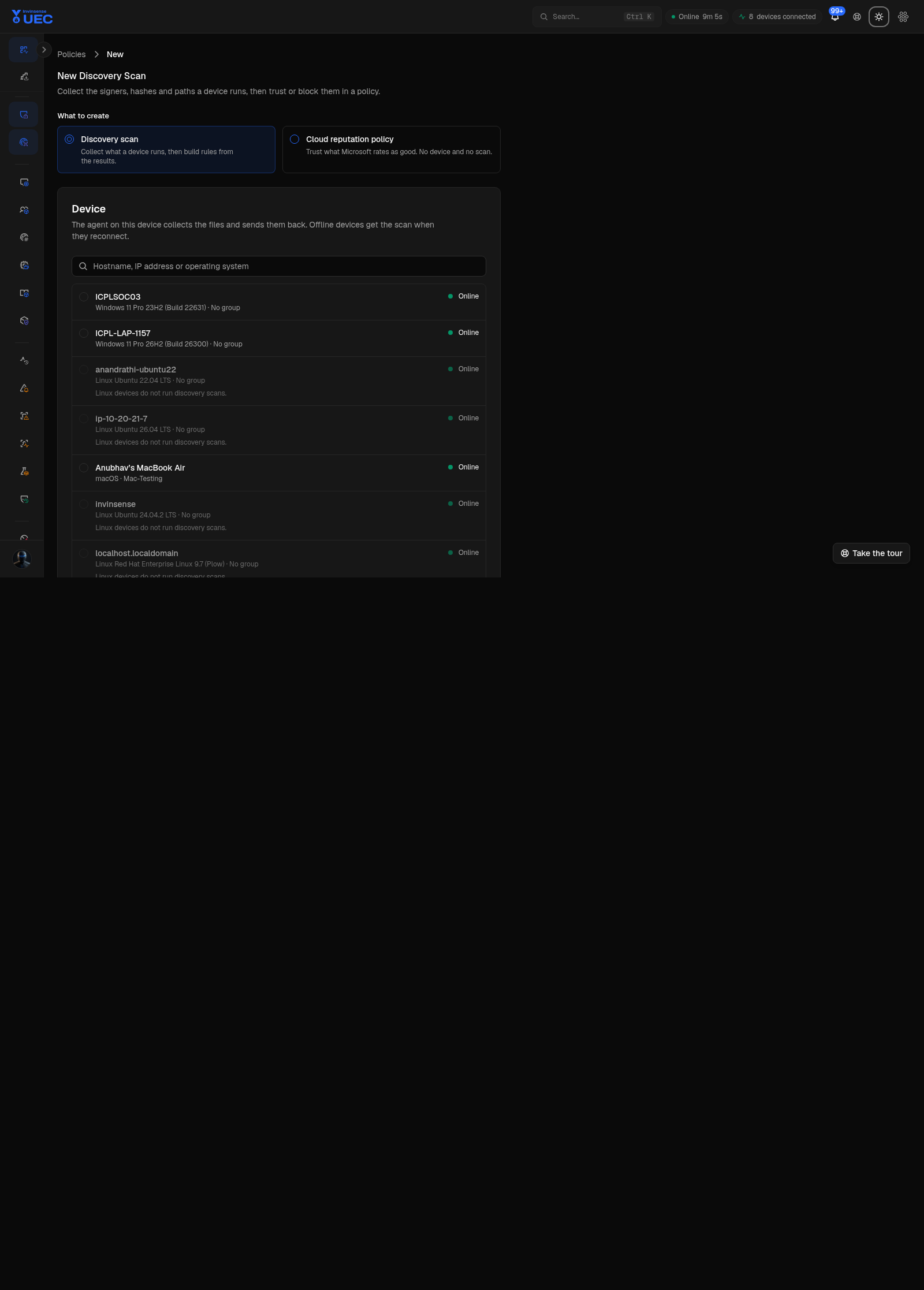
The form only offers rule levels the platform and source can build. A macOS scan cannot build a block policy; options that do not apply are disabled rather than submitted and rejected later.
Rule levels and fallback
Section titled “Rule levels and fallback”Rule generation prefers stable cryptographic identity:
Publisher / signer → path / PFN → Authenticode hashA fallback is not a silent “anything goes”. It records what identity was available. Hash-only trust should be reserved for a binary you deliberately want to pin.
Follow a running scan
Section titled “Follow a running scan”The scan detail page shows:
| Field | Meaning |
|---|---|
| Queued | Request accepted by the server |
| Sent | Agent received the command |
| Receiving | Results are streaming back |
| Completed / failed / cancelled | Final state |
| Events read | Input events considered |
| Files identified | Files resolved to identities |
| Entries | Candidate rules received |
| Last change / last checked | Server progress and page refresh |
The page polls while a scan runs and displays partial results when they are available. Decisions open after completion.
A cancelled scan can still finish on the device because the agent has no stop command; late results are discarded by the server. Do not assume cancellation reclaims all device I/O.
Work results
Section titled “Work results”- Search entries by path, file, signer or identity.
- Filter by Kind and Decision chips with counts.
- Sort by order found, entry or rules.
- Open a row to see all rules generated from one entry.
- Select rows or select all matching entries.
- Include a candidate in policy generation.
- Exclude noise before building.
The result state is kept in the URL beside policy, intent and build-job identifiers, so a reload does not lose your selection.
Build policy from a scan
Section titled “Build policy from a scan”- On a completed scan, select Build a Policy.
- Name the policy.
- Choose Trust or Block where the platform supports it.
- For a deny policy, choose audit or enforce.
- Select which entry kinds to keep.
- Optionally restrict a Windows policy to kernel mode.
- Confirm the dialog. It names the policy, scan and number of entries.
- Follow the queued build job; open View policy when it completes.
A signer block is especially broad: it can block everything signed by that publisher. The confirmation tells you this before you commit.
Operational guidance
Section titled “Operational guidance”- Scan a representative device, not necessarily the loudest one.
- Prefer signer/publisher rules for maintained software.
- Prefer hashes for fixed tooling or suspicious one-offs.
- Exclude updater caches, temp folders and known-noisy paths before building.
- Do not mass-authorize a publisher solely because prevalence is high; verify the publisher is expected in your environment.
- Keep scan names linked to the business unit or incident.
Limits worth knowing
Section titled “Limits worth knowing”- One running scan per device is not enforced; the agent may run concurrent scans.
- A cancelled running scan still finishes locally.
- Legacy result rows without per-row entries can be read and built from, but not individually included/excluded.
- A scan is evidence from one device and moment; combine it with Software Catalog and File Identities for fleet context.