
Dashboard Builder and Saved Dashboards
The Dashboard Builder composes saved analytical dashboards; Saved Dashboards is the durable list an operator returns to.
The Dashboard Builder composes saved analytical dashboards; Saved Dashboards is the durable list an operator returns to.
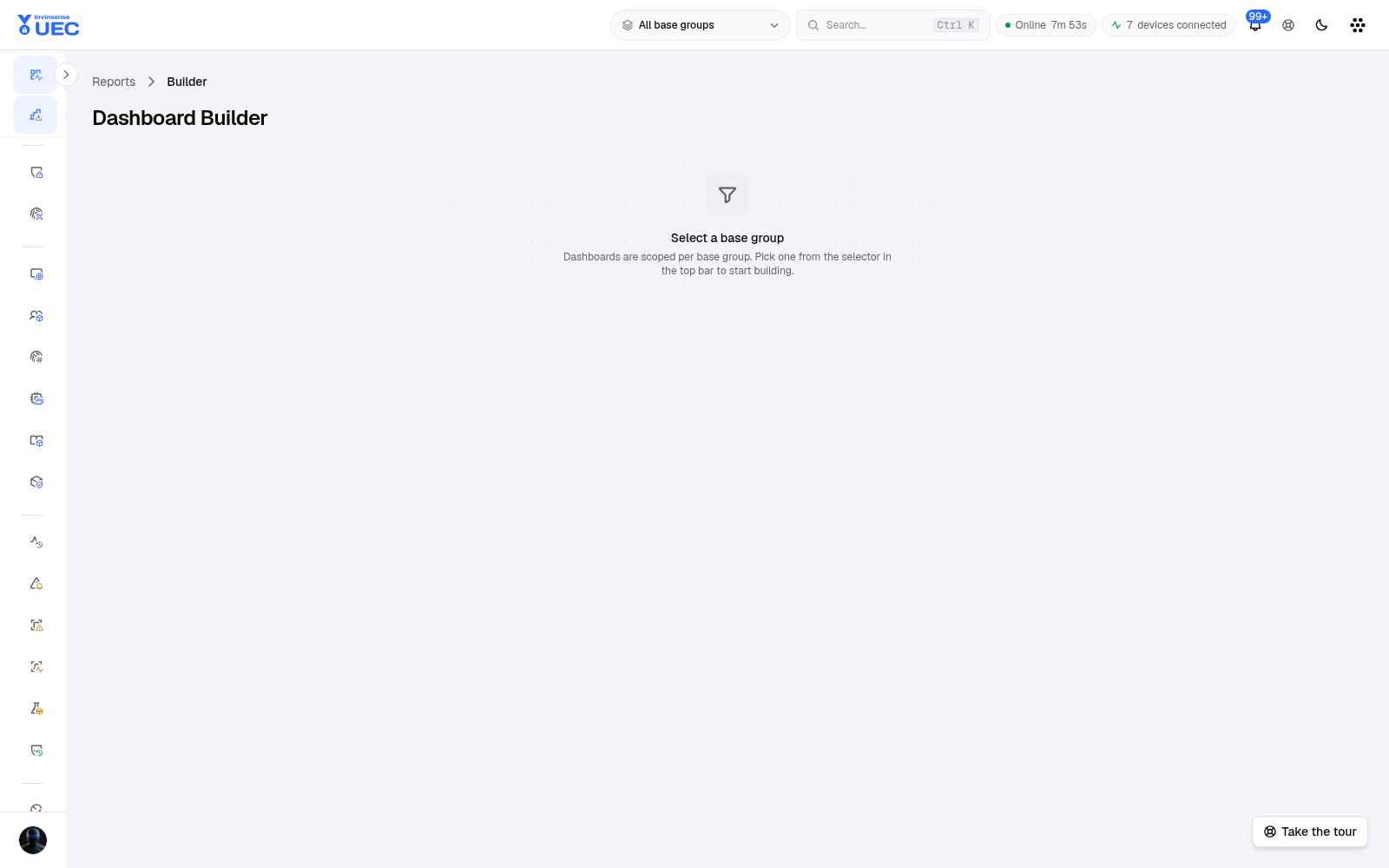
Builder
Section titled “Builder”- Select a base group.
- Choose widgets/cards from the available report data.
- Configure metric, grouping and time window.
- Preview the dashboard.
- Save with a descriptive name.
- Return later through Saved Dashboards.
The builder is group-scoped. A dashboard built for Ring 2 must not be reused as an all-fleet statement without changing and re-saving the scope.
Saved Dashboards
Section titled “Saved Dashboards”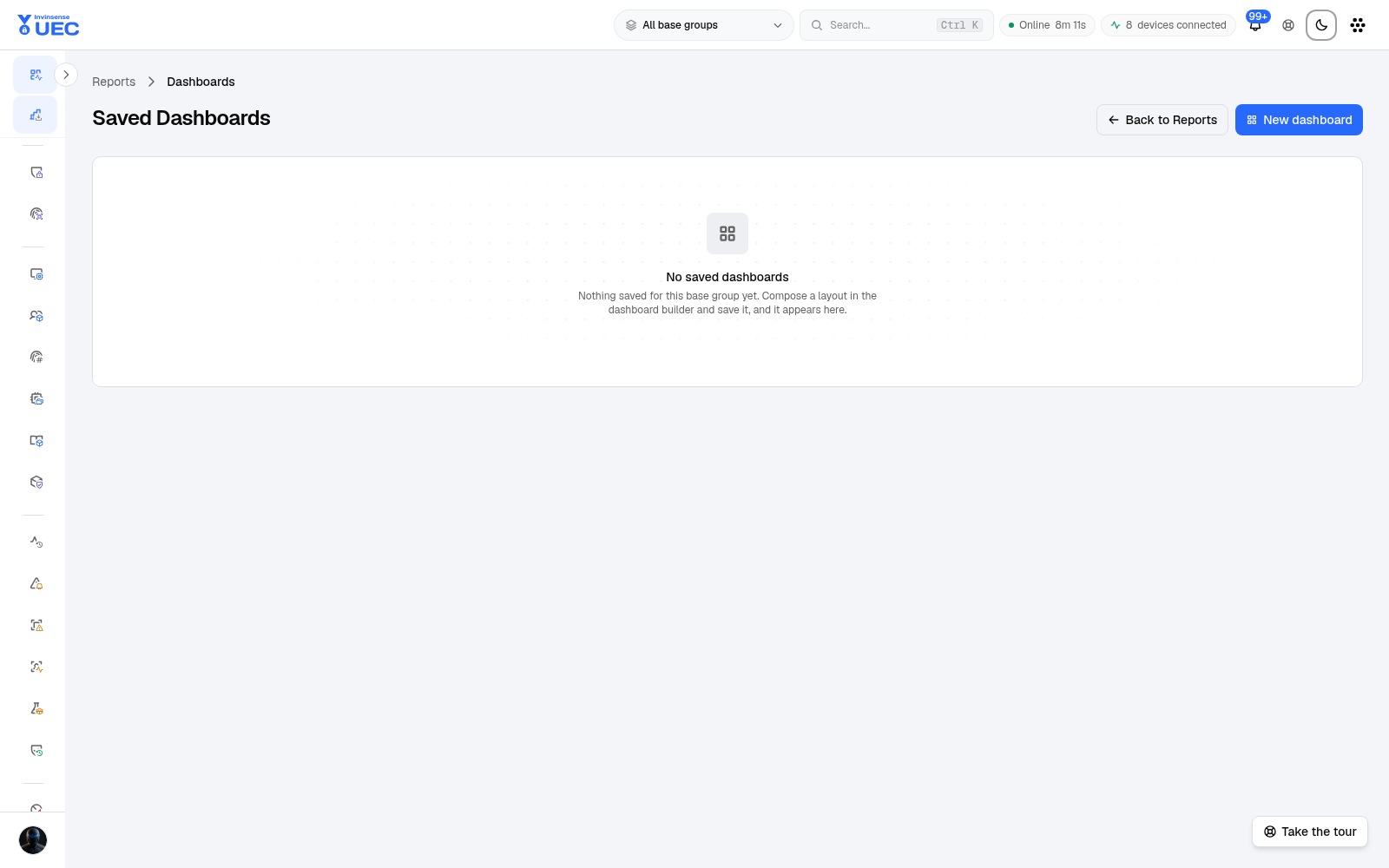
For each saved dashboard you can:
- open it;
- Email now;
- edit configuration;
- remove it.
Saved dashboards are for recurring questions. If a view is needed only once, use the homepage, Events or Alerts filters and export rather than creating another permanent dashboard.
Dashboard design rules
Section titled “Dashboard design rules”| Good dashboard | Weak dashboard |
|---|---|
| Names the audience and decision | A wall of unrelated charts |
| Shows trend plus current value | Only today’s count |
| Makes the numerator/denominator clear | A percentage with no total |
| Distinguishes blocked/audited/allowed | One “events” total |
| Names the base group | Unclear fleet scope |
| Links to an owner when action is required | No follow-up path |