
Device Groups
Device groups are the policy path.
Device groups are the policy path. A base group resolves a device’s base artifact feed; supplemental groups resolve additive policy, agent configuration, Defender/firewall/Gatekeeper rings and other targeted control. Moving a device between groups can therefore move policy.
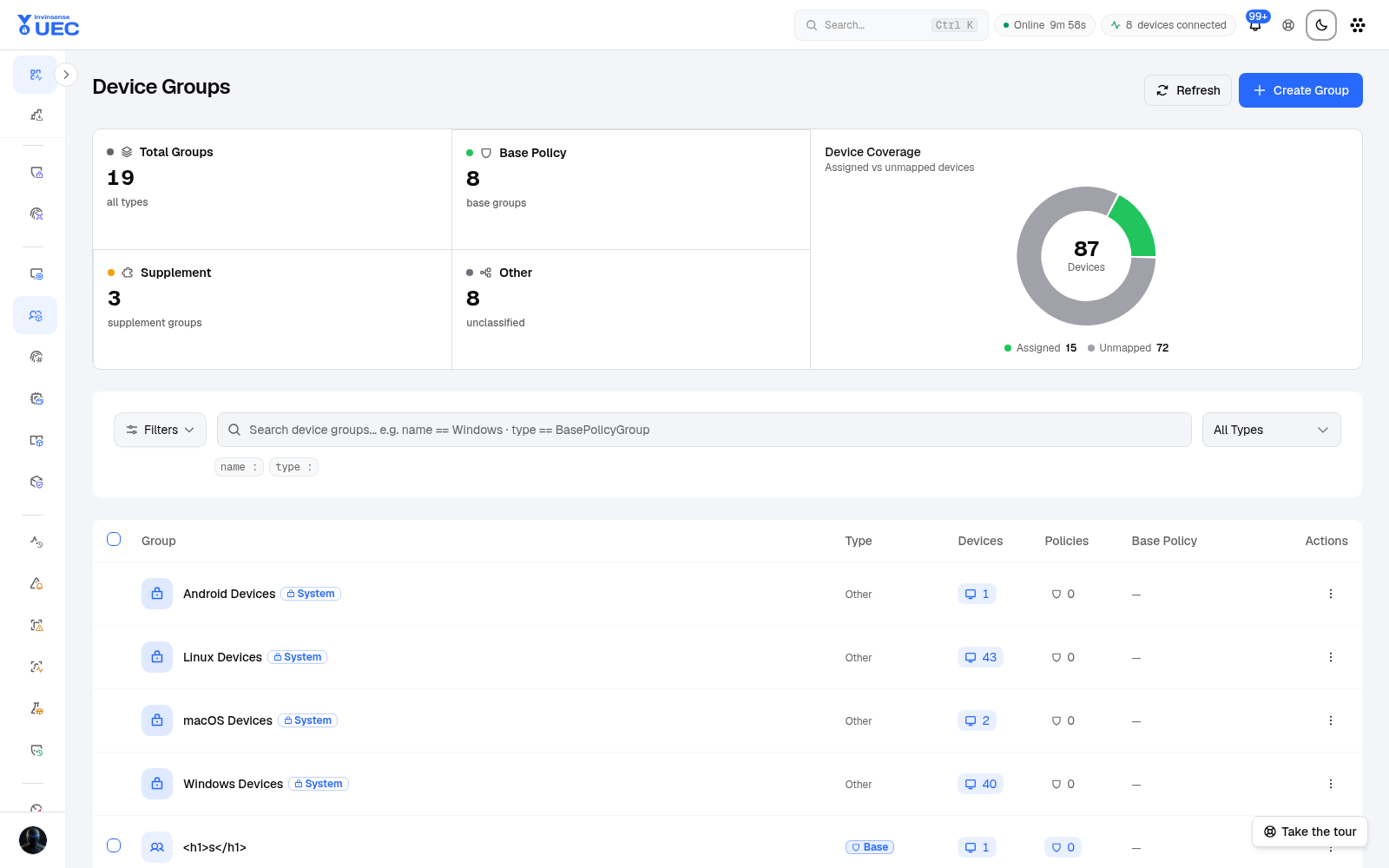
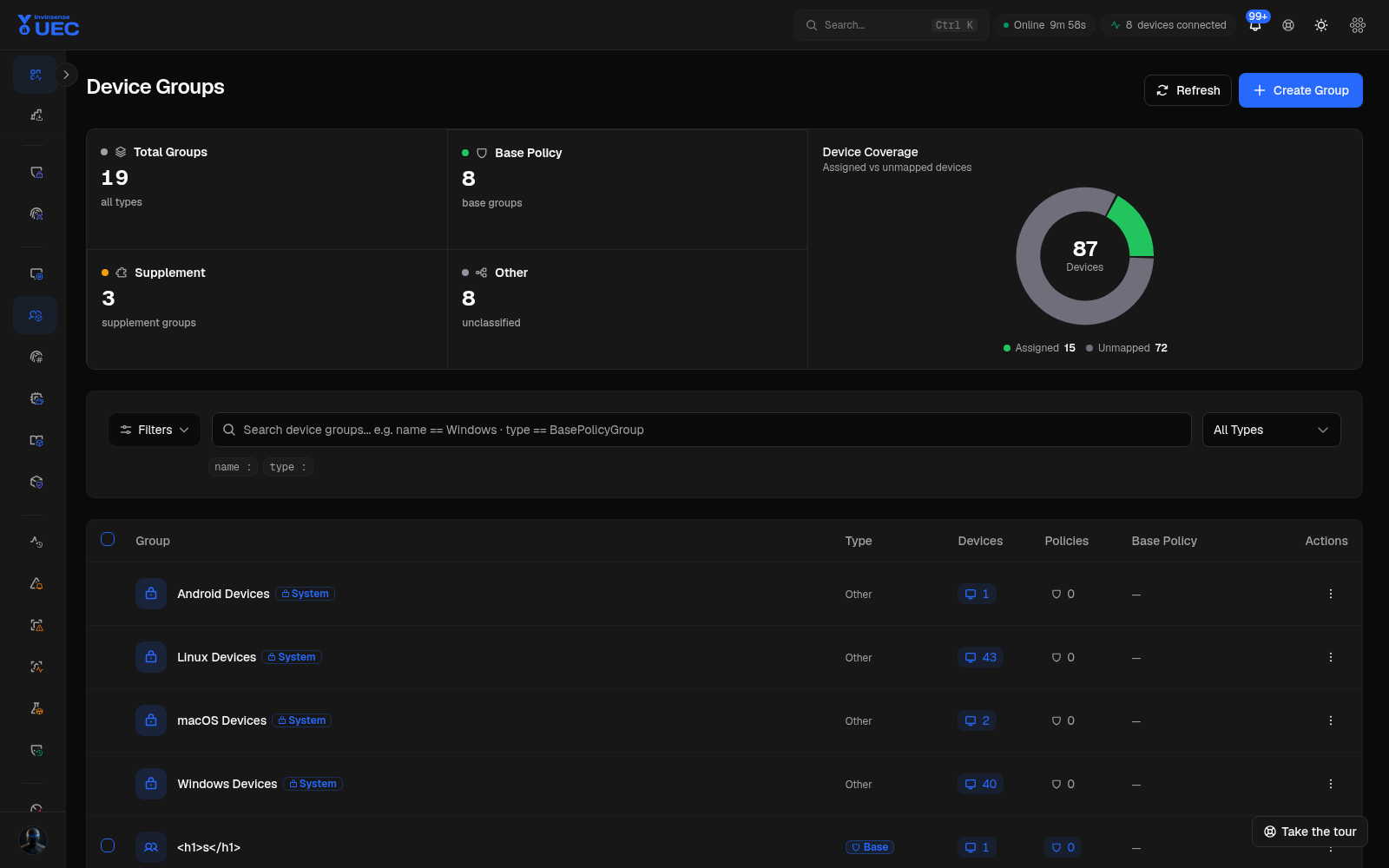
Group types
Section titled “Group types”| Type | Policy meaning | Cardinality per device |
|---|---|---|
| Base group | Resolves the one effective base policy | Exactly one |
| Supplemental group | Adds trust or targeted ring policy | Zero or many |
| Other group | Organisation only | Cannot hold WDAC base/supplemental assignments |
This distinction is deliberate. If any organisational group could hold policy, a device could resolve two competing bases or accidentally receive supplemental trust. UEC rejects those assignments.
Manual membership
Section titled “Manual membership”Manually assign a device to a base or supplemental group when an operator needs a deliberate exception. Manual membership is audited and remains stable until changed.
Dynamic membership rules
Section titled “Dynamic membership rules”Open a group and use the Membership tab to build rules.
- Conditions are grouped into sets.
- Conditions inside a set are ANDed.
- Sets are ORed.
- Up to 10 conditions and 5 sets are supported.
- Field operators match the server contract:
- OS type and tag: equals / does not equal;
- versions: equals, starts with, at least, below;
- hostname: equals, contains, starts/ends with, pattern.
Use Preview before saving. It shows the matching count and up to 20 sample hostnames without changing membership. A device whose OS, version or hostname is not yet known matches nothing, even for a “does not equal” condition.
Save and evaluate
Section titled “Save and evaluate”- Save updates the rules.
- Evaluate now applies the currently saved rules immediately.
- Evaluation adds or removes only dynamic-rule memberships.
- Manual, enrollment-token and install-key memberships are never removed.
- Evaluate is disabled while there are unsaved edits.
Hierarchy
Section titled “Hierarchy”Groups can have a parent/child hierarchy. The effective agent configuration line shows whether a group inherits configuration from an ancestor or has a direct assignment. Changing a parent can change inherited configuration, but does not by itself move devices.
The picker prevents selecting the group itself or a descendant, and warns beyond depth five; the server enforces cycles and depth.
Install keys
Section titled “Install keys”An install-time group key lets a device choose a group during enrollment without exposing a long-lived enrollment token. It is not a secret and must only be enabled on a group that grants no more access than the device’s OS group.
- group lists/detail only say whether a key exists;
- admins see a masked key by default;
- Reveal fetches the plain key and is audited;
- installer fragments combine server, tenant, install key and package URL;
- rotation changes the key going forward;
- advisories are shown after save.
Group naming and rings
Section titled “Group naming and rings”Use names that describe target and risk:
Base / Windows / Ring 0Base / Windows / Ring 1Supplemental / Finance / Browser AllowSupplemental / Engineering / Build ToolsOther / Department / MarketingKeep base groups and supplemental groups visually distinct. An “Other” group can support reporting, but it must never be used to stage policy.
Change control
Section titled “Change control”Before changing membership:
- Preview dynamic rules.
- Identify current policy assignments.
- Confirm affected device count.
- Notify the owning team.
- Save and evaluate.
- Check Devices and Events for convergence.
- Review the Audit Log entry.
A membership change is a policy change. Treat it with the same approval discipline as a policy edit.