
Audit Log
The Audit Log is the compliance-grade record of administrative change.
The Audit Log is the compliance-grade record of administrative change. It answers who did what, when, from where, to which resource, whether it succeeded, and exactly which fields changed.
Three data modes
Section titled “Three data modes”| Mode | Stored | Example |
|---|---|---|
| SystemAudit | Action only, no data payload | Sign-in, sign-out, policy deployed, device enrolled |
| DataAuditRedacted | Changed field names only; no values | SSO configuration, PII-bearing profile changes, credentials |
| DataAuditFull | Before/after JSON snapshots | Policy rule changes, lifecycle transitions, group assignment |
Redaction is structural. For a redacted entry, before/after snapshots are null and field values are not stored, preserving secret hygiene and privacy while still proving which fields changed.
Reading the page
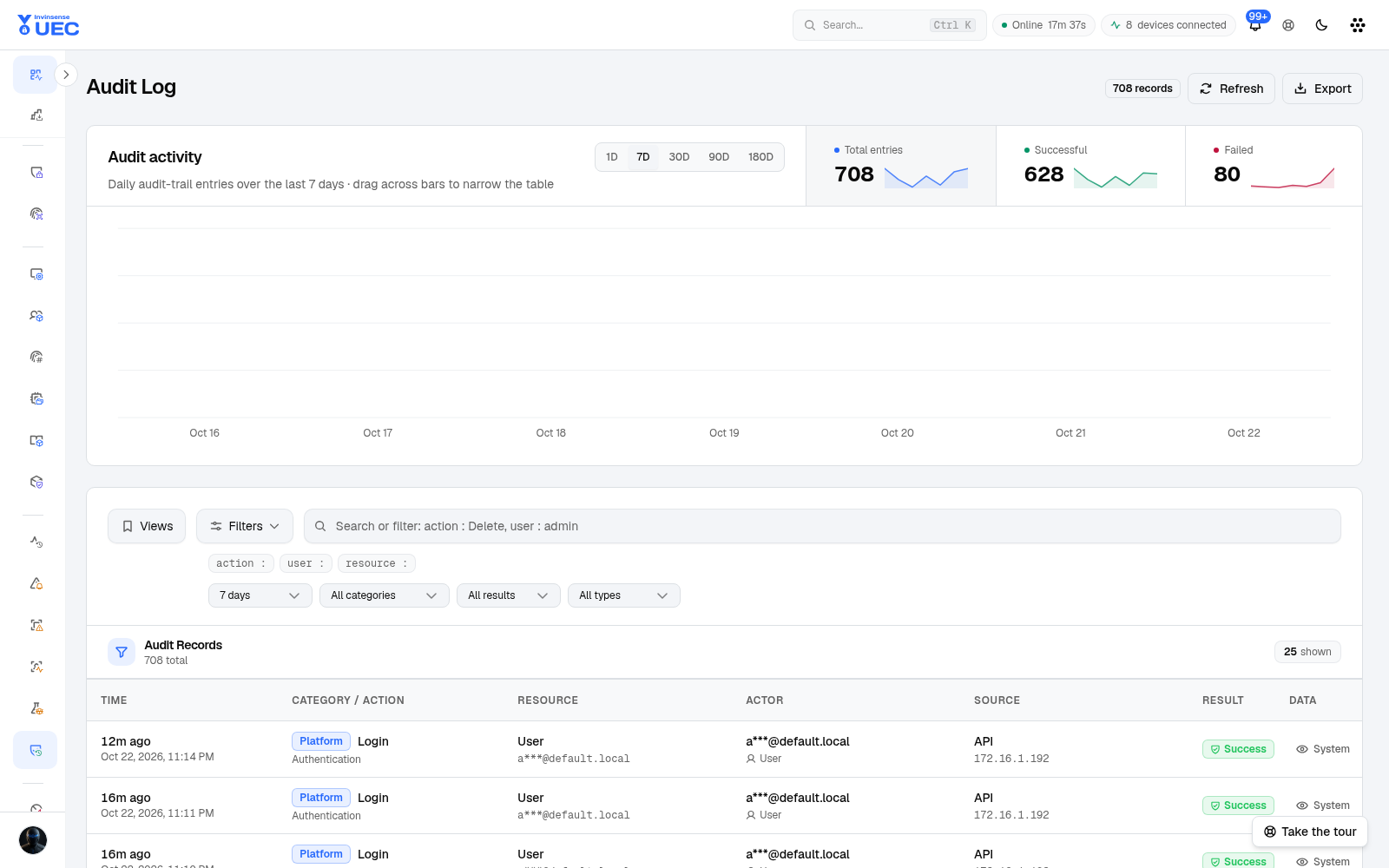
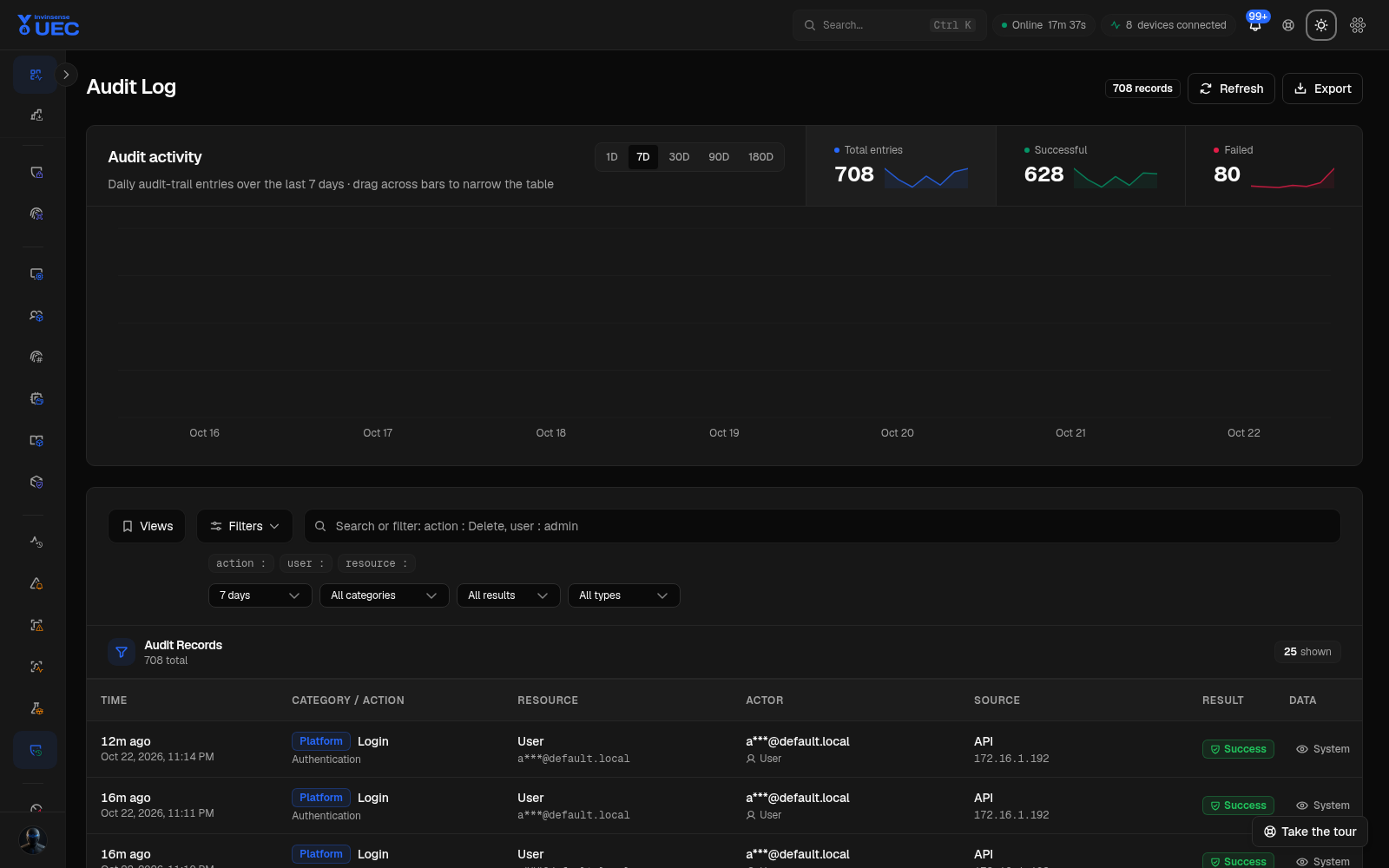
Section titled “Reading the page”Use the activity chart to spot failed changes, then narrow records by actor, action, resource, result and time. Dragging across chart bars narrows the table to that span.
Open a record to see:
- actor name and interface;
- timestamp;
- category/resource/action;
- success or failure;
- correlation id;
- changed fields;
- before/after values when the taxonomy permits full data.
Actor name is denormalised at write time, so deleting a user account does not orphan their earlier actions.
Retention and forwarding
Section titled “Retention and forwarding”The ClickHouse audit table is created without a TTL; compliance audit does not silently expire. Entries can also be forwarded through configured webhook/XSIAM/syslog processors. Processor failures are isolated so one broken destination does not stop storage or other forwarding.
Review patterns
Section titled “Review patterns”Investigate a failed policy deployment
Section titled “Investigate a failed policy deployment”- Filter the time around the change.
- Find the failed mutation.
- Read validation errors and changed fields.
- Compare with the next successful attempt.
- Check agent convergence in Devices.
Prove an approval happened
Section titled “Prove an approval happened”- Filter resource/policy and action.
- Read actor and before/after state.
- Export the record for the change ticket.
Trace a sensitive settings change
Section titled “Trace a sensitive settings change”Redacted records show which fields changed but not secret values. That is intentional. Correlate the timestamp with the external secret system or approval ticket for value-level approval context.
Operator rules
Section titled “Operator rules”- Never disable audit to “reduce noise”.
- Prefer a specific filter over exporting a broad range.
- Do not paste audit snapshots containing user or resource names into public tickets.
- If an expected mutation is missing, check whether the request failed before the controller wrote the action or whether the action is classified elsewhere.