
Misconfigurations
Misconfigurations lists insecure configuration findings, the hosts at risk, severity and actionable remediation.
Misconfigurations lists insecure configuration findings, the hosts at risk, severity and actionable remediation.
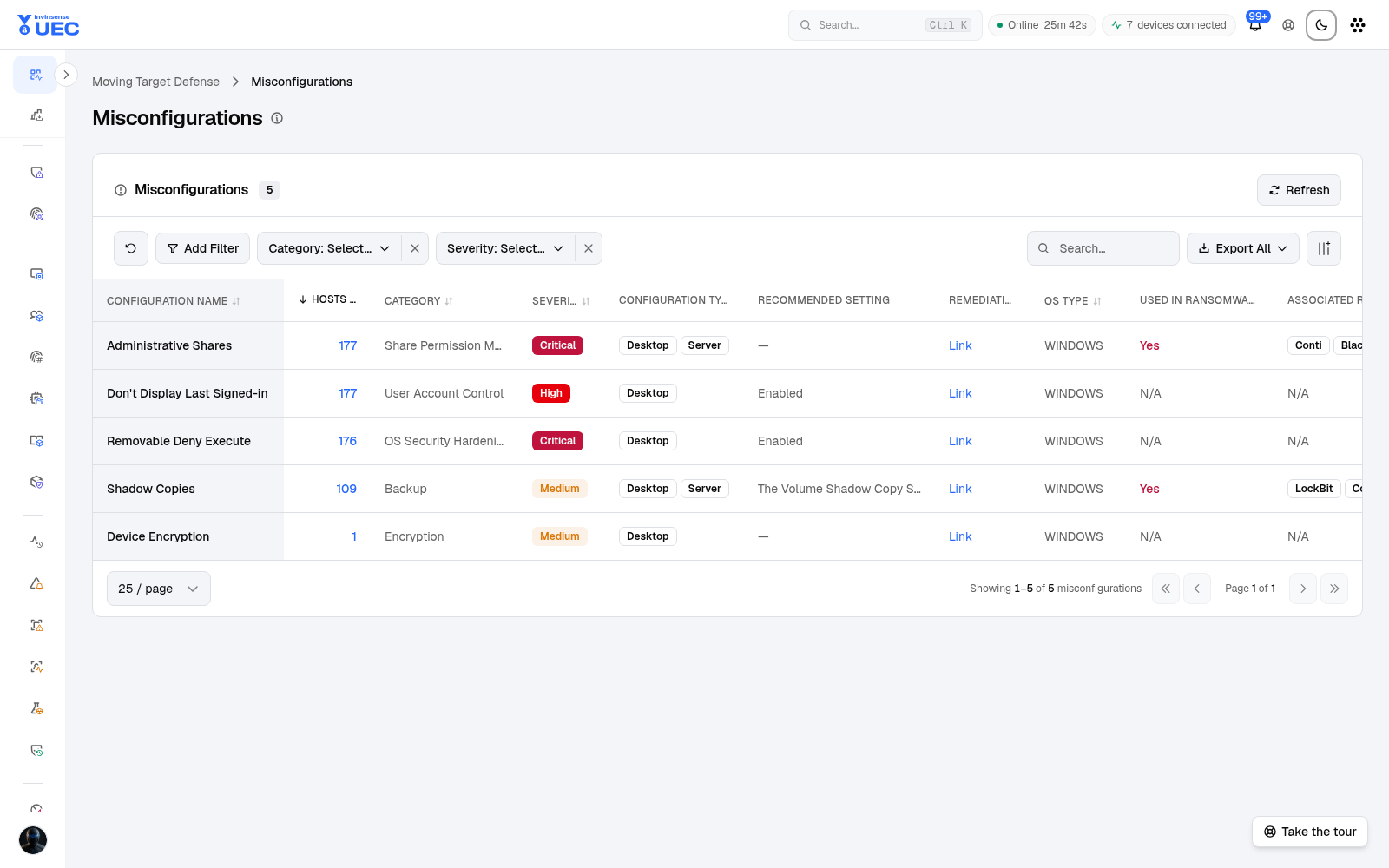
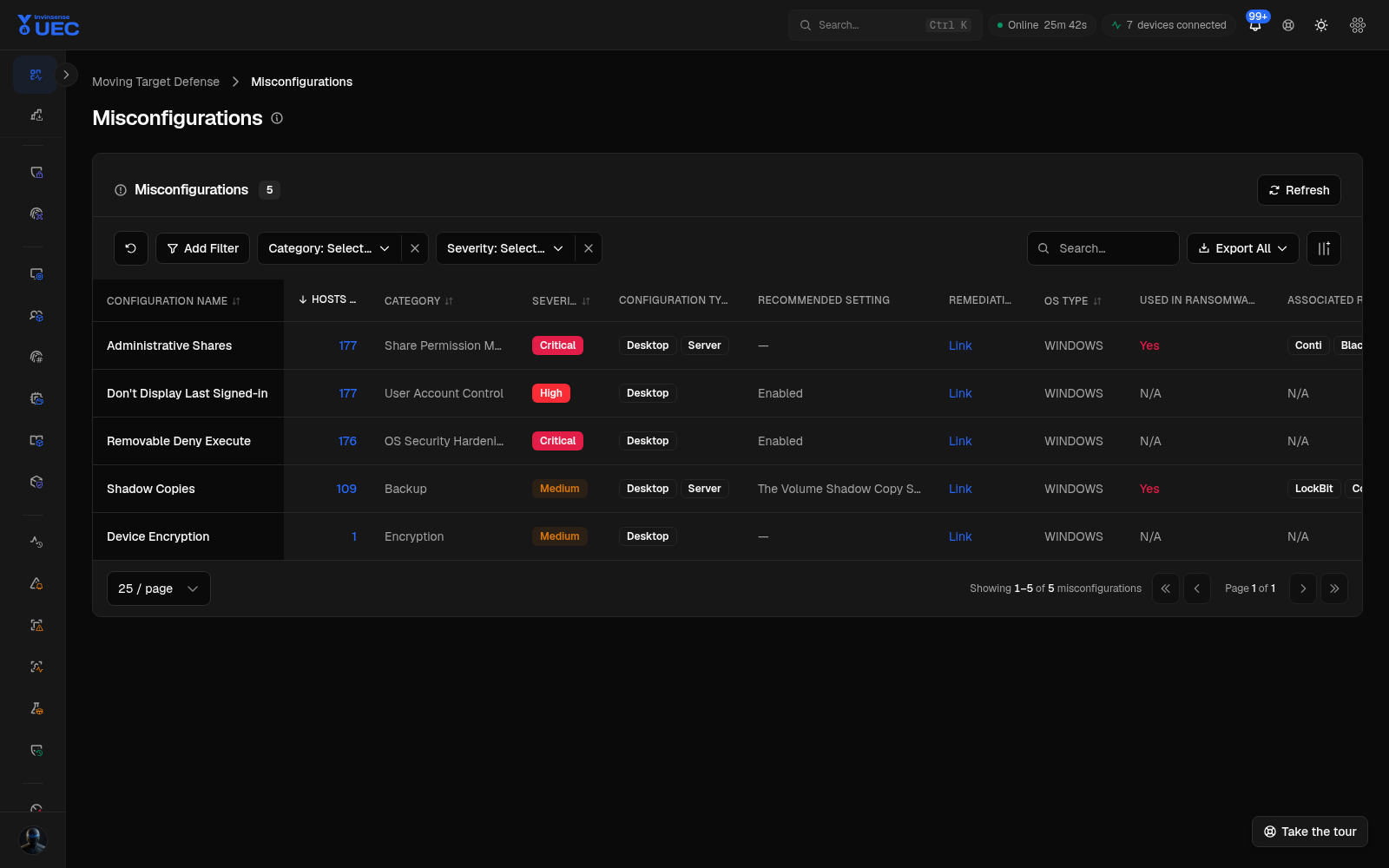
Columns
Section titled “Columns”| Column | Use |
|---|---|
| Configuration Name | Human-readable check |
| Hosts at Risk | Exposure size |
| Category | Configuration family |
| Severity | Risk priority |
| Configuration Type | Setting/control type |
| Recommended Setting | Target value |
| Remediation | Action guidance |
| OS Type | Platform |
| Used in Ransomware Campaigns | Campaign relevance |
| Associated Ransomware Groups | Threat actors using the weakness |
Filters include category, severity and free-text search. Export supports reporting and ticket creation.
Remediation workflow
Section titled “Remediation workflow”- Filter ransomware-relevant and high/critical findings.
- Sort by hosts at risk.
- Open the drawer for recommended setting and remediation.
- choose the UEC control that owns the fix:
- Defender baseline;
- host firewall;
- compliance benchmark;
- Windows feature;
- agent configuration;
- manual change management.
- Apply to Ring 0 first.
- Re-run the AMTD view and confirm hosts at risk decrease.