
Policies
Policies is the catalog for base and supplemental application-control policy.
Policies is the catalog for base and supplemental application-control policy. It shows what exists, which variants are approved, what is assigned, and how much of the fleet is reporting an enforced state.
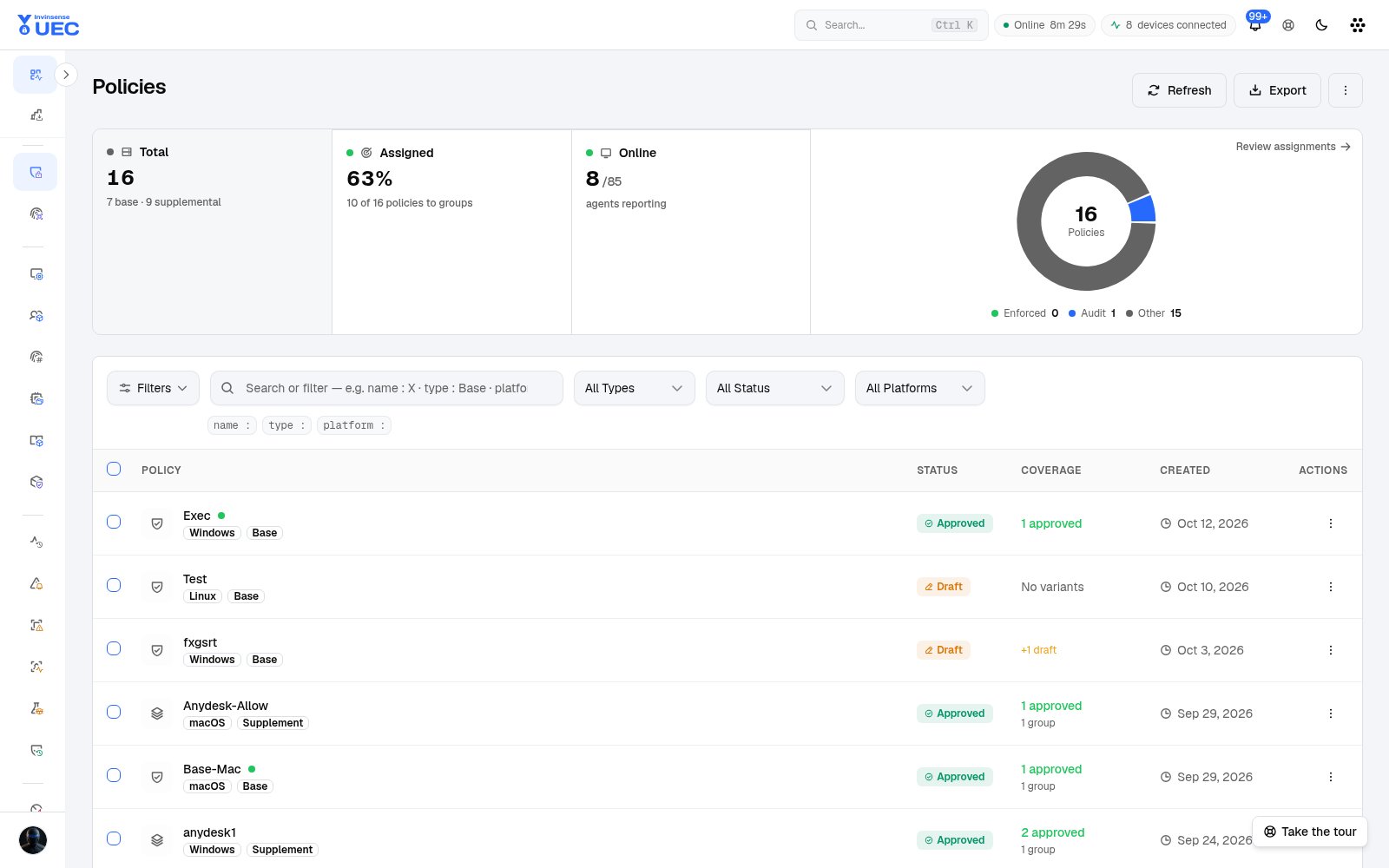
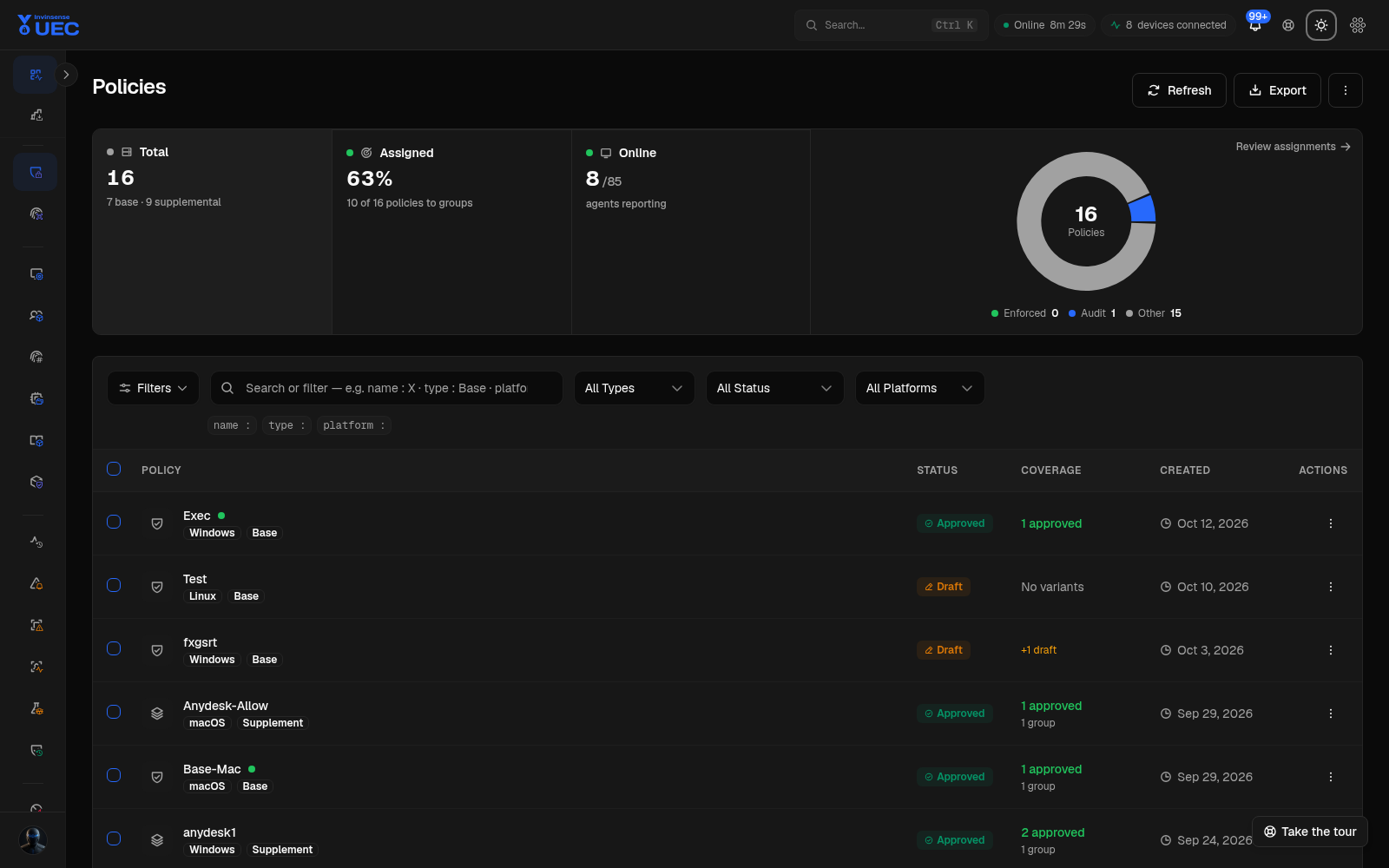
Platform-filtered URLs are views of the same Policies page. The screenshot set records the canonical page once; the filters and focused views are described below.
Page summary
Section titled “Page summary”| Area | What it shows |
|---|---|
| Total | Number of policies, split into base and supplemental. Selecting the tile filters the list. |
| Enforced | Policies whose effective mode is enforce. |
| Audit | Policies currently soaking in audit. |
| Other | Draft, review, deprecated, archived or otherwise not active states. |
| Assigned | How many policies have group assignments and the share of expected policies assigned. |
| Online reporting | Agents reporting policy state out of the scoped fleet. |
| Filters | Type, status, platform and operator search clauses. |
| Policy table | Name, platform, type, status, variant/group coverage, creation date and row actions. |
Use Refresh to reload, Export for the current result set, Review assignments to inspect the effective group mapping, and More policy actions for bulk or less-frequent operations.
What you are looking at
Section titled “What you are looking at”Policy versus variant
Section titled “Policy versus variant”A policy is the durable logical container. A variant is a named immutable snapshot of rules and policy options. Multiple approved variants can exist at once; approving a newer variant does not silently move an existing assignment.
| Status | Meaning | Editable? |
|---|---|---|
| Draft | Being authored or revised | Yes |
| Review | Submitted for inspection; validation applies | Yes, until approved |
| Approved | Eligible for assignment and artifact generation | No |
| Deprecated | Still assigned and resolving, but replacement is expected | No |
| Archived | Removed from active catalog; requires unassignment first | No |
Do not use positional names such as “v2”. Name the intent: Finance Standard 2026-Q4, Ring 2 Browser Allow, or Notepad++ 8.x Publisher Allow.
Base versus supplemental
Section titled “Base versus supplemental”| Property | Base | Supplemental |
|---|---|---|
| Purpose | Platform trust envelope and policy options | Add application trust |
| Count per device | Exactly one effective base | Zero or many |
| Rules | Platform-wide trust and options | Allow rules only |
| Platform switches | Owns HVCI, update protection, managed installer, ISG, script enforcement | Must not own them |
| Binding | Resolved through BaseDeviceGroup | Late-bound to a device’s effective base |
| Artifacts | Audit and enforce pair | Merged artifact per group/base context |
Supplemental policy cannot contain deny rules. If you need a deny decision, use the deny-policy workflow appropriate to the platform rather than trying to make an additive supplemental policy do a job its model forbids.
Filters and search
Section titled “Filters and search”The list supports typed filters and operator search:
| Example | Result |
|---|---|
name : browser |
Policy names containing “browser” |
name == Ring 2 Browser Allow |
Exact policy-name match |
type : base |
Base policy matches |
platform == Windows |
Windows policies only |
status : approved |
Approved policies |
Plain text remains a normal search. Typed clauses become chips; remove one chip without clearing the whole query. The active query is part of the page URL, so a shared link restores the same view.
Create a policy
Section titled “Create a policy”- Select Create Policy.
- Choose the generation source:
- blank or built-in template;
- event-based generation from observed Code Integrity telemetry;
- Microsoft Defender for Endpoint data;
- EVTX upload for a one-off analysis;
- a discovery scan or software-catalog selection.
- Enter a descriptive name, type and platform.
- Choose the first variant source: blank, clone an existing variant, or template.
- Review rules and policy options.
- Save the draft.
- Submit for review.
- Approve.
Policy creation does not automatically create a variant, and creating a policy does not assign it. Those are deliberate safety separations.
Work a policy row
Section titled “Work a policy row”| Action | Use |
|---|---|
| Open | Inspect the variant stack, settings, rules, assignments and history. |
| Edit | Only while draft/review; approved policy is immutable. |
| Clone | Start a new draft from an existing variant. |
| Assign | Map a base policy to a base group or supplemental policy to a supplemental group. |
| Deprecate | Flag replacement while preserving current assignments. |
| Archive | Remove from active catalog after unassignment. |
| Export | Export catalog or policy detail for review. |
The row’s Coverage cell distinguishes “one approved variant, no group” from “two approved variants, one group”. That difference matters when you think an assignment exists but it does not.
Review assignments
Section titled “Review assignments”Review assignments shows the effective policy mapping:
- one base group per device;
- supplemental groups and rings contributing trust;
- mode by group/device;
- agents that have and have not reported the expected artifact.
Use it before enforcement and after any group or policy change. A policy row can look assigned while a device still resolves an older artifact if the device has not synced.
Platform views
Section titled “Platform views”The policy catalog has focused views for Windows App Control, macOS and Linux. These views keep the operator away from rules a platform cannot consume.
Deployment view
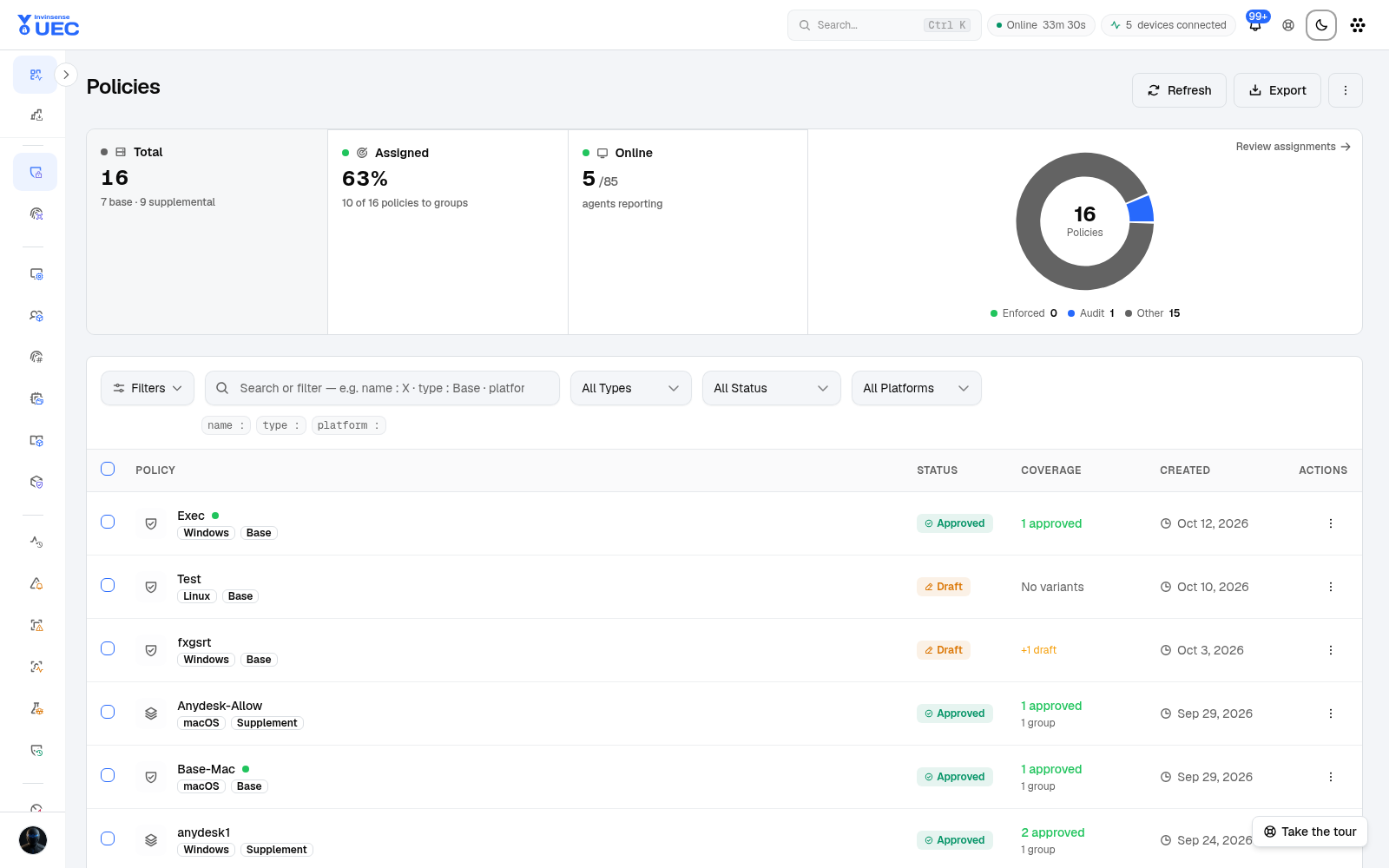
Section titled “Deployment view”The deployment view concentrates on assignments and rollout state rather than authoring. It answers which policy versions are expected, where they are assigned, and whether agents have applied them.
Safety rules to keep in mind
Section titled “Safety rules to keep in mind”- Never assign an unapproved variant.
- Never first-enforce a base policy on all devices.
- Do not place WDAC assignments on an Other group; UEC rejects it because the group has no policy-resolution meaning.
- Do not treat a tag as a policy target.
- Do not edit policy XML manually when a typed rule editor exists.
- Do not archive a policy that still resolves for devices.
- Do not keep a device-level override without an expiry.
- Do not compare a policy list status with fleet enforcement until the Online reporting count says the agents you expect have checked in.
Troubleshooting
Section titled “Troubleshooting”| Symptom | First check |
|---|---|
| Policy approved but not applied | Device group assignment, agent online state, artifact download and heartbeat policy version. |
| Device receives unexpected trust | Contributing supplemental groups; supplemental policies are additive. |
| No base resolves | Device must have exactly one base group; inspect group membership. |
| Supplemental option unavailable | Supplemental policy cannot own platform switches or deny rules. |
| Approved variant cannot be edited | Approved variants are immutable; clone a new draft. |
| Assignment cannot be archived | Unassign all groups first. |
For file-level diagnosis, see Policy diagnostics.