
macOS Security
macOS Security manages Gatekeeper baselines and reads XProtect freshness/detection context in one console.
macOS Security manages Gatekeeper baselines and reads XProtect freshness/detection context in one console. It is a versioned, ring-based native-security workflow, not a telemetry-only panel.
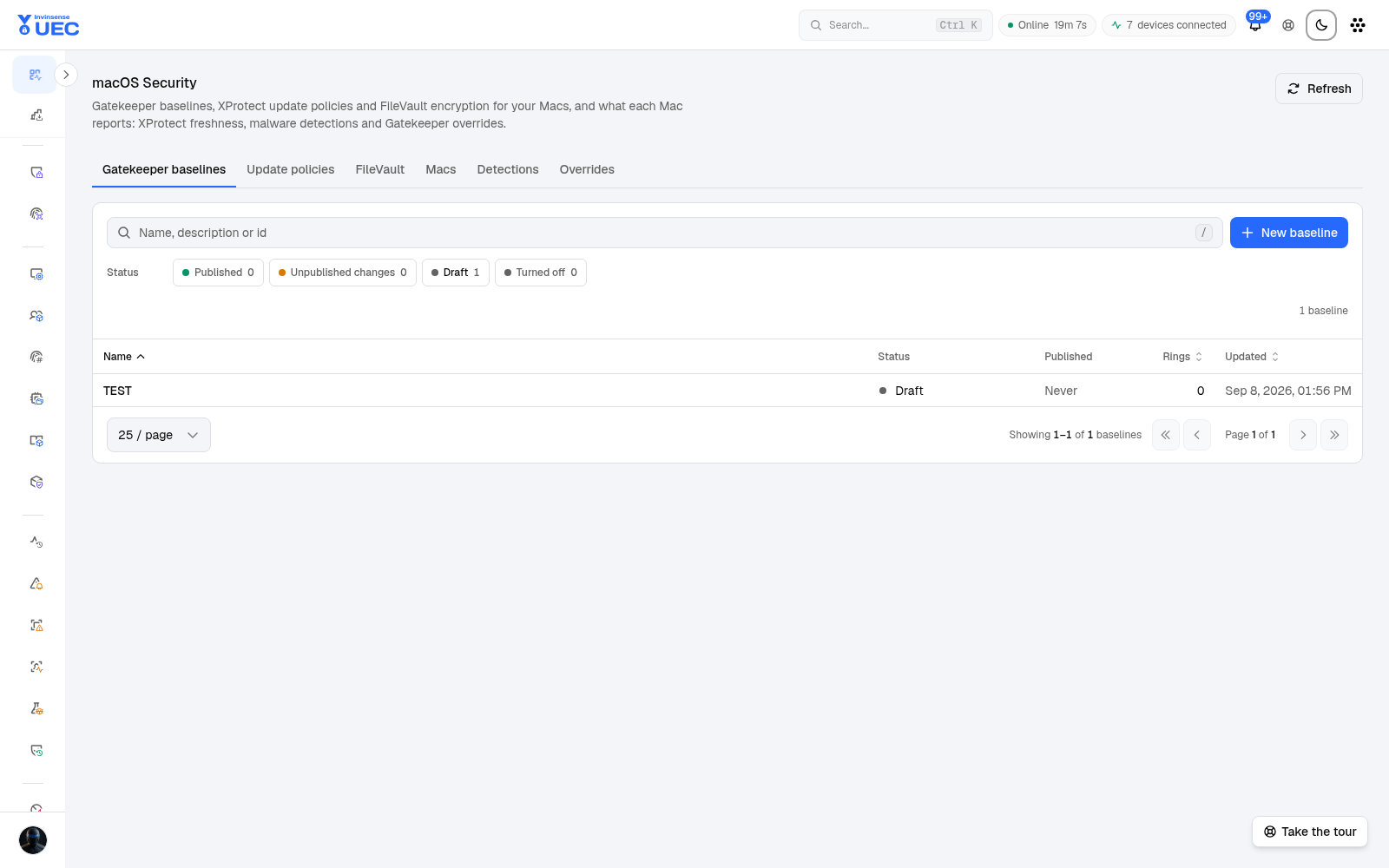
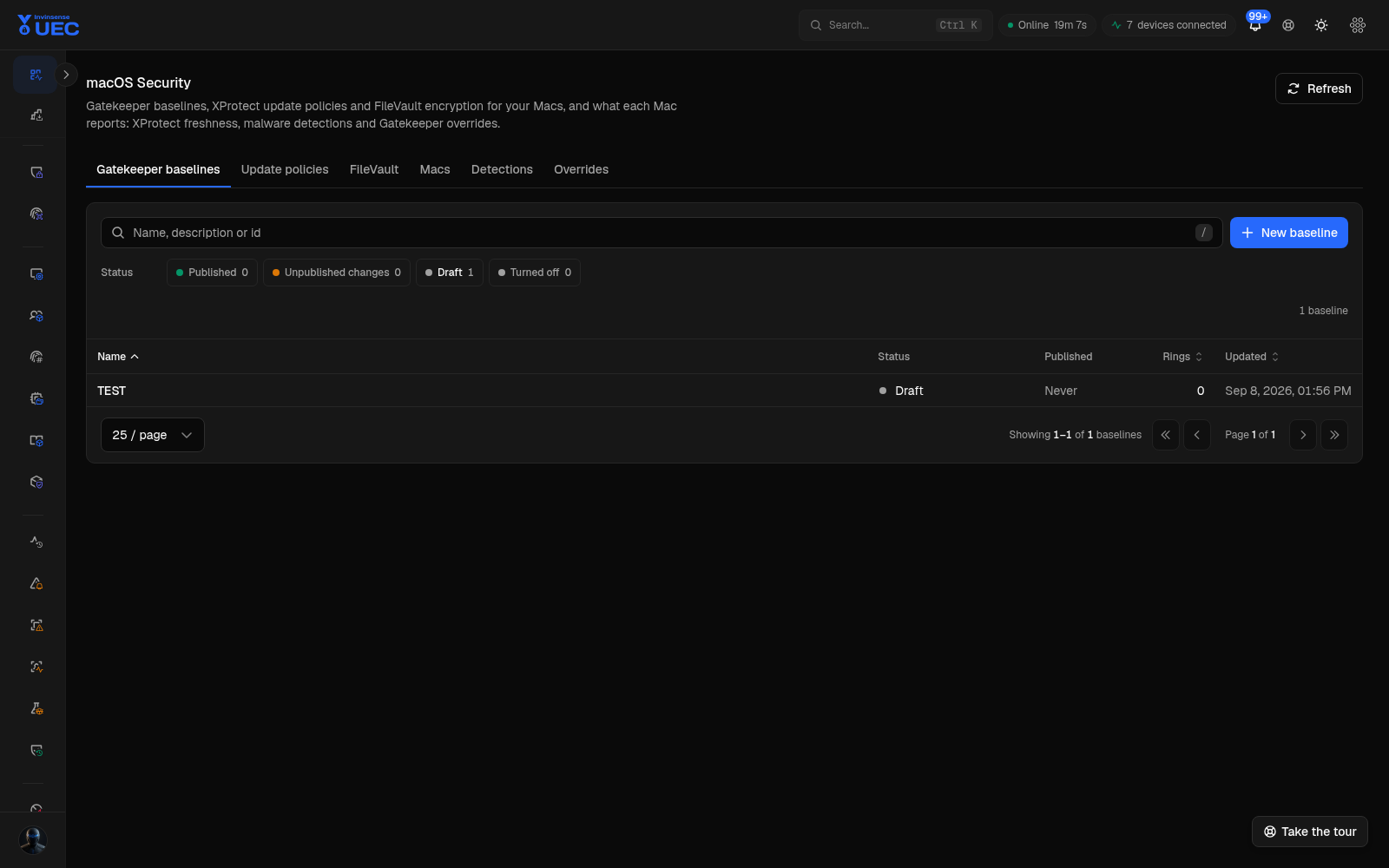
Gatekeeper baselines
Section titled “Gatekeeper baselines”A baseline is a signed mobileconfig profile covering Gatekeeper system-policy control, managed state and assessment/rule payload keys. It follows the same version/ring/device-state model as Defender and firewall:
- baseline identity;
- immutable published version;
- device-group ring assignment;
- applied-version reporting;
- Audit versus Enforce character;
- out-of-scope Windows/Linux devices never stall a ring.
Profiles are signed with UEC’s existing Developer ID Application identity; a separate signing credential is not introduced.
XProtect
Section titled “XProtect”The page also shows XProtect update and detection context so an operator can see whether macOS protection is current and whether detections have occurred. A null applied-version report means “not reported,” never “nothing applied.”
Installation model in v1
Section titled “Installation model in v1”v1 uses a locally installed, human-approved profile path:
- Operator publishes a baseline version and ring.
- The console provides the signed profile/install path.
- The user/administrator opens and approves it on the Mac.
- The sensor reports applied baseline state.
There is no implicit fleet-wide enforcement when no ring resolves, and no Apple Business Manager or Automated Device Enrollment in v1.
macOS-specific context
Section titled “macOS-specific context”- Audit-mode baselines do not disallow their own removal; enforce-mode baselines may.
- Gatekeeper telemetry channels remain opt-in.
- Detections use the existing alert pipeline, not a bespoke macOS notification system.
- macOS sensor support includes software inventory, Endpoint Security context and in-memory execution detection from v7.3.1.
Rollout guidance
Section titled “Rollout guidance”- Start with Audit.
- Test profile installation and removal on IT-owned Macs.
- Verify Gatekeeper assessment behavior and expected business software.
- Publish Enforce to Ring 0.
- Monitor XProtect, detections, blocked software and support tickets.
- Expand only with a local administrator or remote-support path available.