
Host Firewall
Host Firewall manages immutable, versioned host-firewall documents through staged audit and enforcement rings.
Host Firewall manages immutable, versioned host-firewall documents through staged audit and enforcement rings. A bad firewall document can cut off the management channel, so the workflow has stronger gates than a normal configuration page.
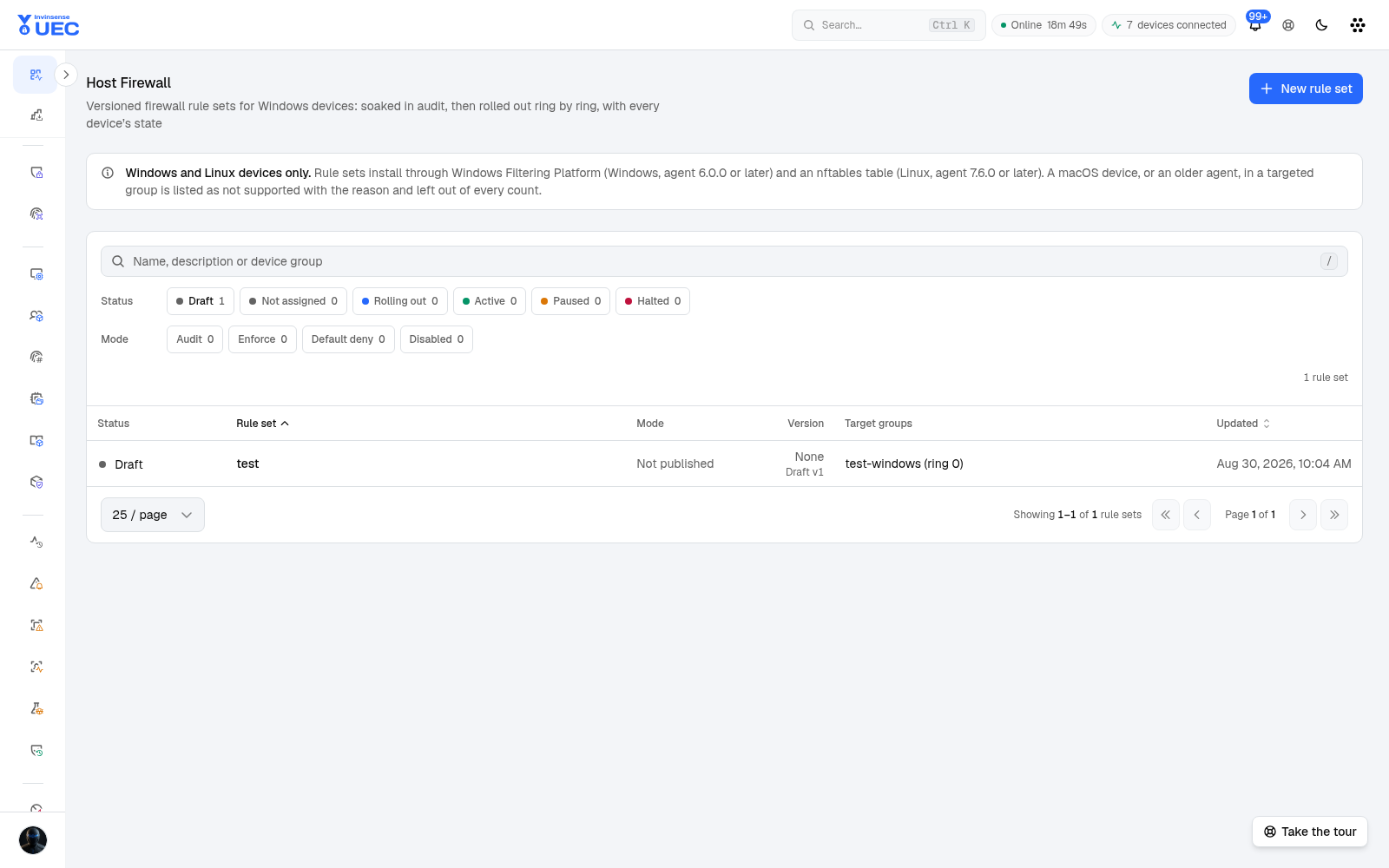
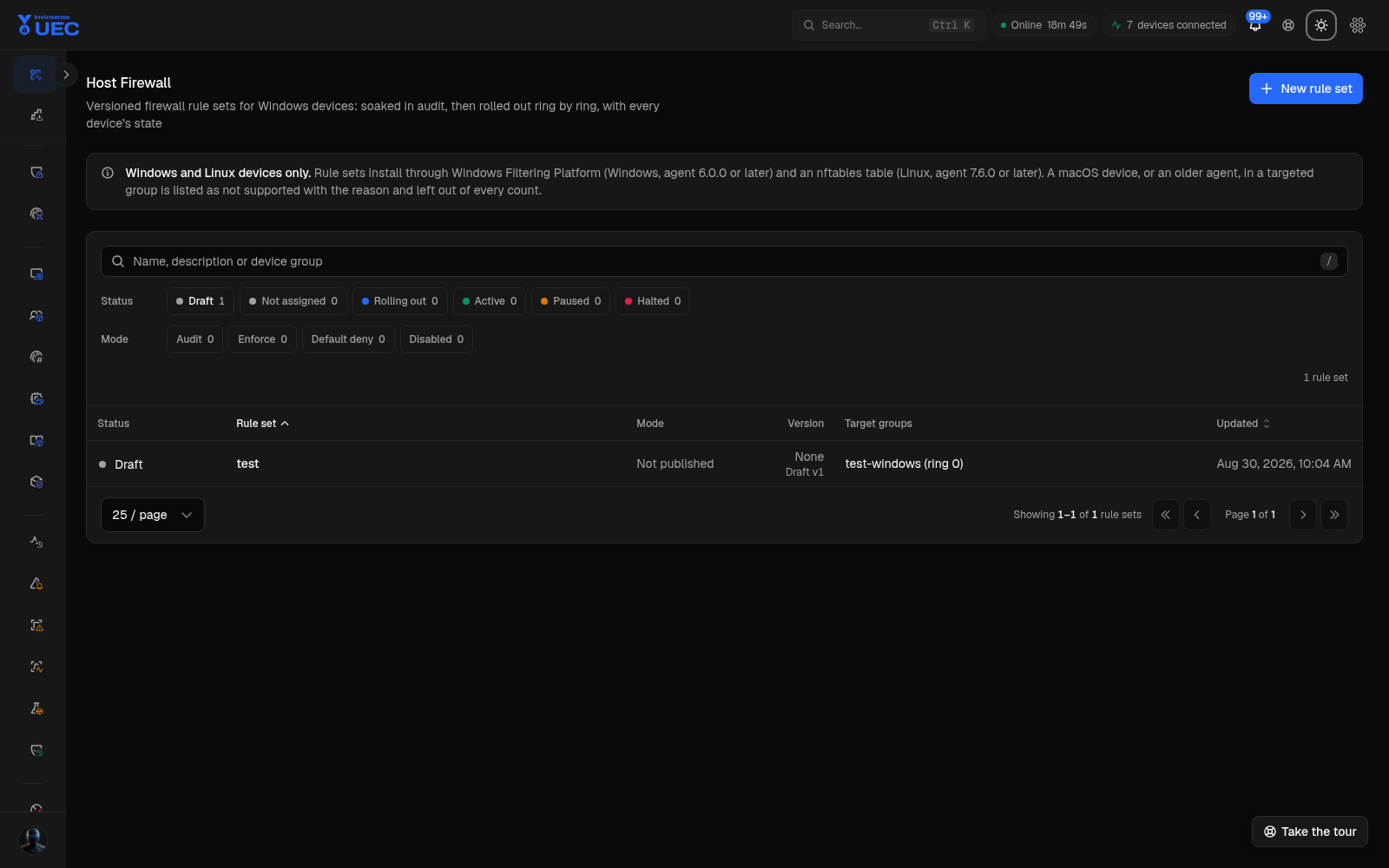
| Layer | Meaning |
|---|---|
| Rule set | Stable identity |
| Version | Immutable published document containing mode, default actions and rules |
| Assignment | One rollout ring: rule set + device group + ordered position |
| Device state/findings | Live version, self-test result and dead-man state |
Supported platforms are Windows and Linux. Windows uses WFP; Linux uses an nftables table. macOS is out of scope.
| Mode | Meaning |
|---|---|
| Disabled | Not enforcing the managed set |
| Audit | Evaluate/report without blocking |
| Enforce | Install blocking filters |
| Default deny | Most restrictive posture |
Mode is part of the version. Promoting audit to enforce therefore changes the document version; devices can report exactly which posture they hold.
Authoring validation
Section titled “Authoring validation”The document validates:
- mode and default inbound/outbound action;
- direction and protocol;
- address/port/interface filters;
- rule enablement and identity;
- canonical rules hash;
- filter budget.
The filter budget is a refusal, not a silent truncation. If the document exceeds what a host can install, authoring fails rather than dropping rules invisibly.
Audit → enforce gate
Section titled “Audit → enforce gate”A rule set may promote only after an audit soak in which hosts report:
- the target rules installed, and
- the management channel still answering.
Audit proves those two properties for the observed window. It does not prove every future business flow will work, so application owners still need a change window for broad rings.
Dead-man halt
Section titled “Dead-man halt”The endpoint arms a dead-man switch when it installs an enforcing version. If the host loses its management channel, the endpoint can undo the trial itself.
The server also halts rollout when:
- a dead-man fires;
- blocked-host findings indicate a dangerous pattern;
- a ring fails to meet promotion criteria.
Out-of-scope OS devices never count as successful convergence. An all-out-of-scope ring reads 0%, not 100%.
Safe rollout
Section titled “Safe rollout”- Author the rule set.
- Validate canonical document and filter budget.
- Publish Audit.
- Assign Ring 0.
- Confirm self-test and management channel.
- Observe normal traffic and business flows.
- Publish Enforce with the same rules hash.
- Advance ring by ring with a halt owner on call.