
What Is UEC?
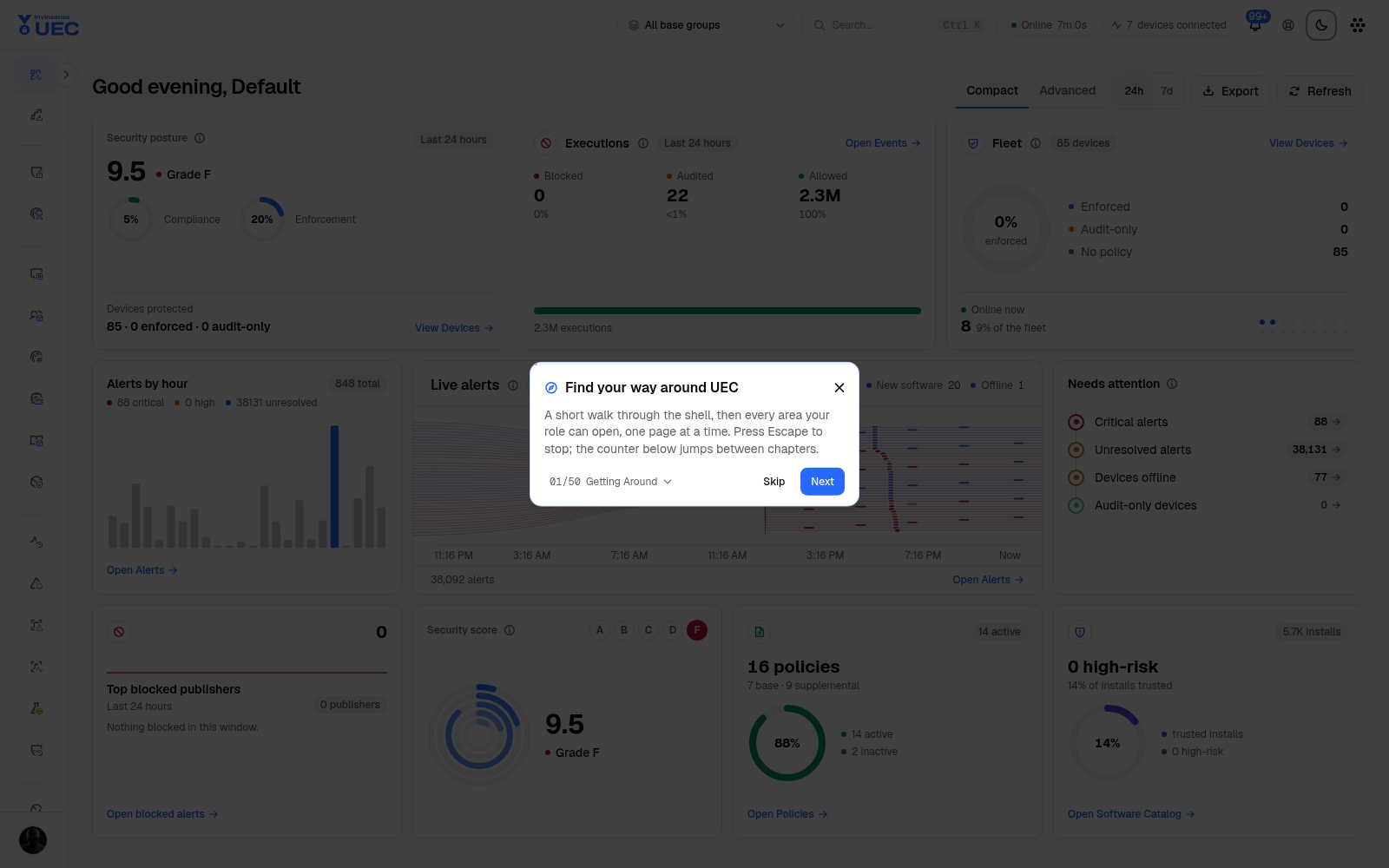
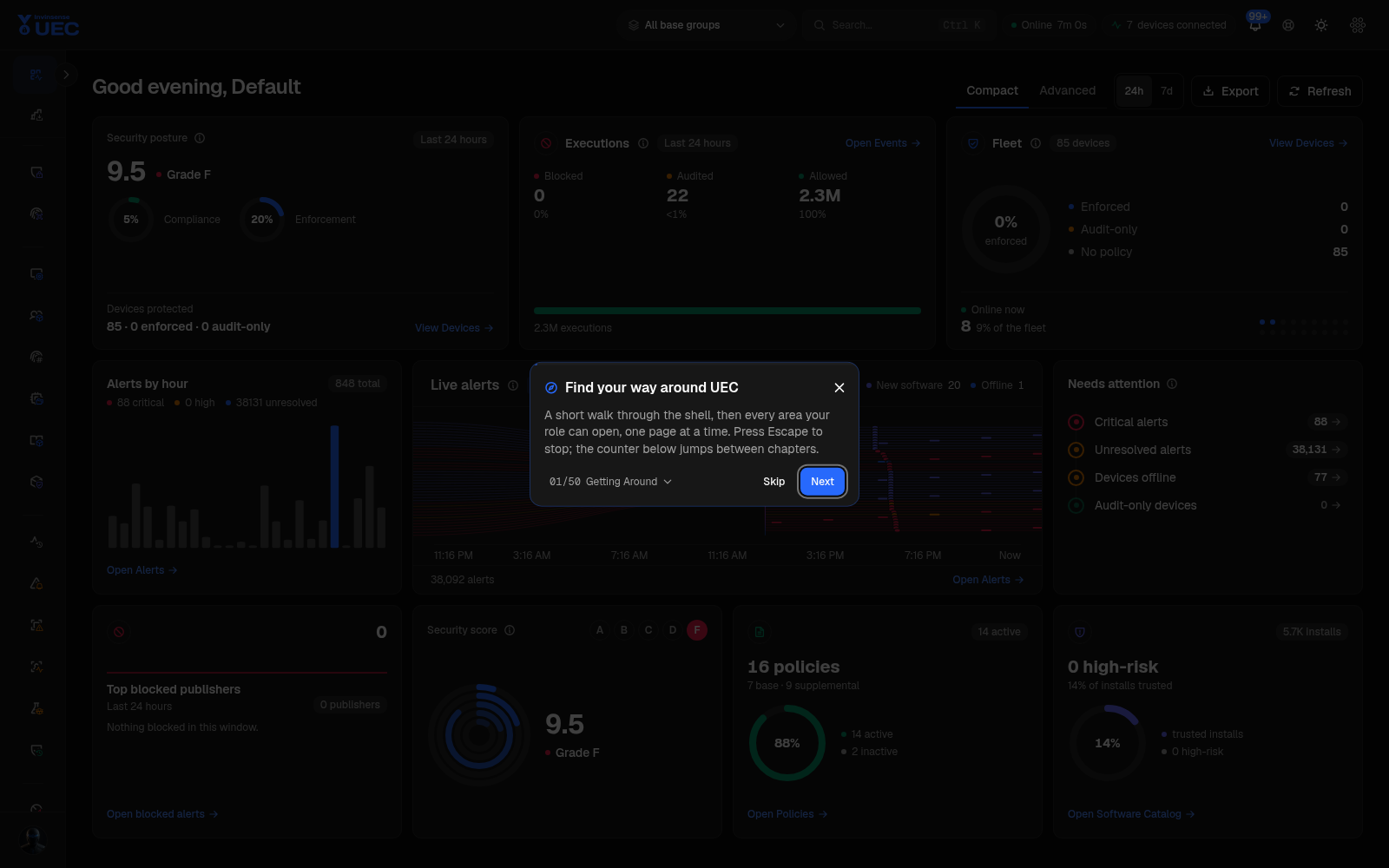
Unified Endpoint Control (UEC) answers three connected questions for an endpoint fleet.
Unified Endpoint Control (UEC) answers three connected questions for an endpoint fleet:
- What is allowed to run? Author, validate and deploy application-control policy.
- What actually ran? Collect durable execution, inventory, integrity and behavior telemetry.
- What should we do next? Detect, alert, investigate, contain, elevate or accept risk.
Unlike a standalone WDAC editor, UEC keeps policy, telemetry, detection, response, compliance and exposure in one operator surface. Unlike a broad EDR console, UEC’s application-control model preserves Windows WDAC semantics: one effective base policy, additive supplemental trust, explicit group resolution and target-specific binary artifacts.
The core objects
Section titled “The core objects”| Object | What it represents | Operator surface |
|---|---|---|
| Device | One enrolled Windows, macOS, Linux or Android endpoint reporting to UEC | Devices |
| Base device group | The single group that resolves a device’s base policy feed | Device Groups |
| Supplemental group | Zero or more additive trust rings assigned to a device | Device Groups |
| Other group | Organisational grouping only; it cannot hold WDAC policy assignments | Device Groups |
| Policy | A reusable policy container and its immutable variants | Policies |
| Policy variant | A named snapshot with a lifecycle: Draft → Review → Approved → Deprecated → Archived | Policy detail |
| Policy artifact | Server-compiled audit or enforce binary delivered to agents | Policy deployment |
| File identity | A hash, signer, publisher or path observed on the fleet | File Identities |
| Software catalog entry | A publisher/application/install observation derived from inventory | Software Catalog |
| Event | Normalised endpoint telemetry stored for analytics | Events |
| Alert | An event or finding that needs operator attention | Alerts |
| Detection pack | Sigma or YARA content assigned to device rings | Threat Detection |
| Response action | A contained, reversible operation such as isolate, block or USB deny | Response Actions |
| Audit record | Who changed what, when, with field-level before/after values | Audit Log |
What each operating system contributes
Section titled “What each operating system contributes”| Platform | Agent technology | Control and telemetry focus |
|---|---|---|
| Windows | Rust service plus native tray, updater, watchdog and tamper-guard sidecars | WDAC base/supplemental enforcement, Code Integrity events, software inventory, FIM, Defender baselines, Windows features, live response |
| macOS | Swift agent | Gatekeeper baseline, software inventory, XProtect context, Endpoint Security telemetry, in-memory execution detection |
| Linux | Rust agent with eBPF | Process and network telemetry, tiered execution enforcement, auditd and file-integrity context, host firewall through nftables |
| Android | Sensor package | Inventory and reporting context; it is visible in device inventory but is not a WDAC policy target |
OS availability is stated on each feature page. For example, Defender baselines are Windows-only, host firewall currently targets Windows and Linux, and macOS native security is its own baseline workflow.
The safe rollout path
Section titled “The safe rollout path”1. Deploy agents and enrol devices
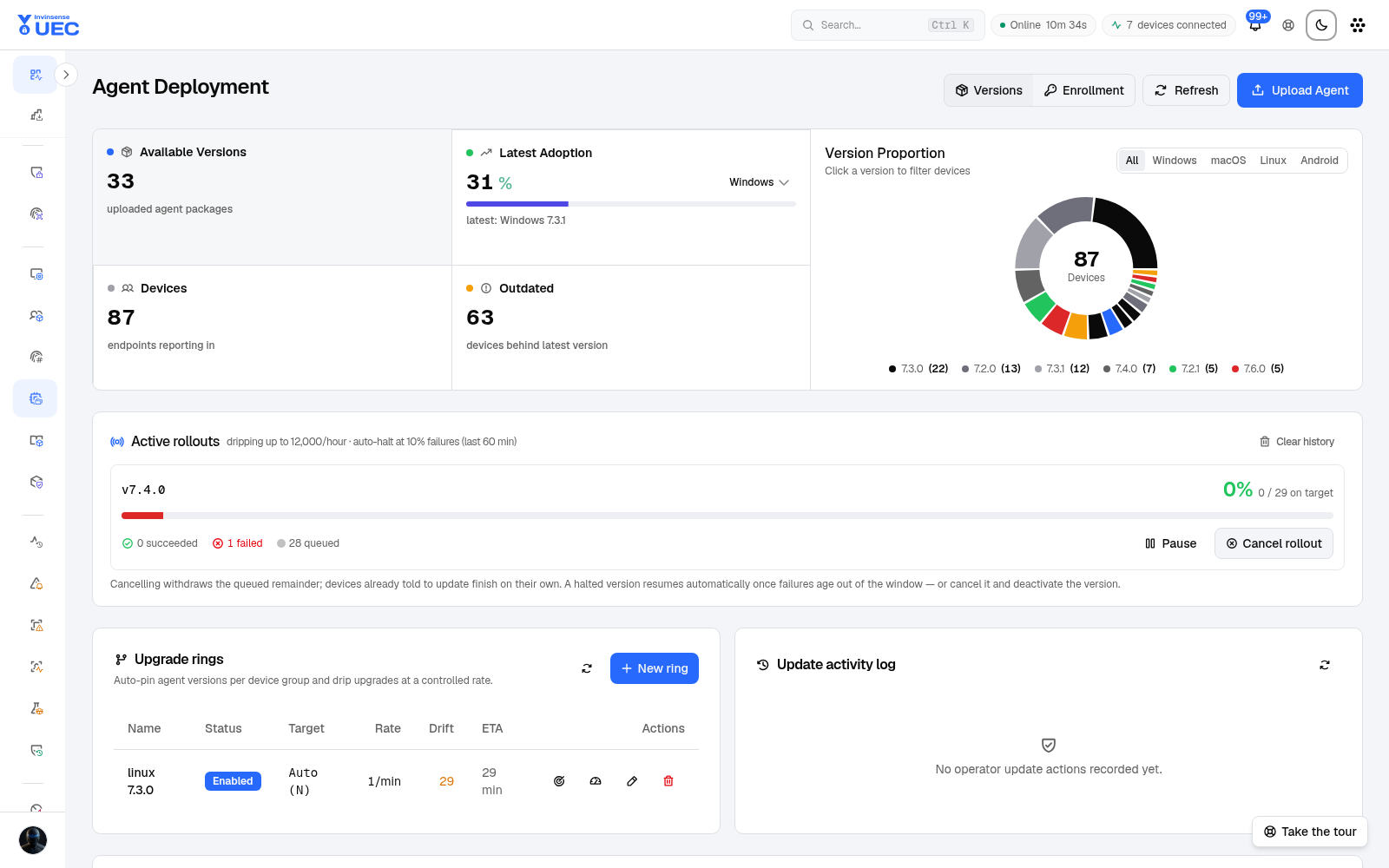
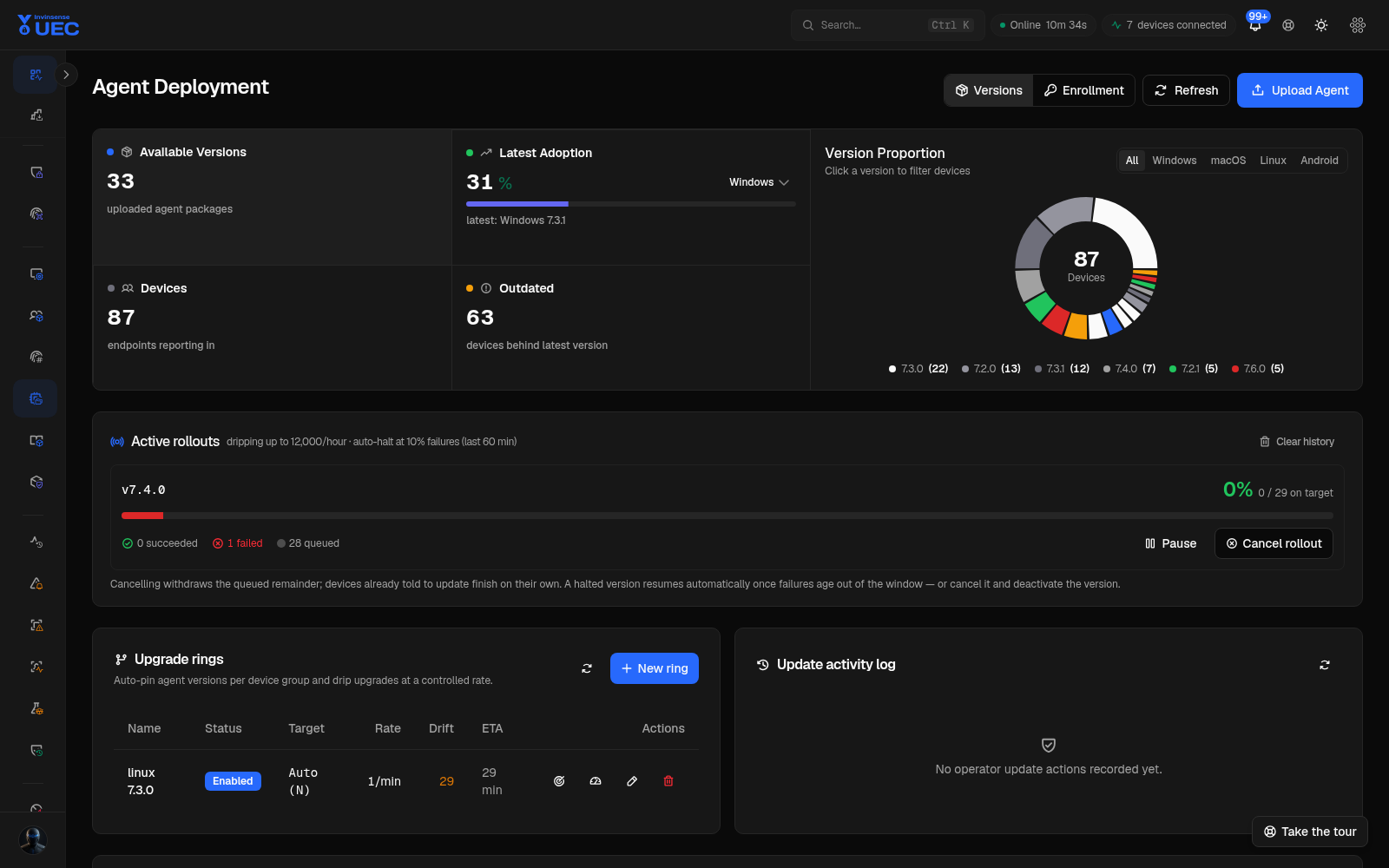
Section titled “1. Deploy agents and enrol devices”Create enrollment tokens, copy a validated one-command installer, and stage updates ring by ring. Pre-install checks reject an expired, used or disabled token before downloading a package.
2. Inventory before control
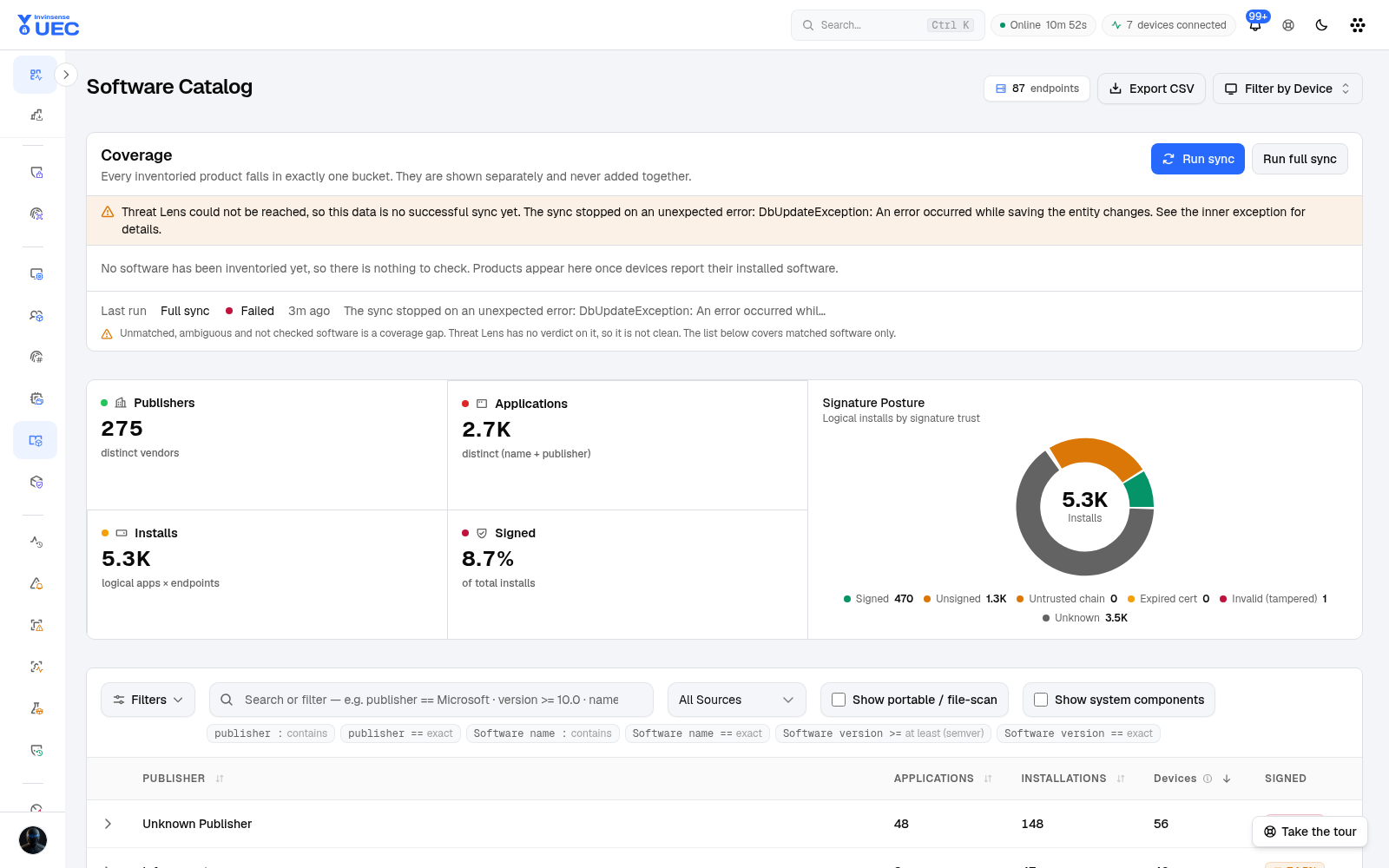
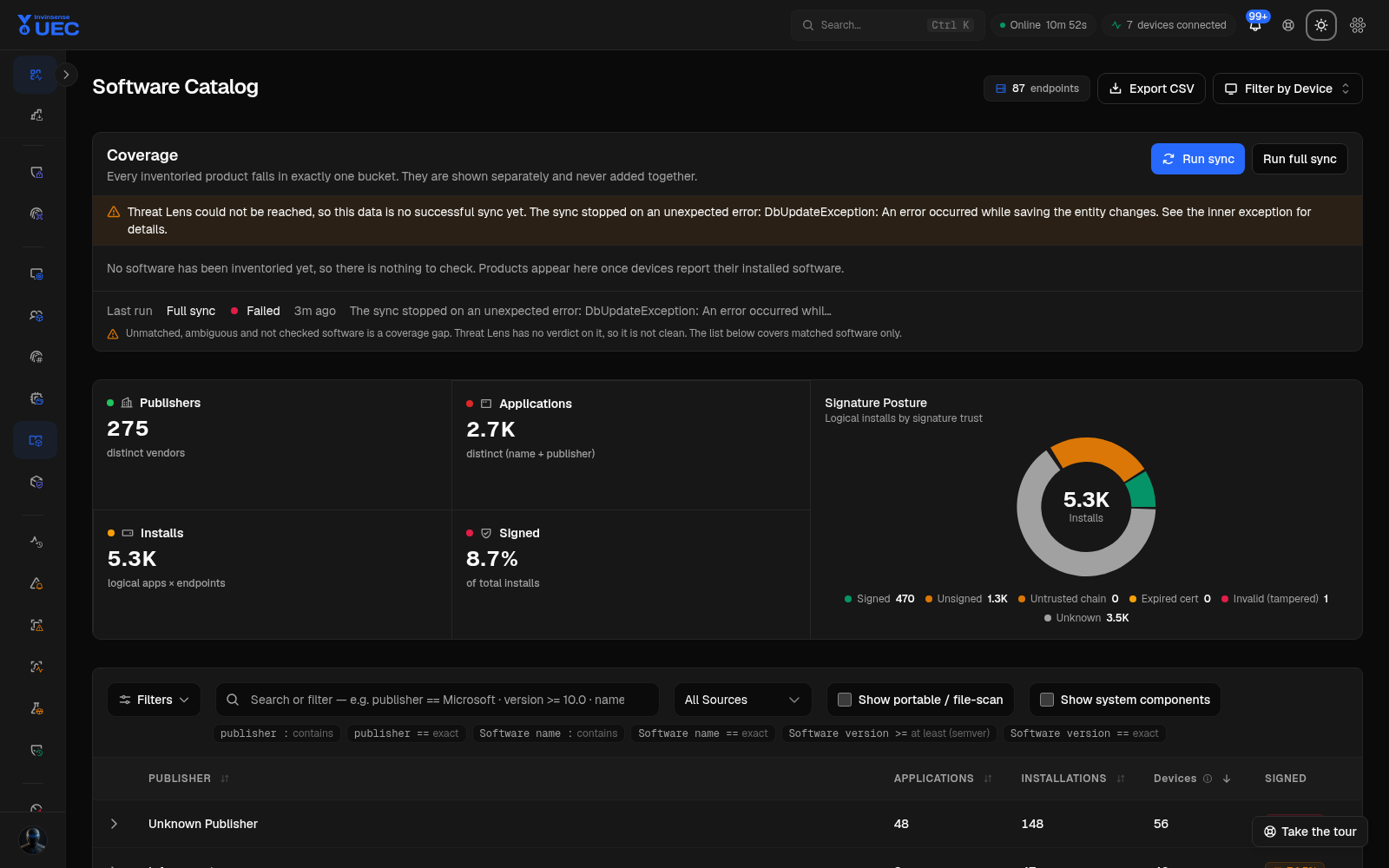
Section titled “2. Inventory before control”Review Devices, Software Catalog and File Identities. Search by publisher, signature state, application, device, hash or signer. The aim is to understand normal software, not to build a perfect allowlist on day one.
3. Create a base trust envelope
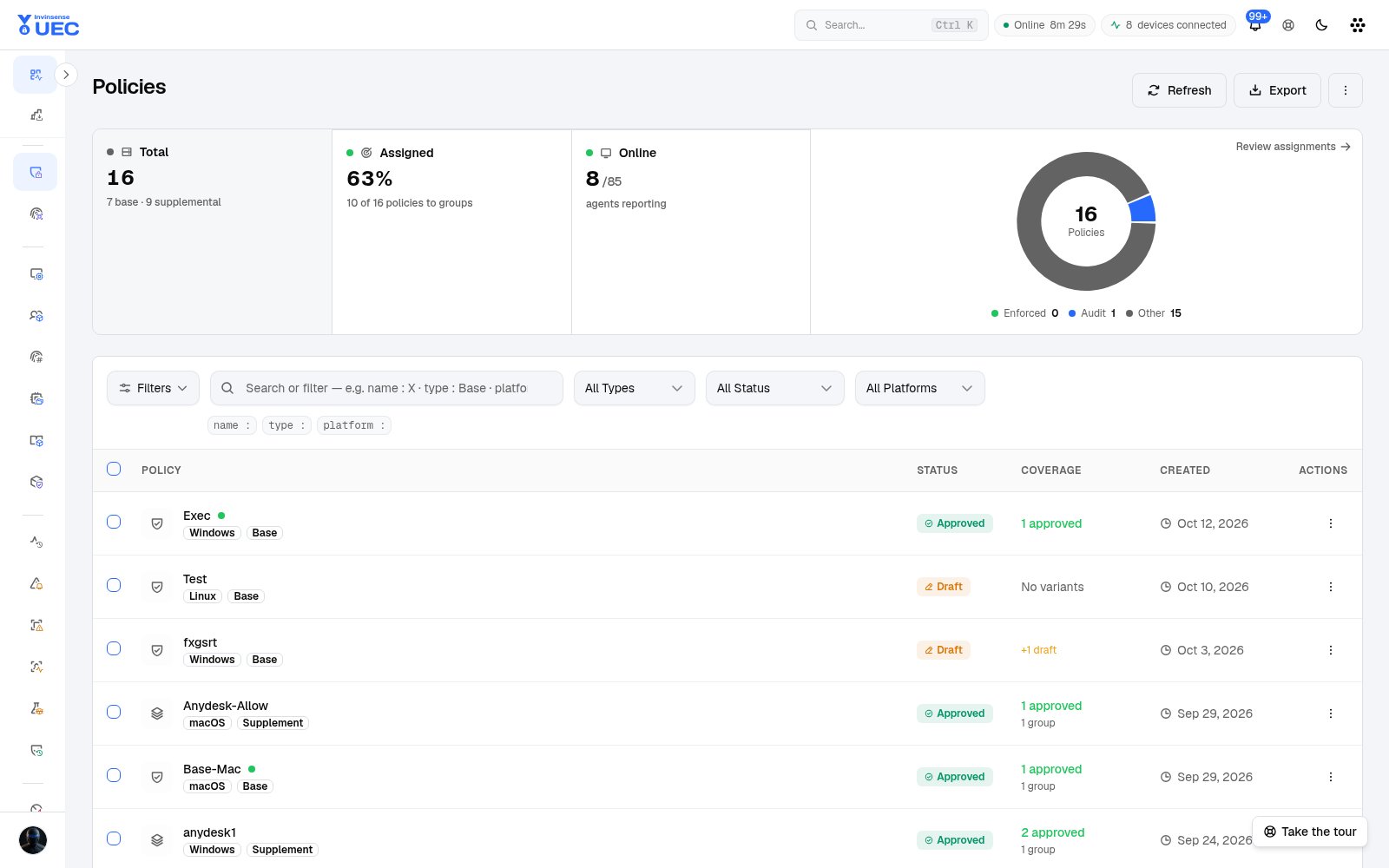
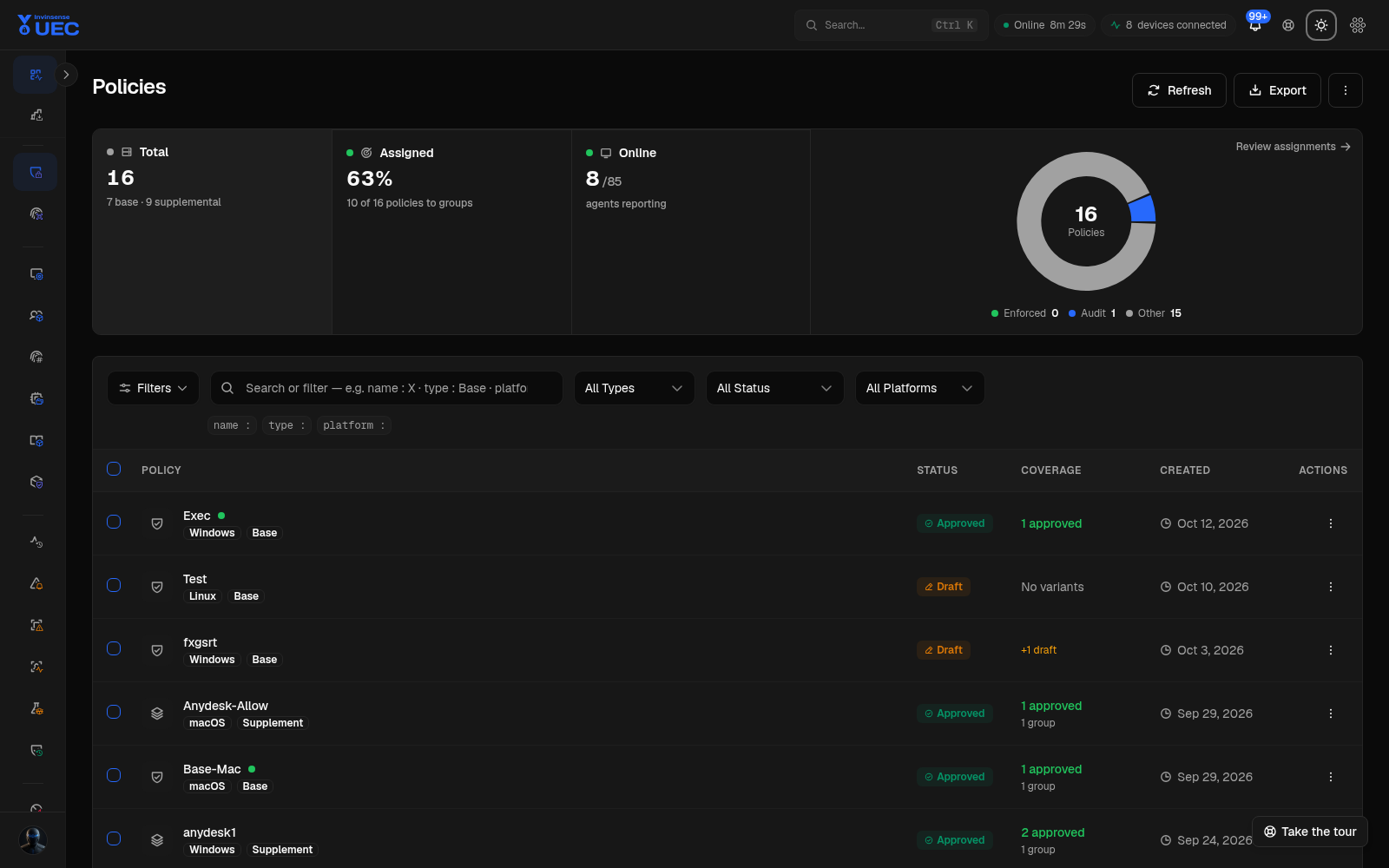
Section titled “3. Create a base trust envelope”A base policy owns platform switches such as HVCI, Windows Update protection, managed installer, Intelligent Security Graph and script enforcement. Exactly one effective base resolves per device.
4. Add trust with supplemental policy
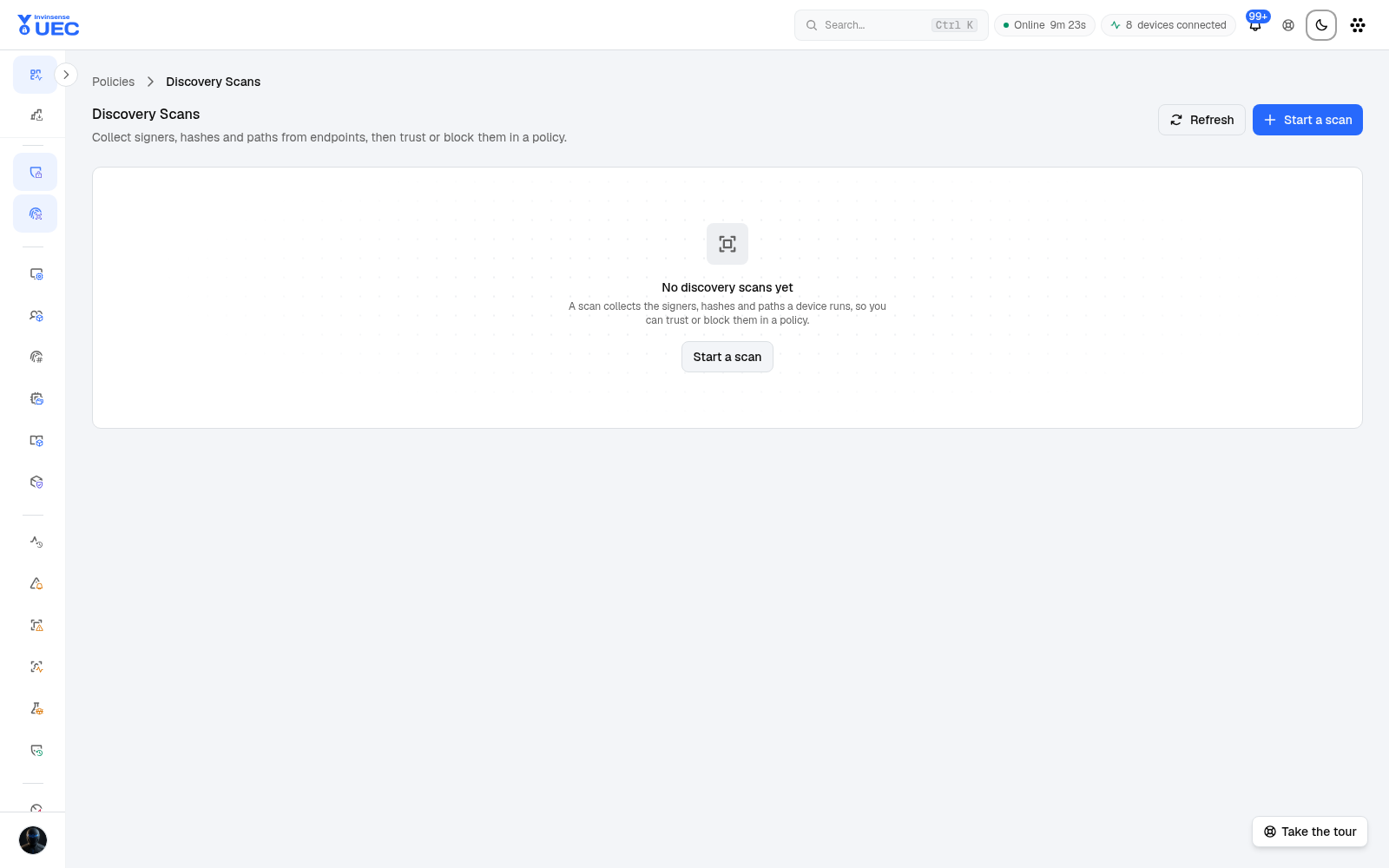
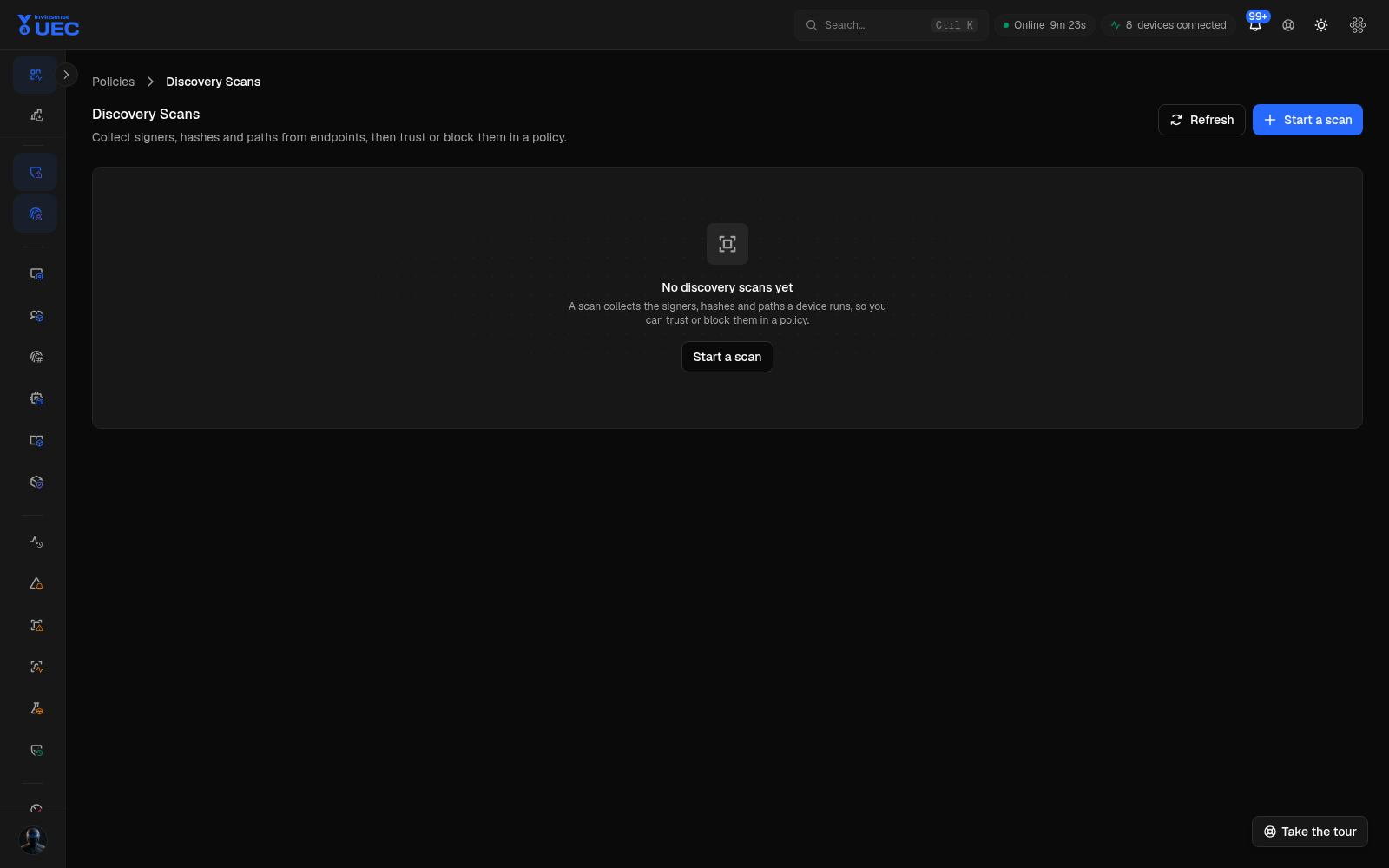
Section titled “4. Add trust with supplemental policy”Supplemental policies are deliberately additive: allow rules only, no platform-setting ownership. Use discovery scans or real blocked events to turn observed signers and files into rules.
5. Soak, enforce and monitor convergence
Section titled “5. Soak, enforce and monitor convergence”Start in audit, review blocked and audited executions, then promote selected groups. The dashboard, Events, Alerts and policy diagnostics show whether the fleet has converged. Device-level divergence is exceptional, temporary and expiry-bound.
Roles and working modes
Section titled “Roles and working modes”UEC separates the job from the permission:
- SuperAdmin owns tenant-level settings, credentials, modules and diagnostics.
- Admin manages policies, devices and operational configuration.
- SecurityAnalyst works telemetry, alerts and investigations.
- Auditor reviews records and compliance outcomes.
- Viewer reads and exports permitted surfaces.
Device-group scoping can further restrict a user’s visible devices and device-derived aggregates. It is an explicit-grant, server-side control; a restricted user with no grant sees nothing rather than everything. Alerts, events and policies remain tenant-wide in the current implementation, so the scope boundary is documented rather than overstated. See reference/roles-and-permissions.md.
How UEC relates to Invinsense XDR
Section titled “How UEC relates to Invinsense XDR”UEC is one product in the Invinsense suite. The product menu lists every licensed module in a fixed
order. UEC can consume exposure context from Invinsense AMTD and forward endpoint events or alerts
to other systems, while the Security Data Lake remains the suite’s broad log lake and SOC
investigation workspace. A tenant URL such as /xdr/uec/default carries both the product base path
and the tenant slug.