
Event Codes
Sensor event IDs carry platform-specific meaning.
Sensor event IDs carry platform-specific meaning. UEC maintains a reconciled event-code reference in the Events page so an operator does not have to guess whether a code means blocked, audited, signature information, diagnostics, file activity, detection or telemetry.
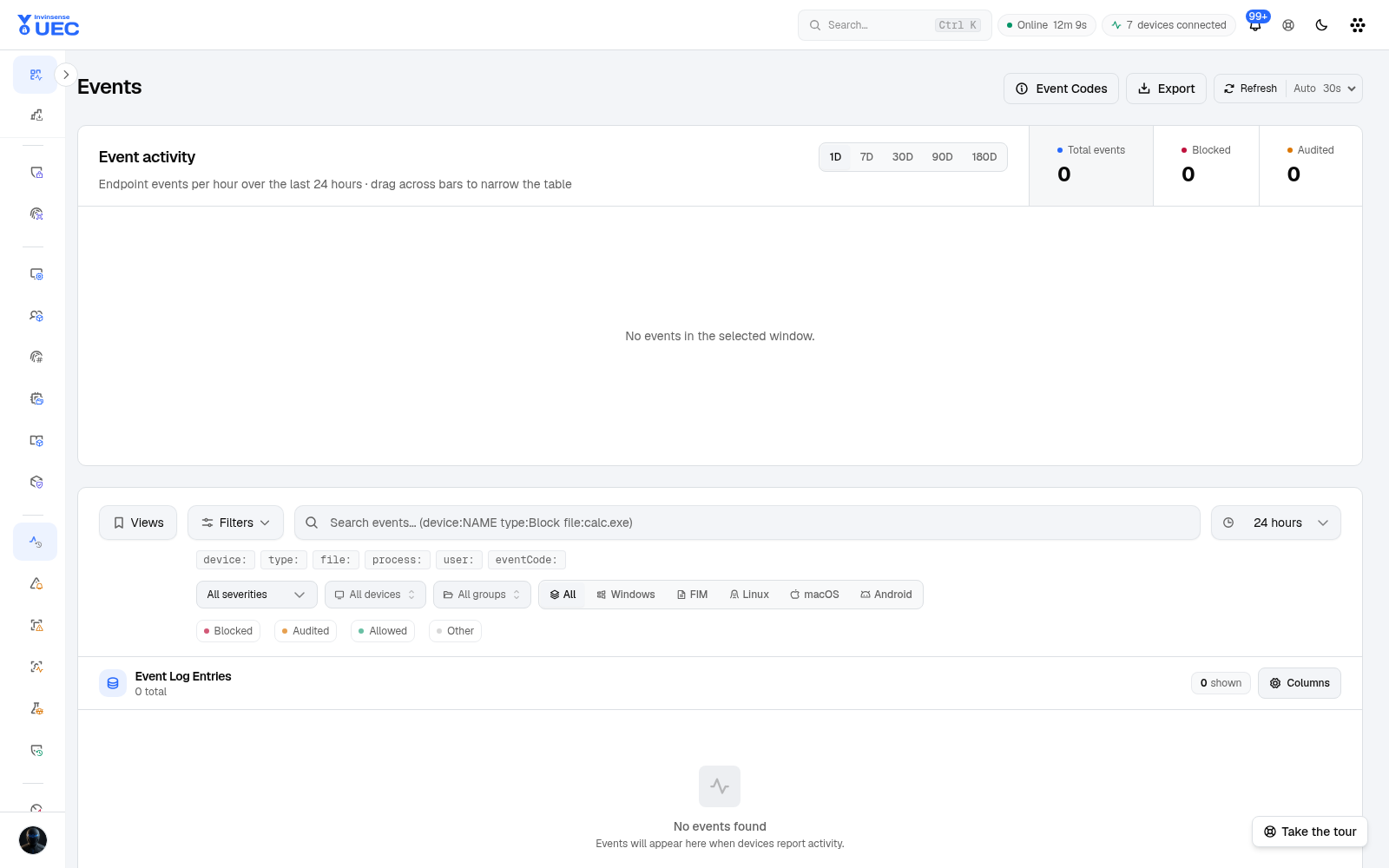
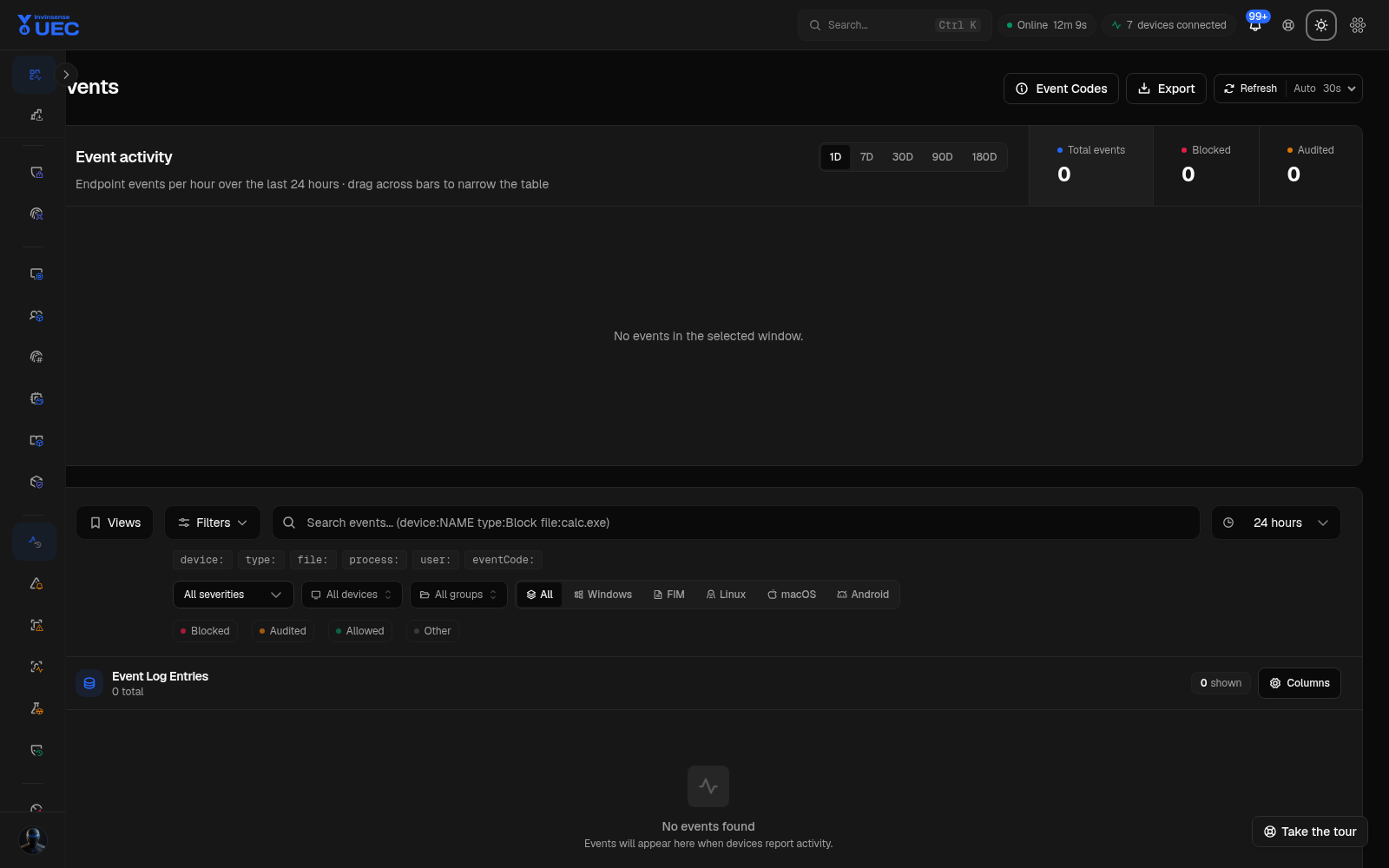
Use the built-in reference
Section titled “Use the built-in reference”- Open Events.
- Select Event Codes.
- Search or scan the numeric event id.
- Read the short title, meaning and UEC verdict.
- Select a code to filter the current event table.
The reference reconciles codes raised by Windows, macOS and Linux sensors. It is the product’s operator-facing authority; third-party Windows event-id lists may describe a different product’s provider.
Reading an event row
Section titled “Reading an event row”| Signal | Check |
|---|---|
| Event ID | Decode through Event Codes before interpreting |
| Type | UEC verdict such as blocked/audited/allowed/signature |
| Source | Windows, macOS or Linux |
| File/process subject | Which identity produced the event |
| Policy | Which policy the endpoint reports |
| Raw XML/JSON | Original provider payload |
Do not treat a numeric id alone as proof of maliciousness. The same number can have provider- or OS-specific meaning.