
Compliance
The compliance suite has five pages: Compliance Overview, Benchmarks, Scan Runs, Exceptions and Content Sources.
The compliance suite has five pages: Compliance Overview, Benchmarks, Scan Runs, Exceptions and Content Sources. Together they import benchmark content, tailor it, target groups, run assessments, report pass rates and govern accepted failures.
Overview
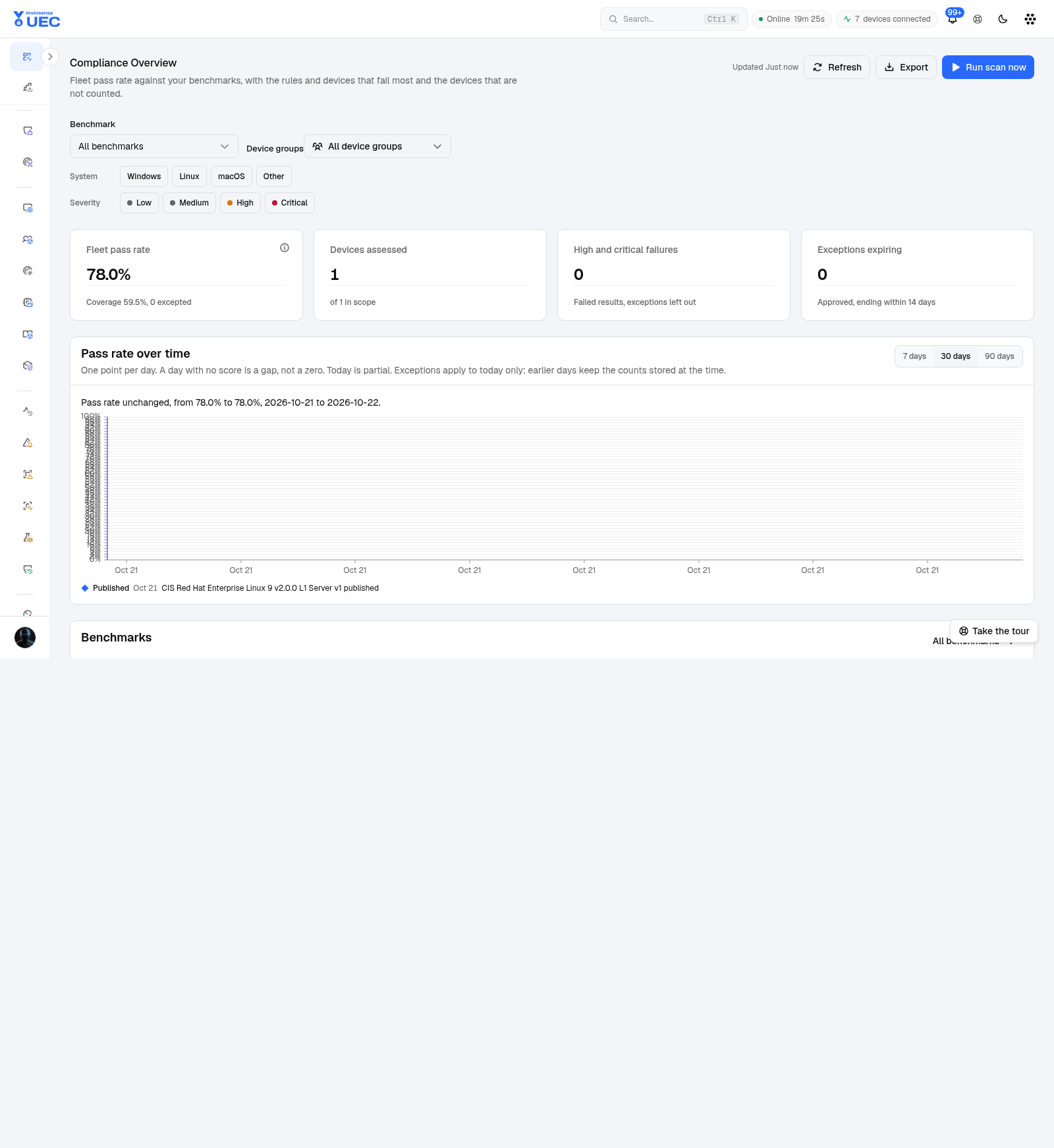
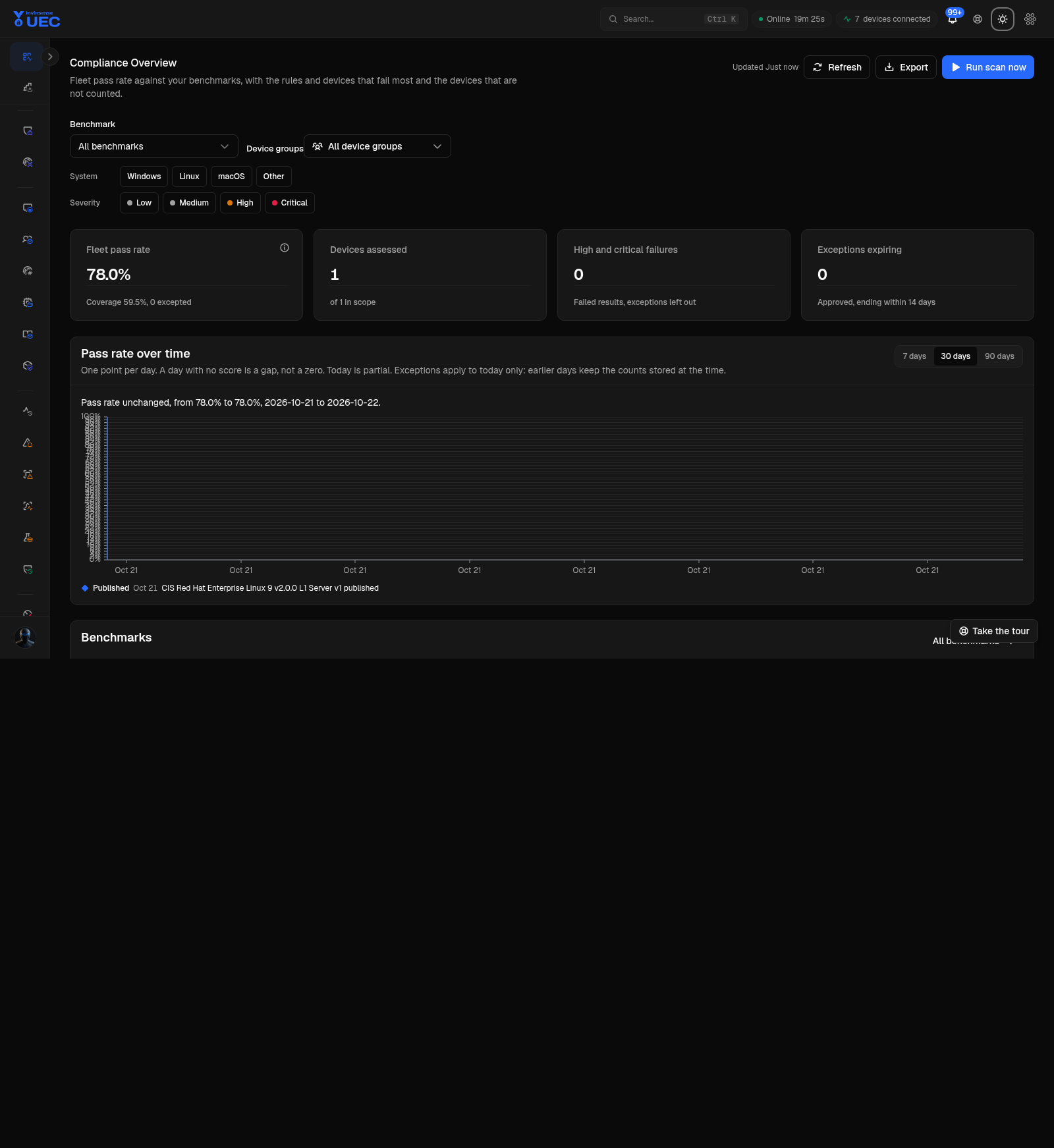
Section titled “Overview”The overview filters by benchmark, device group, OS and risk severity, and can run a scan or export devices. Its pass-rate explanation states exactly how the number is calculated; a device that did not report is not silently counted as passing.
Typical tiles and filters include Windows/Linux/macOS/Other and Low/Medium/High/Critical findings.
Benchmarks
Section titled “Benchmarks”Benchmarks are versioned, tailored benchmark documents.
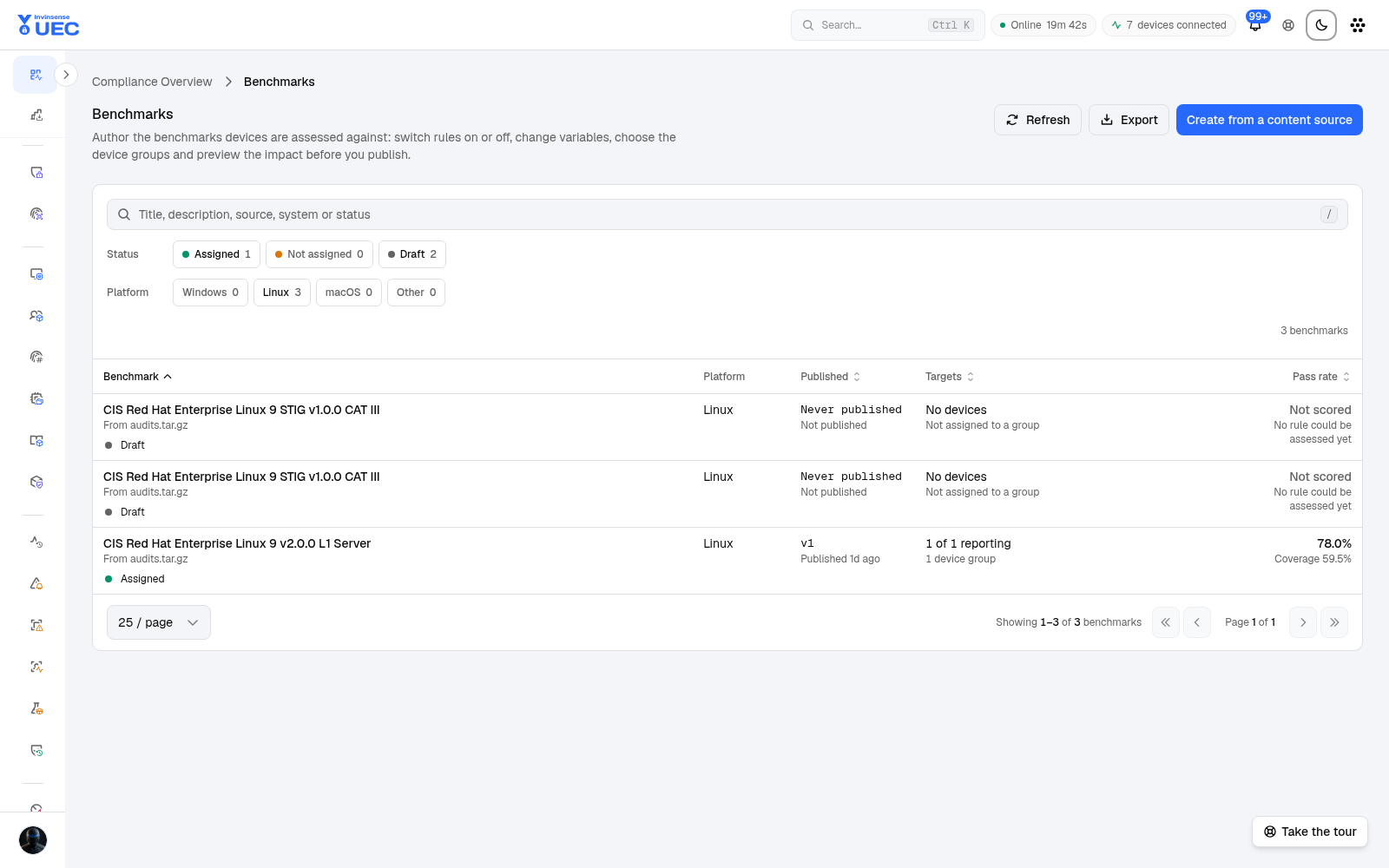
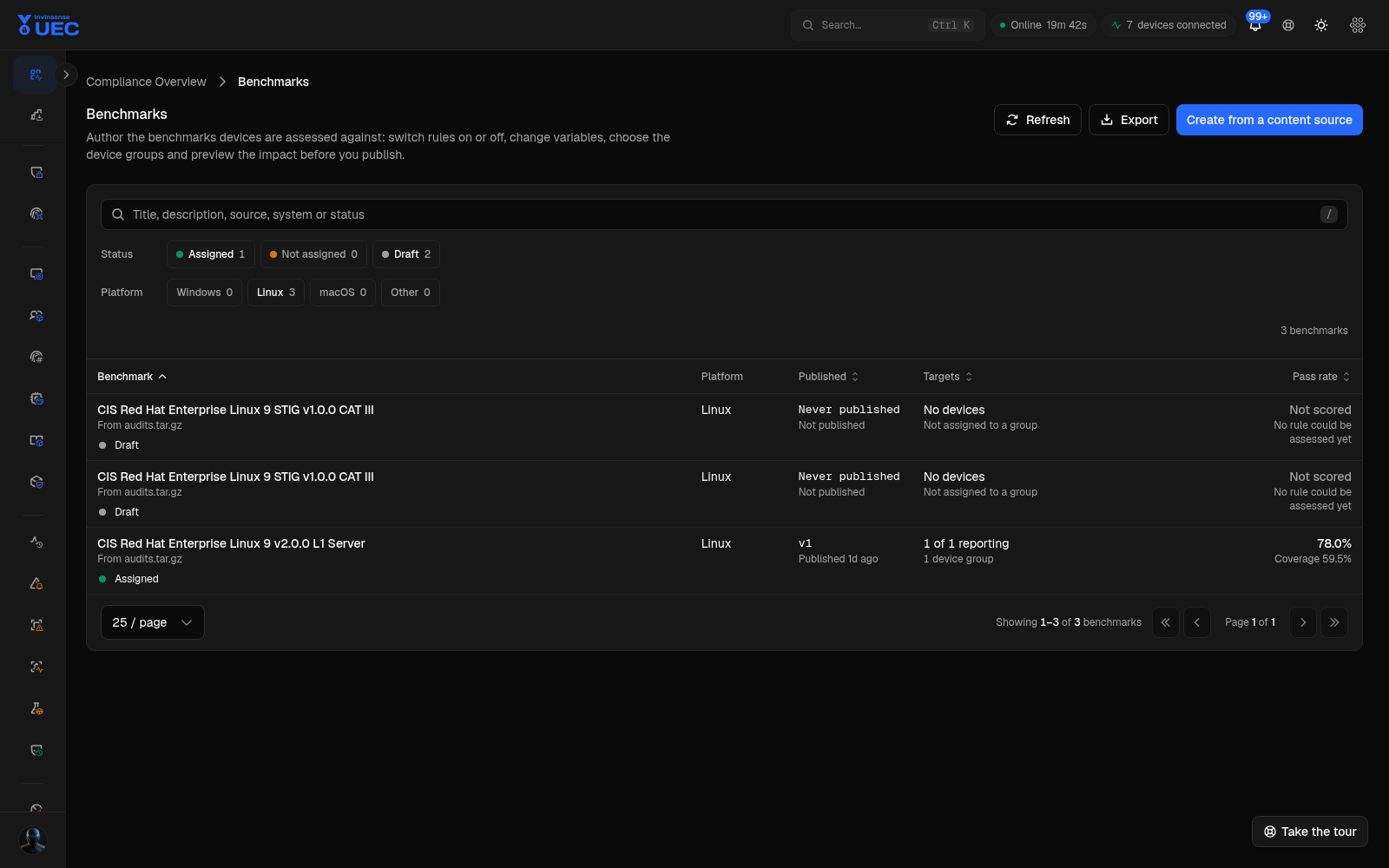
The list shows:
| Column | Meaning |
|---|---|
| Benchmark | Benchmark/title/source |
| Platform | Target OS |
| Published | Current version and publish state |
| Targets | Reporting devices and assigned groups |
| Pass rate | Assessment pass and rule-coverage rates |
Tiles separate assigned/not assigned, draft state and platform.
Tailor a benchmark
Section titled “Tailor a benchmark”- Open or create a benchmark from a content source.
- Enable/disable rules.
- Change variables.
- Choose target groups.
- Review the impact preview.
- Publish the tailored version.
The impact preview estimates how many devices change before publication.
Scan Runs
Section titled “Scan Runs”Scan Runs records each assessment campaign.
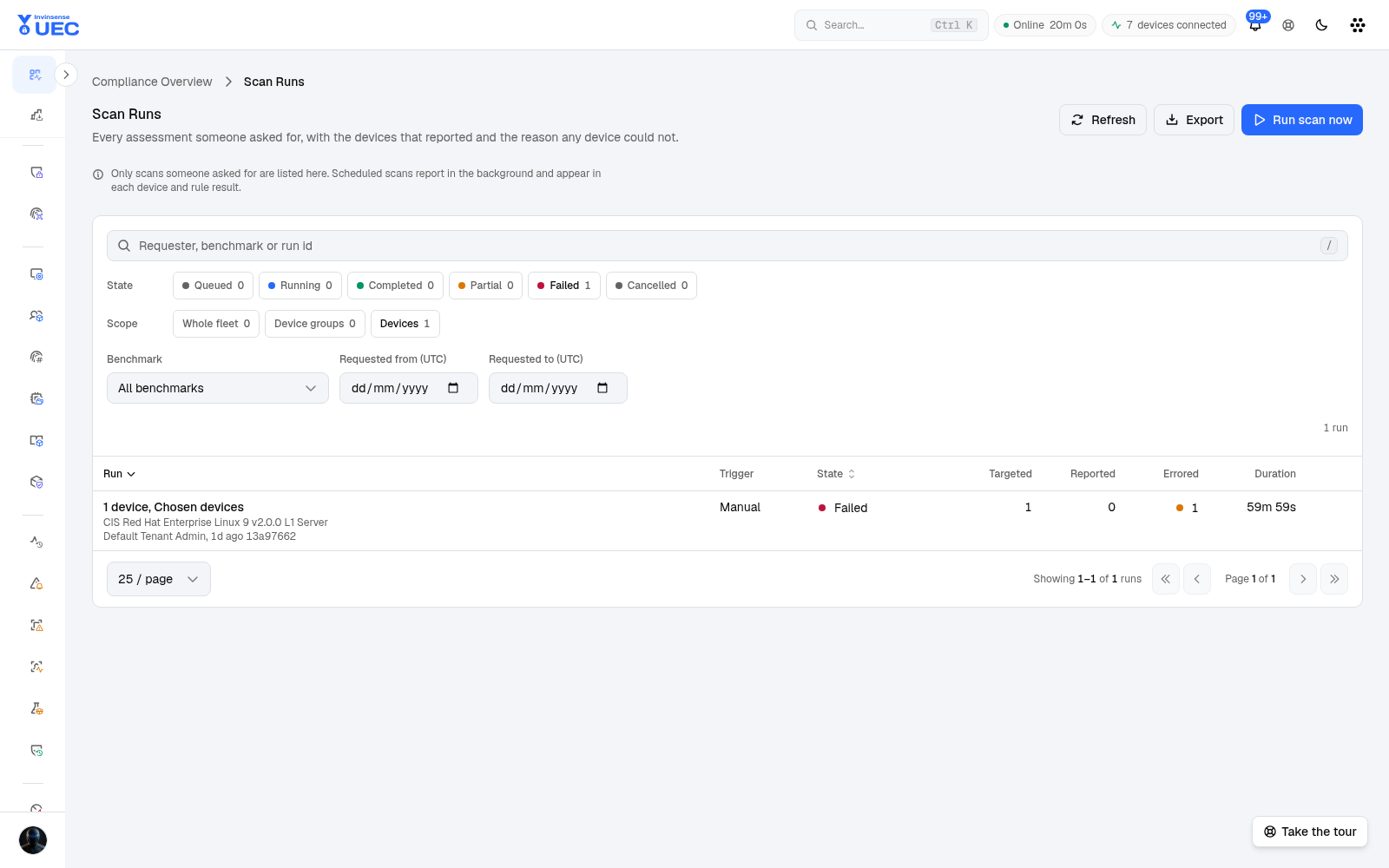
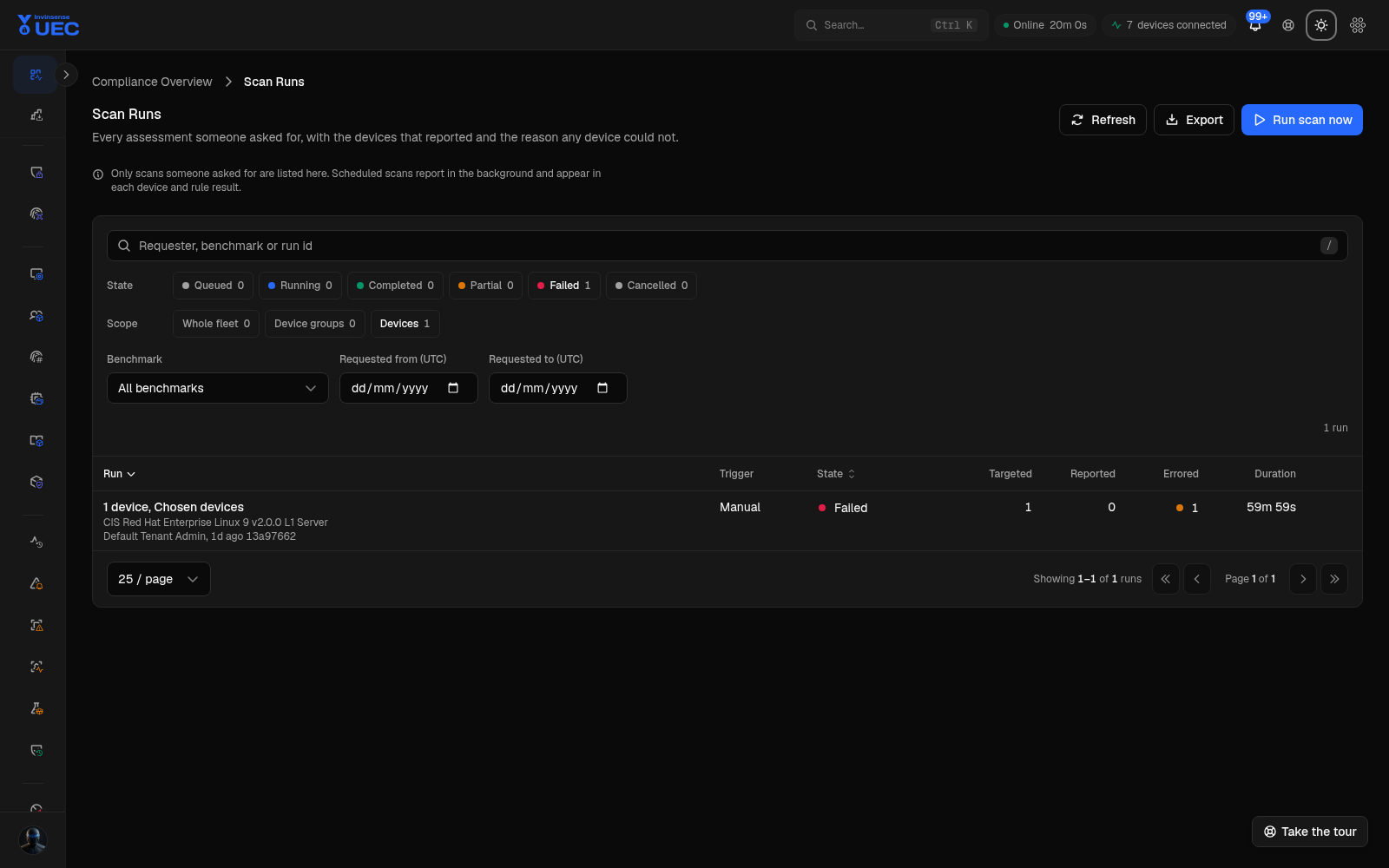
| Column | Meaning |
|---|---|
| Run | Run id and benchmark |
| Trigger | Manual, scheduled or system |
| State | Queued, running, completed, partial, failed, cancelled |
| Targeted / Reported / Errored | Coverage accounting |
| Duration | Execution time |
Open a run to see every device reached and why any errored. A device that never reported is a coverage gap, not a compliance pass or fail.
Exceptions
Section titled “Exceptions”Exceptions record why a rule deliberately remains failed.
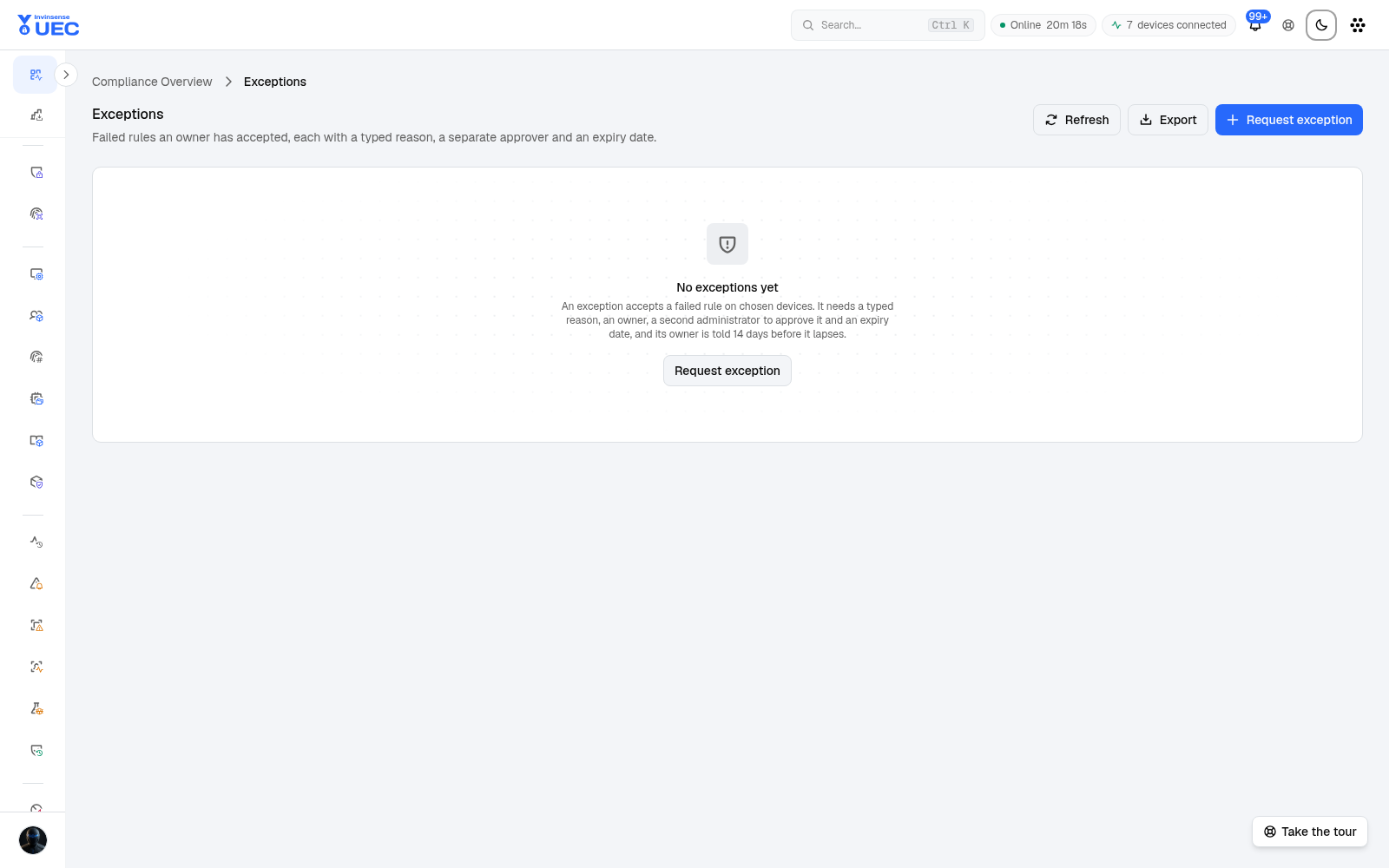
A governed exception has:
- affected rule/device scope;
- business reason;
- compensating control;
- requester;
- separate approver;
- expiry date.
Expired exceptions lapse on their own. Do not use exceptions as a permanent dump for rules nobody wants to fix.
Content Sources
Section titled “Content Sources”Content Sources imports and indexes benchmark content.
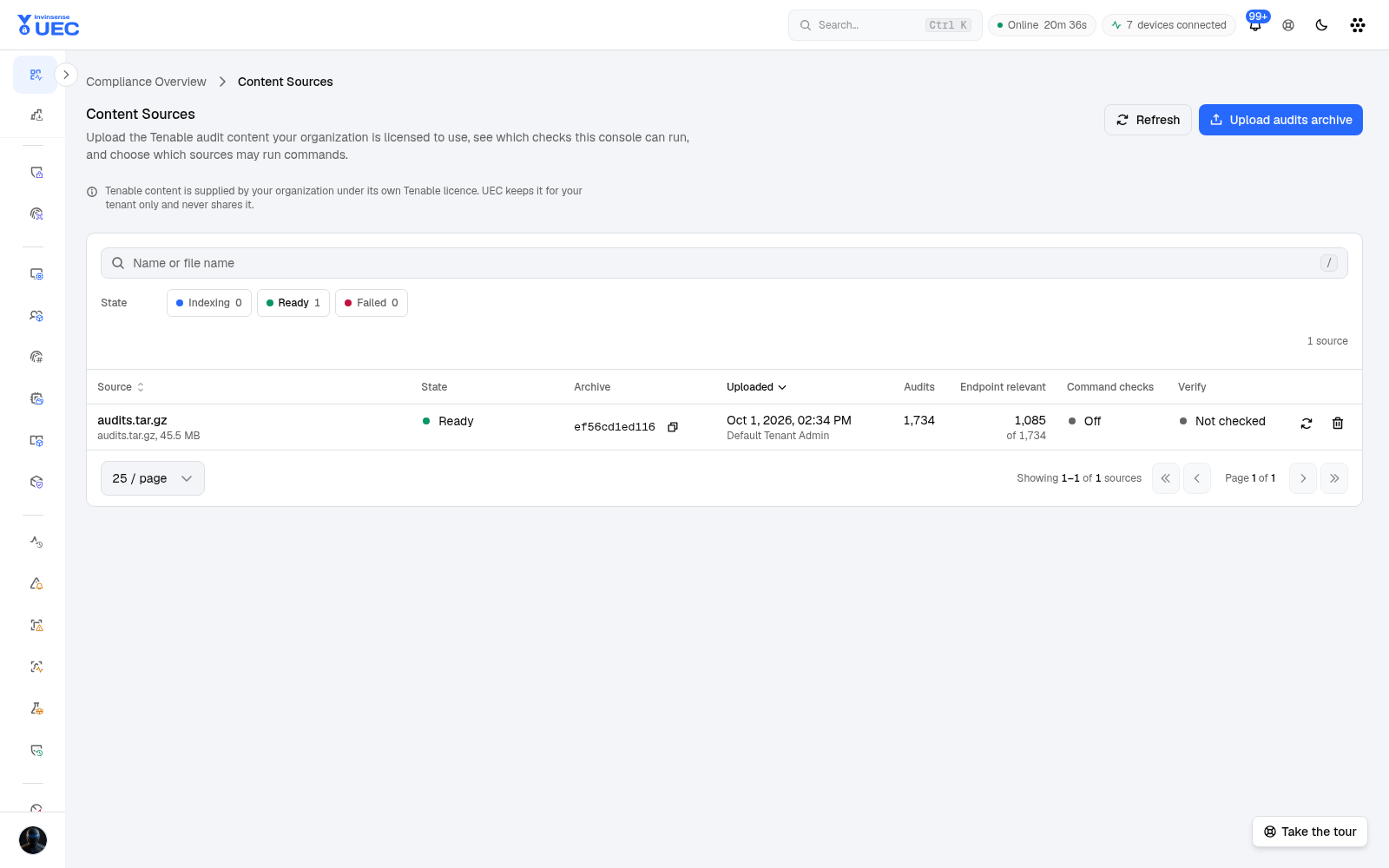
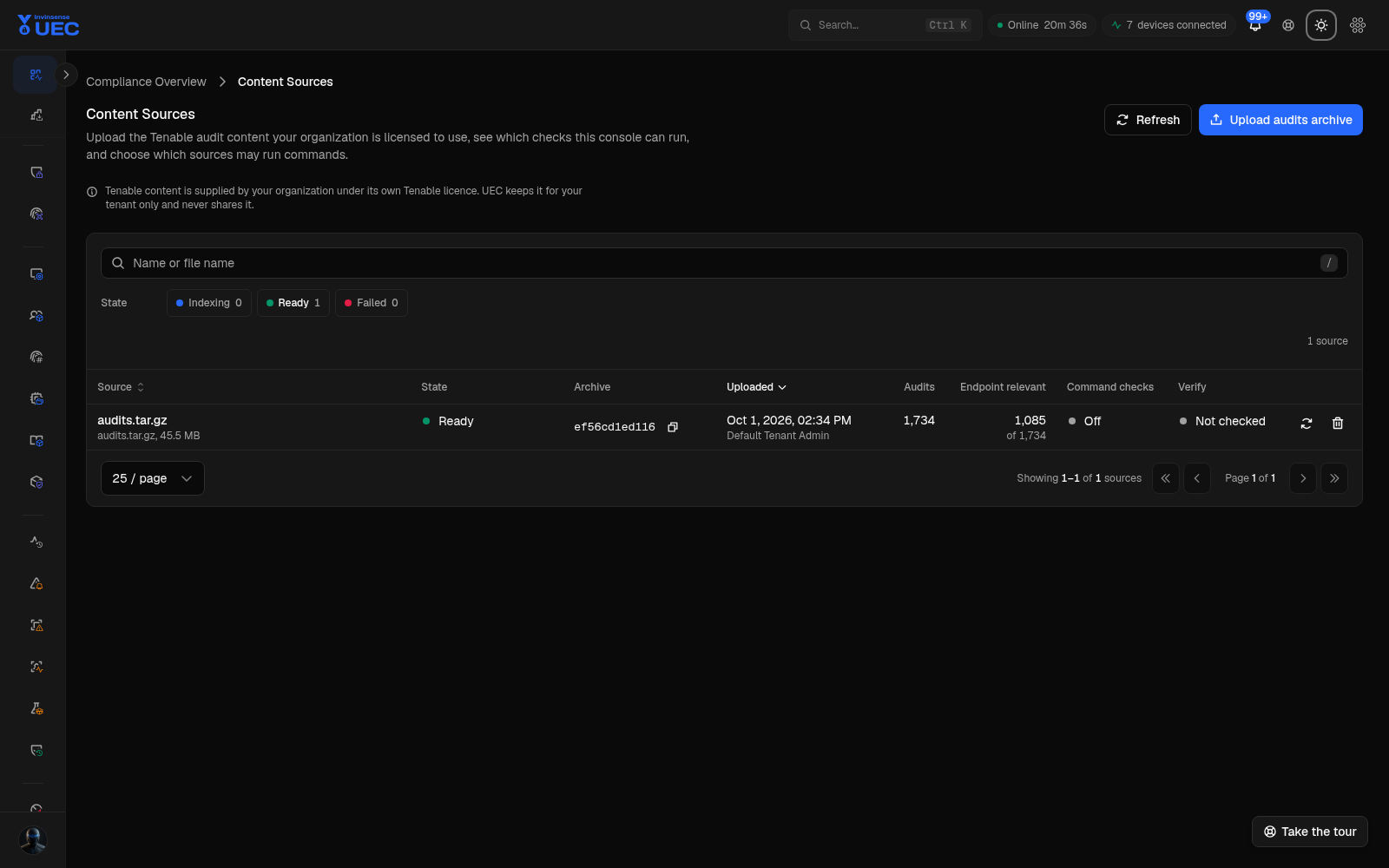
States include Indexing, Ready and Failed. Upload an audits.tar.gz archive or another
supported audit bundle; UEC lists licence/provenance information and which checks imported. Failed
or partial imports are visible rather than treated as complete coverage.