
End-of-Life Software
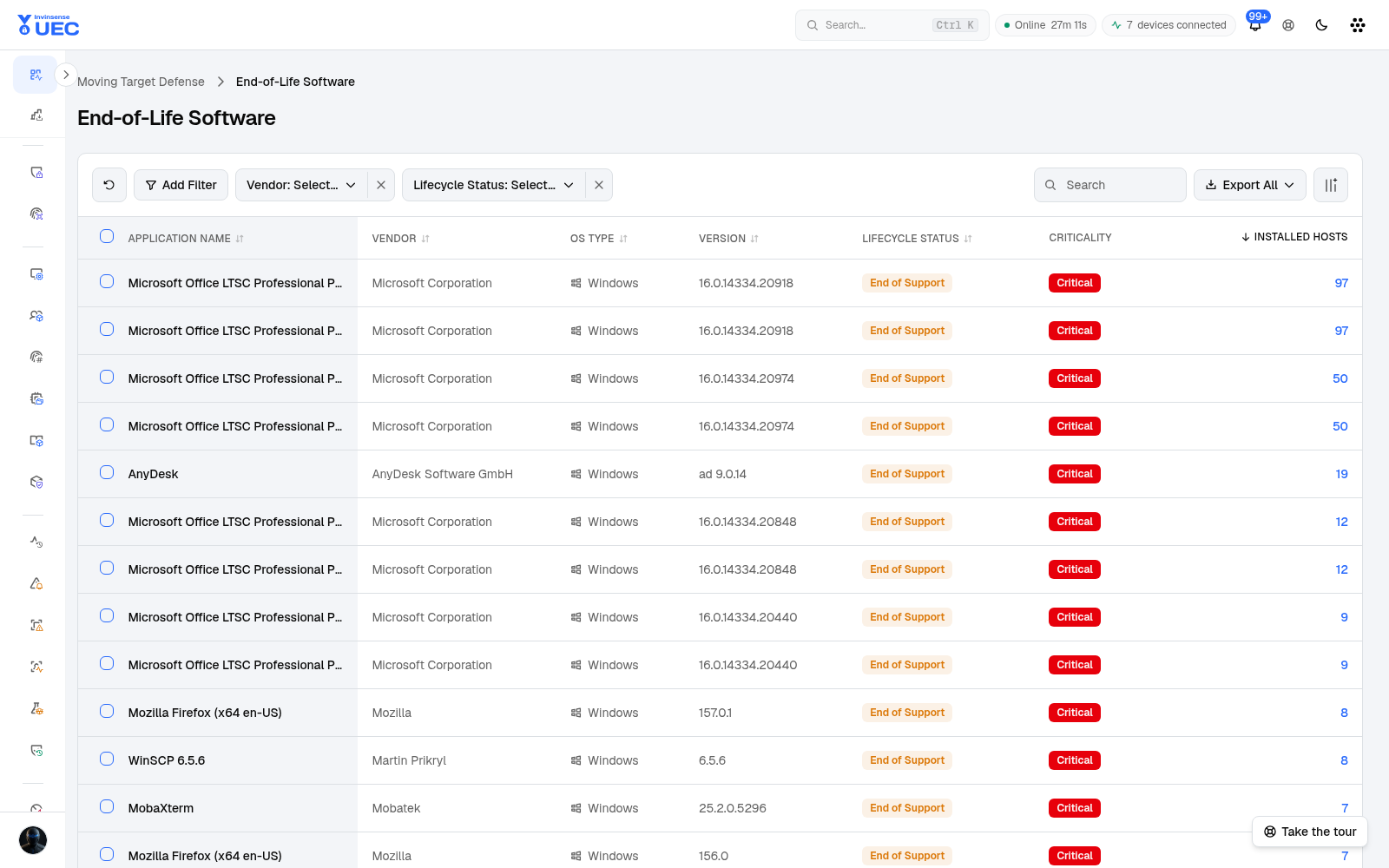
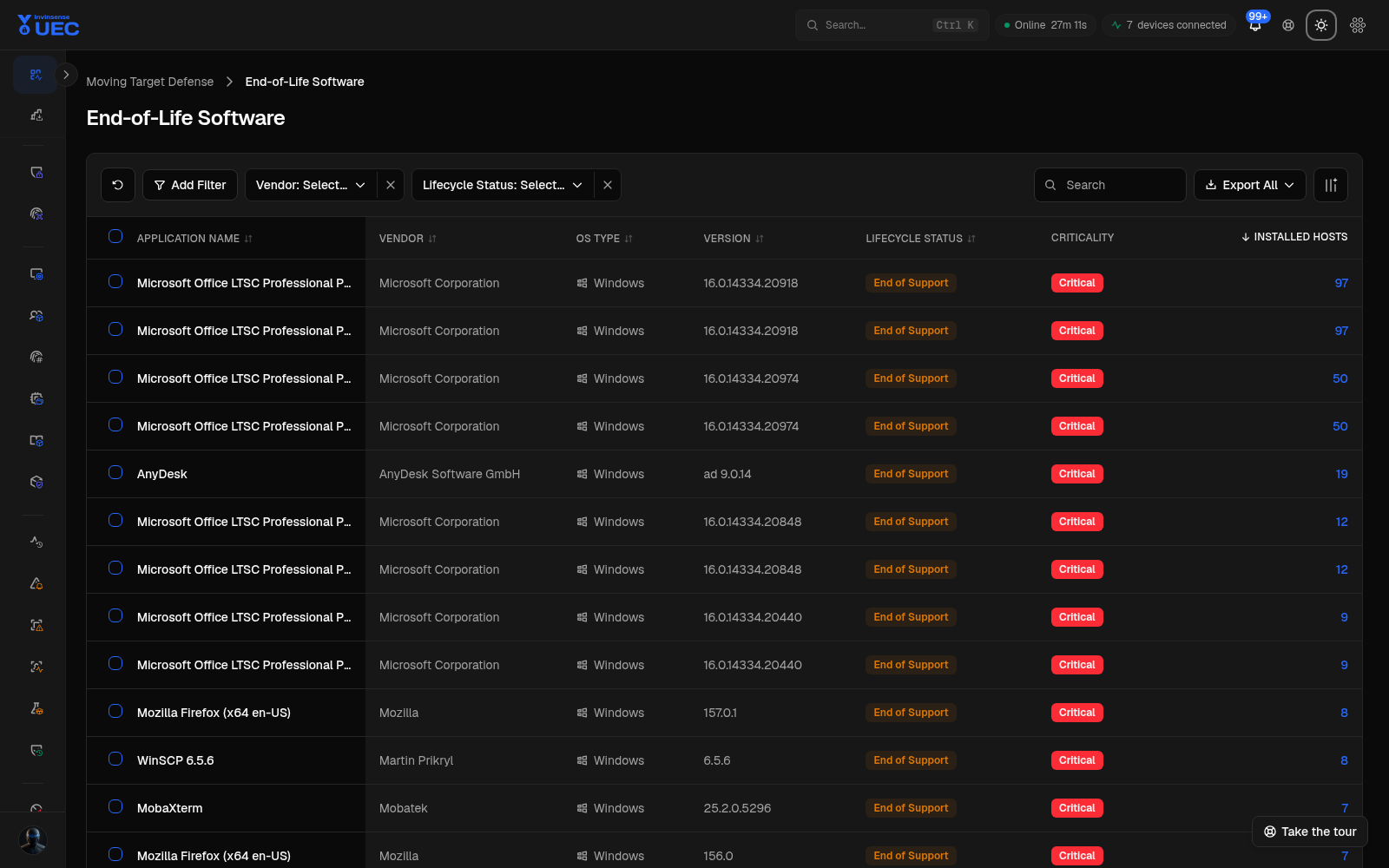
End-of-Life Software reports products whose vendor support has ended or is ending.
End-of-Life Software reports products whose vendor support has ended or is ending.
Why it matters
Section titled “Why it matters”End-of-life software:
- stops receiving security fixes;
- increasingly blocks compliance pass rates;
- may not support modern policy controls;
- becomes a long-term exception burden;
- can remain installed long after the upgrade project closes.
Workflow
Section titled “Workflow”- Filter by lifecycle status and support date.
- Sort by host count.
- Separate business-critical, optional and residual software.
- Assign an owner and target version/date.
- Upgrade or remove through supported tooling.
- For exceptions, create a dated compliance exception with compensating control.
- Recheck after the next AMTD refresh.