
Vulnerabilities
AMTD Vulnerabilities exposes vulnerable applications and CVEs found in the protected estate.
AMTD Vulnerabilities exposes vulnerable applications and CVEs found in the protected estate.
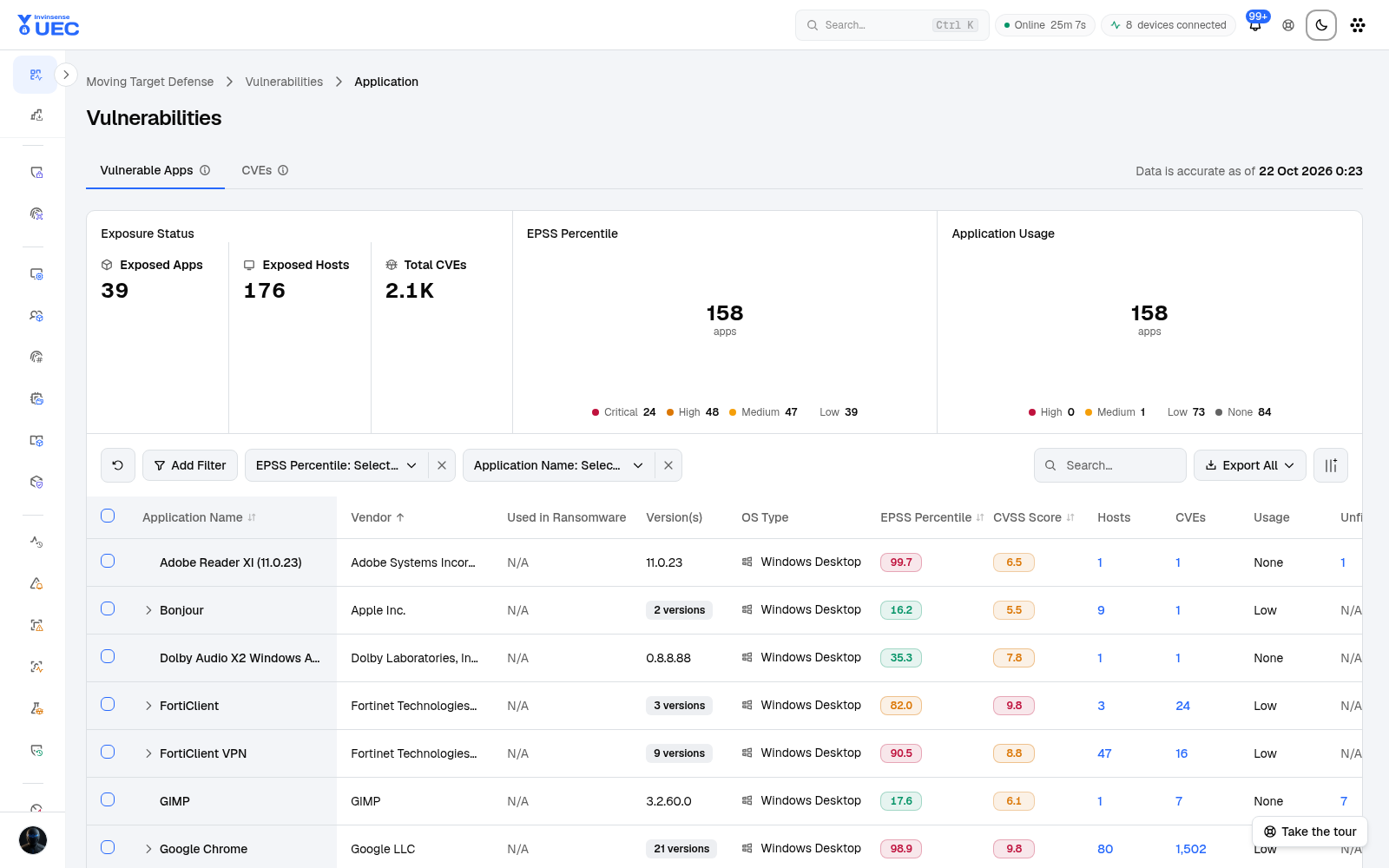
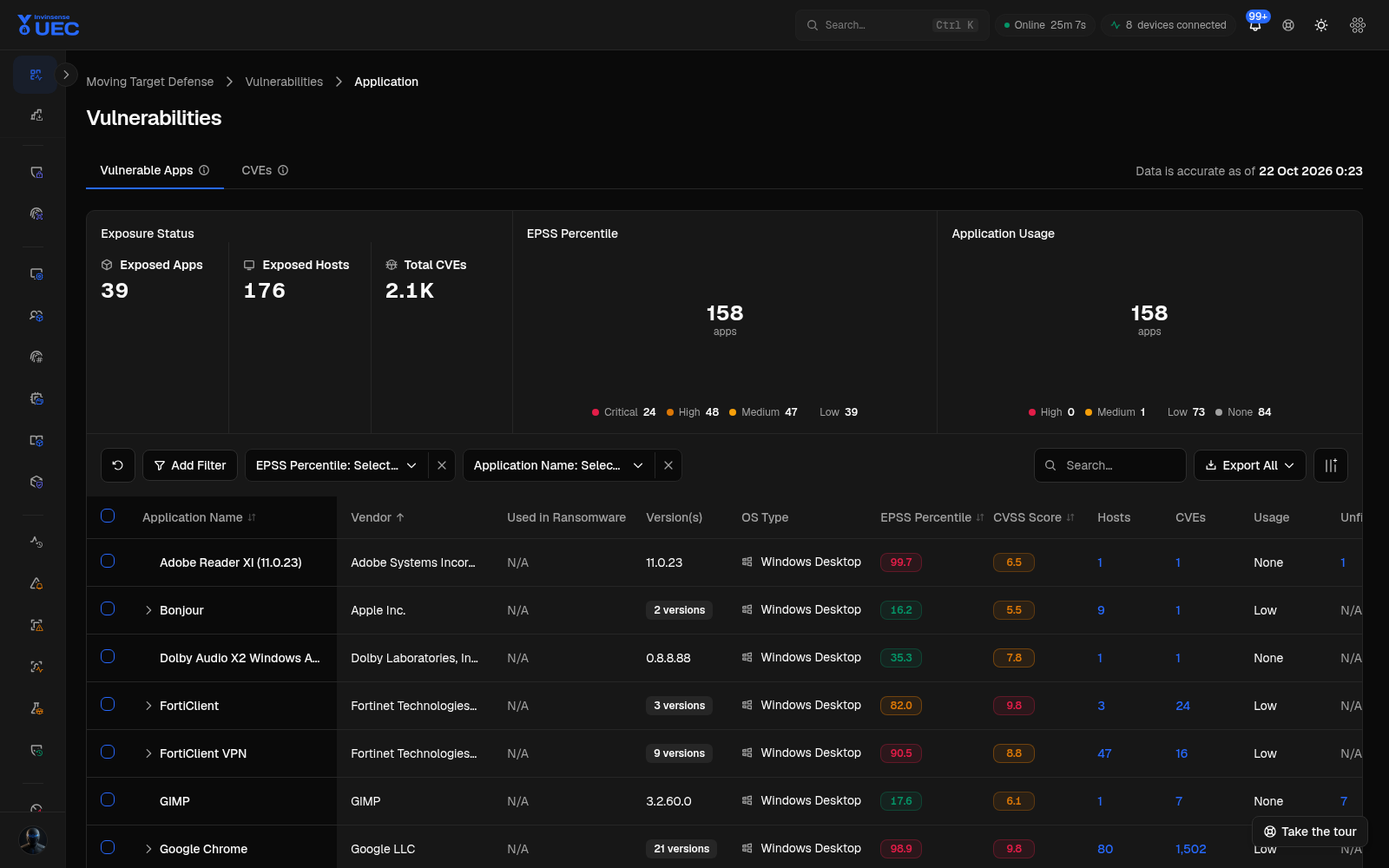
| Tab | Focus |
|---|---|
| Vulnerable Apps | Application/vendor-level exposure and host counts |
| CVEs | Individual CVE, severity, EPSS and affected application |
Filters
Section titled “Filters”The app view separates vulnerability severity (Critical/High/Medium/Low) from EPSS probability bands (High/Medium/Low/None), and supports:
- EPSS percentile;
- application name;
- application/vendor search;
- export;
- column selection.
This distinction matters: a medium-severity CVE with very high exploitation probability can deserve faster action than a high-severity CVE with no known exploitation activity.
Triage
Section titled “Triage”- Filter Critical and High severity.
- Add High EPSS.
- Sort by affected host count.
- Open an application or CVE drawer.
- Identify business owner and exposure.
- Patch, upgrade, isolate or accept risk.
- Re-check after the next AMTD refresh.
Do not treat every CVE on every host as an equal emergency.