
Threat Detection
Threat Detection delivers Sigma and YARA content to endpoint sensors, evaluates it where the telemetry exists and returns findings as alerts.
Threat Detection delivers Sigma and YARA content to endpoint sensors, evaluates it where the telemetry exists and returns findings as alerts. The console separates overview, detections, rule packs, rules, coverage, IOCs, quarantine and tenant source settings.
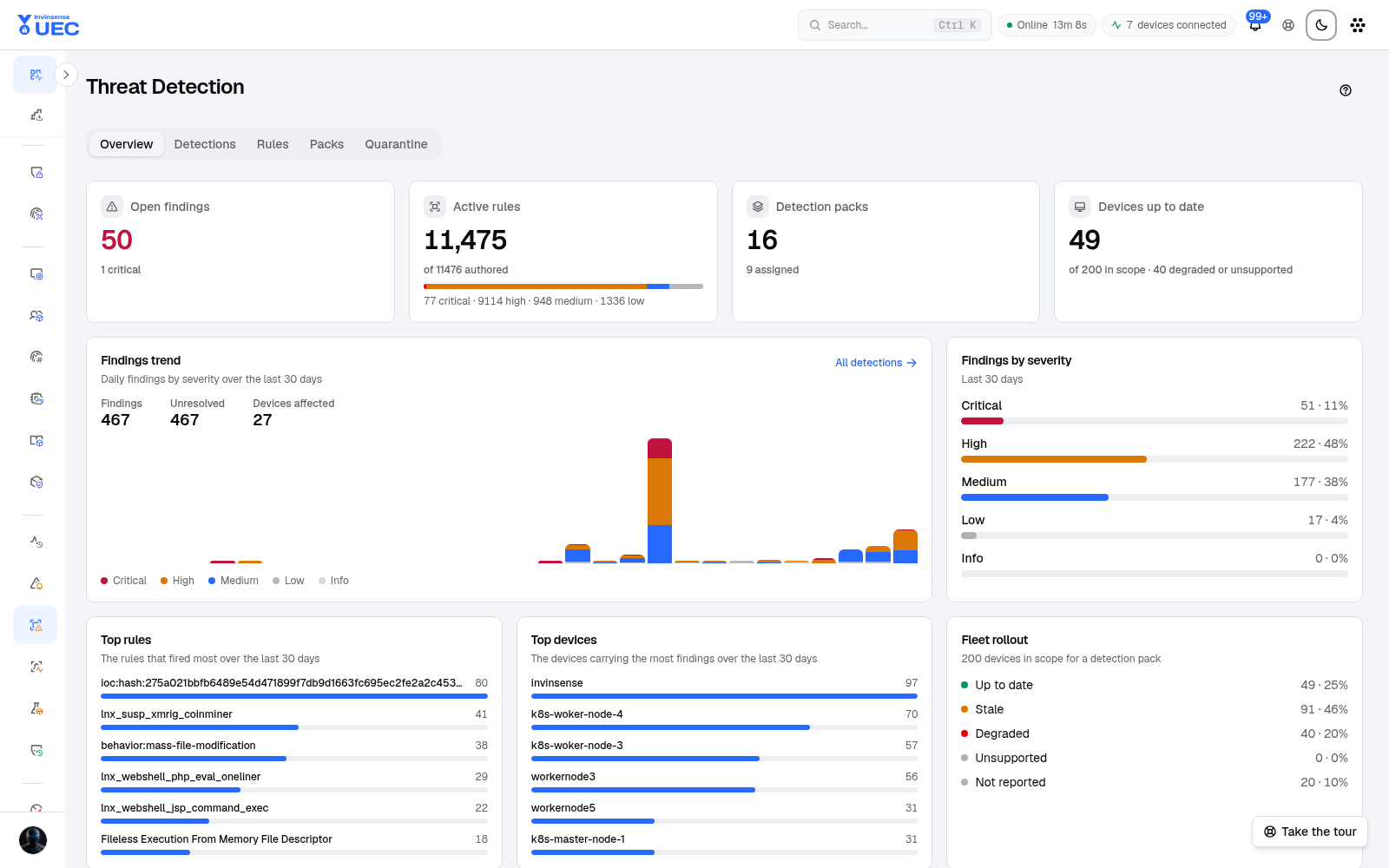
| Concept | Meaning |
|---|---|
| Detection pack | A versioned set of Sigma/YARA content assigned to rings |
| Rule | A specific Sigma or YARA detection inside content |
| Finding | Endpoint evaluation result sent to UEC |
| Coverage | Which OS, event fields and device count can actually evaluate a rule |
| IOC set | Indicators available to detection and investigation |
| Quarantine | Files refused or isolated by endpoint detection |
Detection is intentionally endpoint-side for sensor rules. This lets evaluation use process, file, memory and image context close to the source rather than shipping every low-level signal.
Assign packs to rings
Section titled “Assign packs to rings”- Open Packs.
- Select a pack and version.
- Assign it to a device ring.
- Audit on a small group first.
- Review findings and refused rules.
- Expand assignment only after false-positive review.
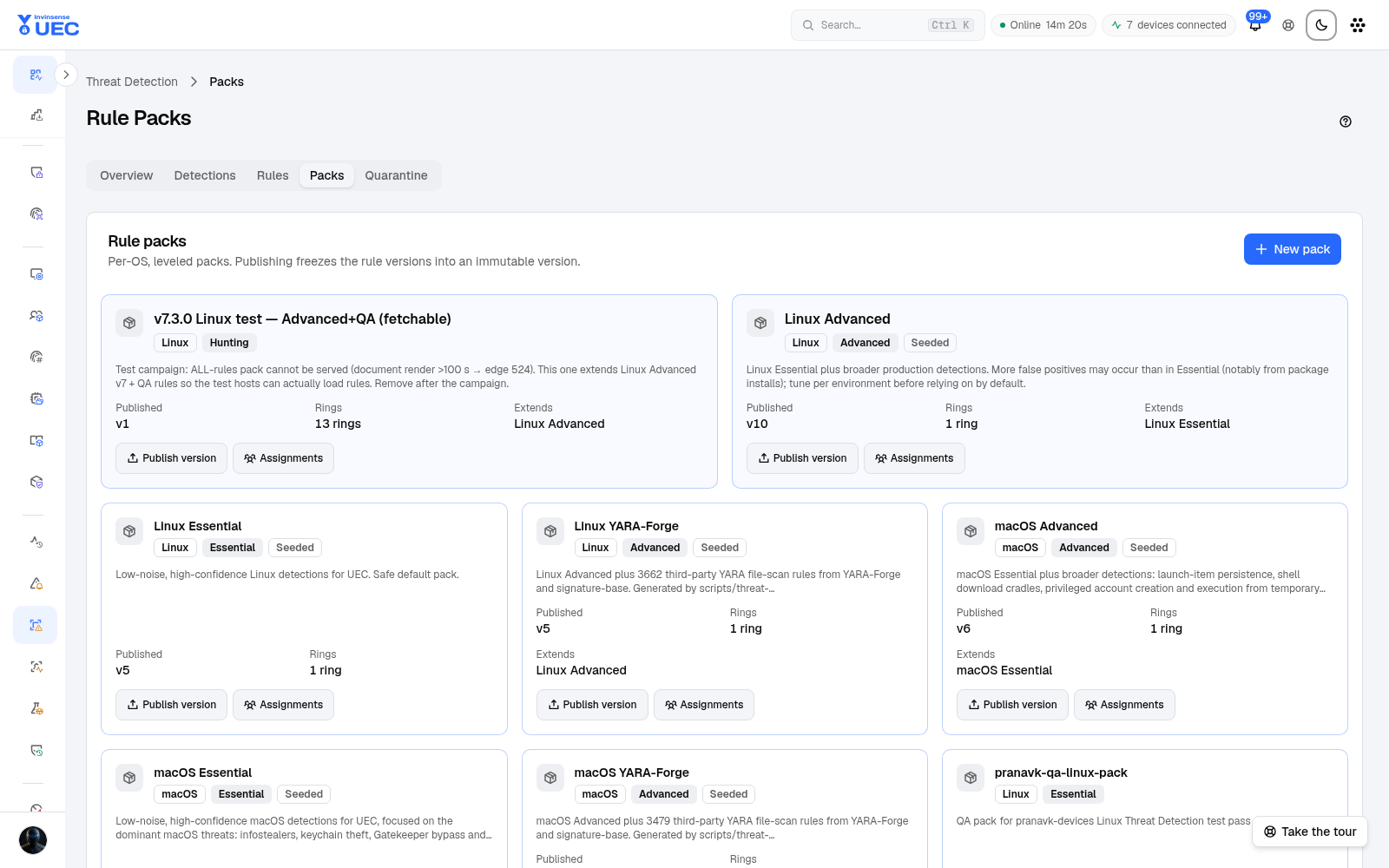
Each device reports packs it accepted and rules it refused, so an assignment that could not run is visible instead of silently providing zero coverage.
Detections
Section titled “Detections”The detections list shows findings, severity, ATT&CK context where available, device, file/process context and time. As of v7.3.1, findings can be filtered by MITRE ATT&CK tactic and technique.
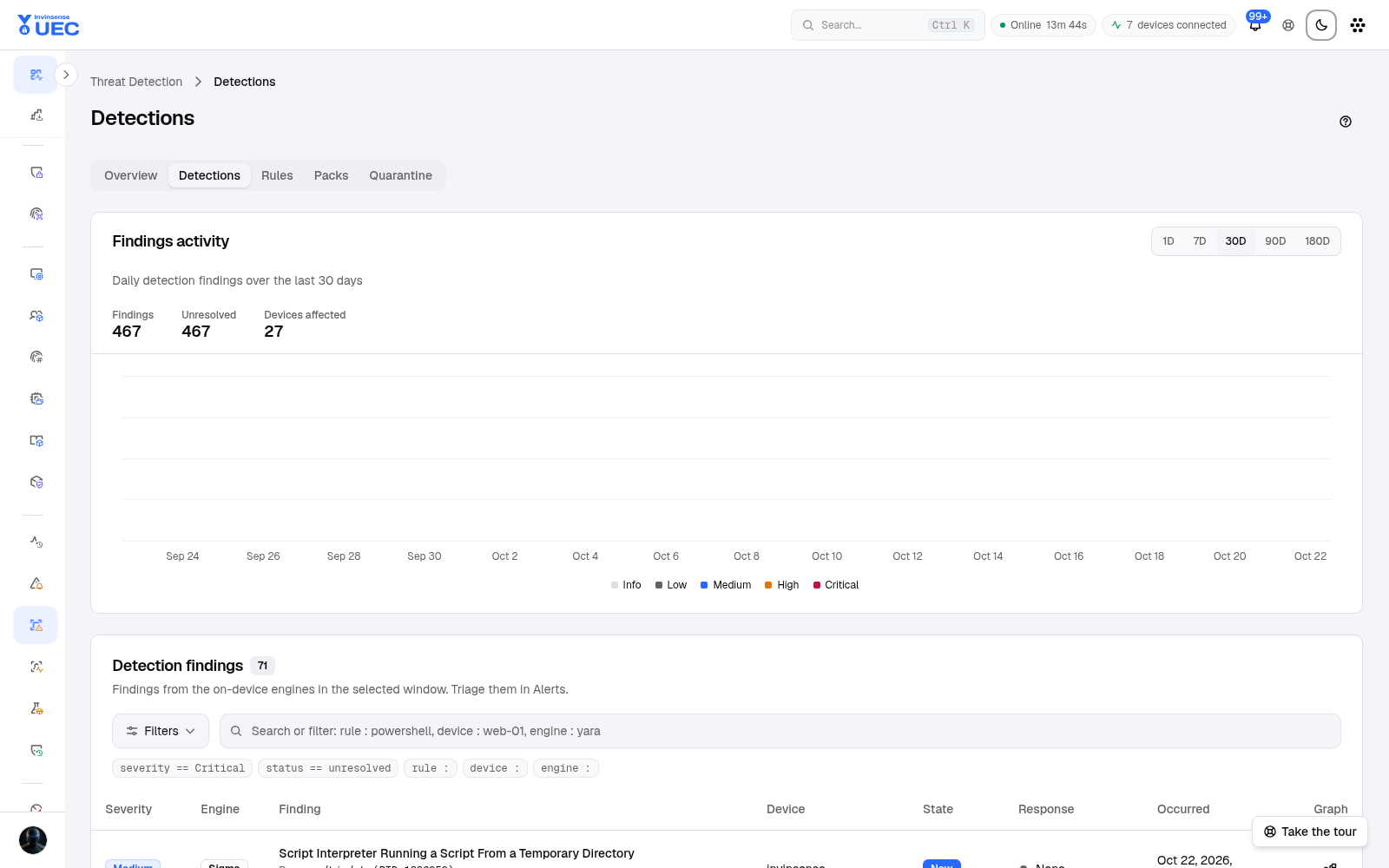
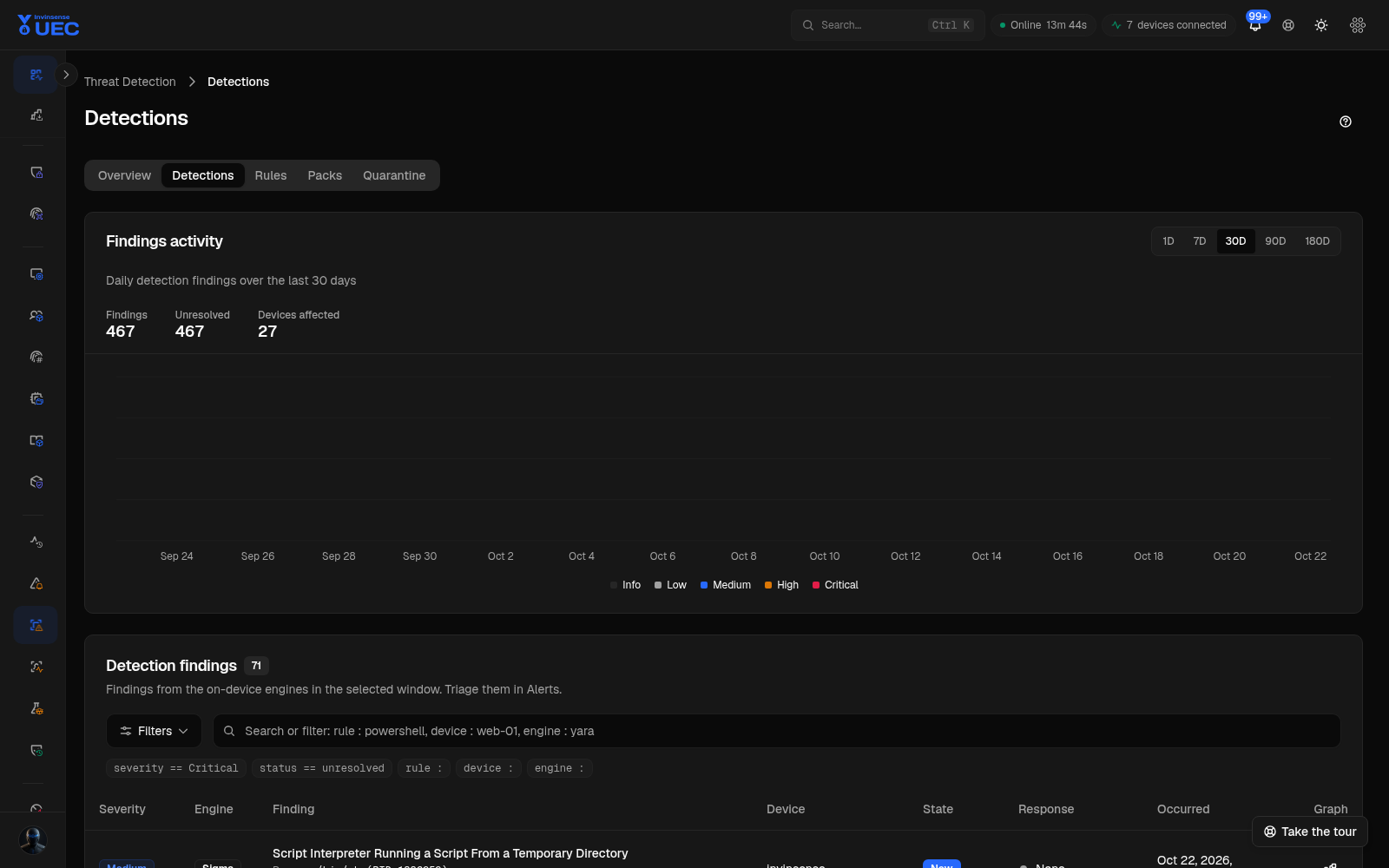
Open a finding to pivot to the alert, event, device and indicators. Repeated findings can be combined into one alert while retaining occurrence count and recent history.
The rules view exposes pack content and status. Rule validation uses one validator across call sites so the editor, importer, pack publisher and endpoint contract do not disagree.
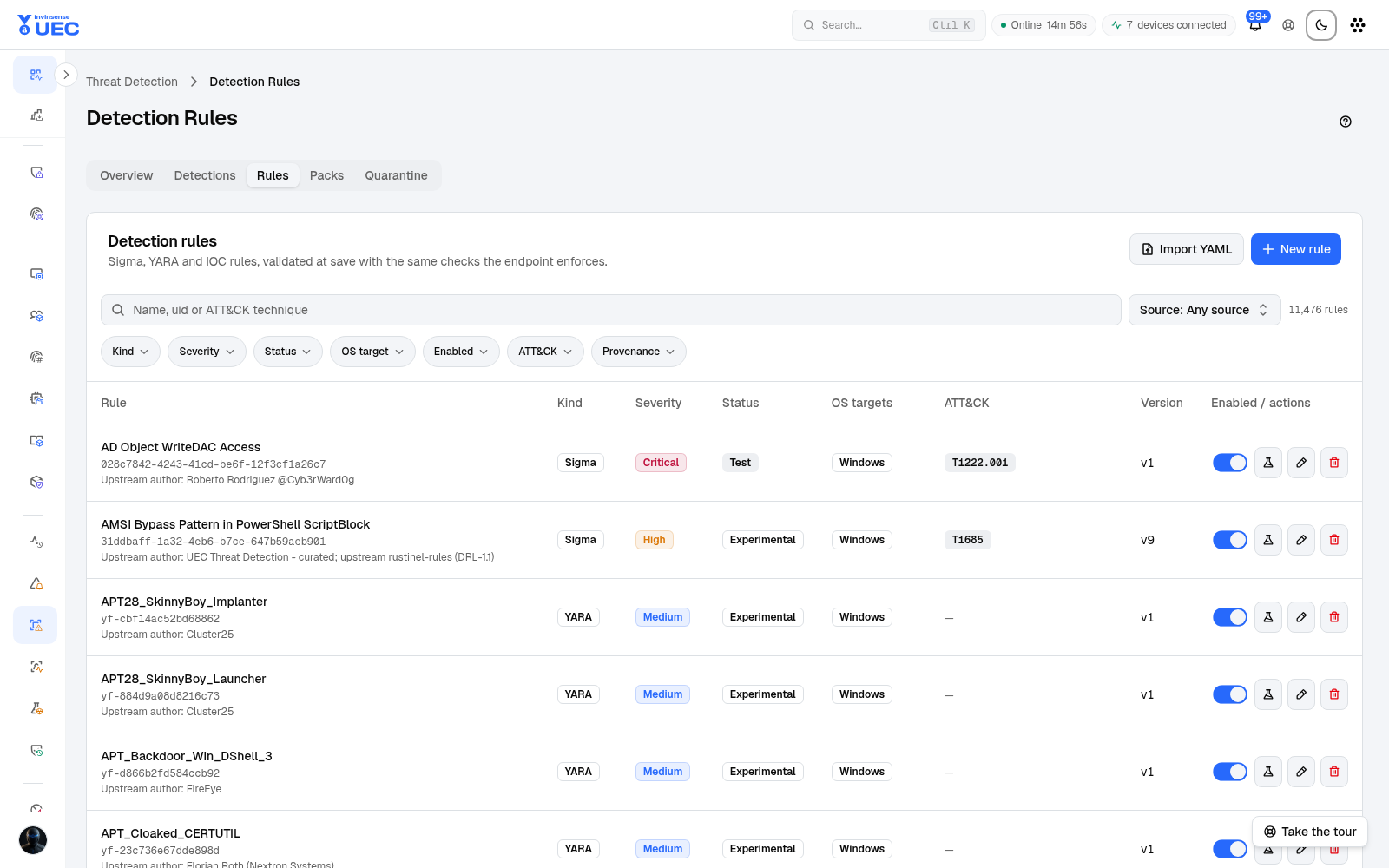
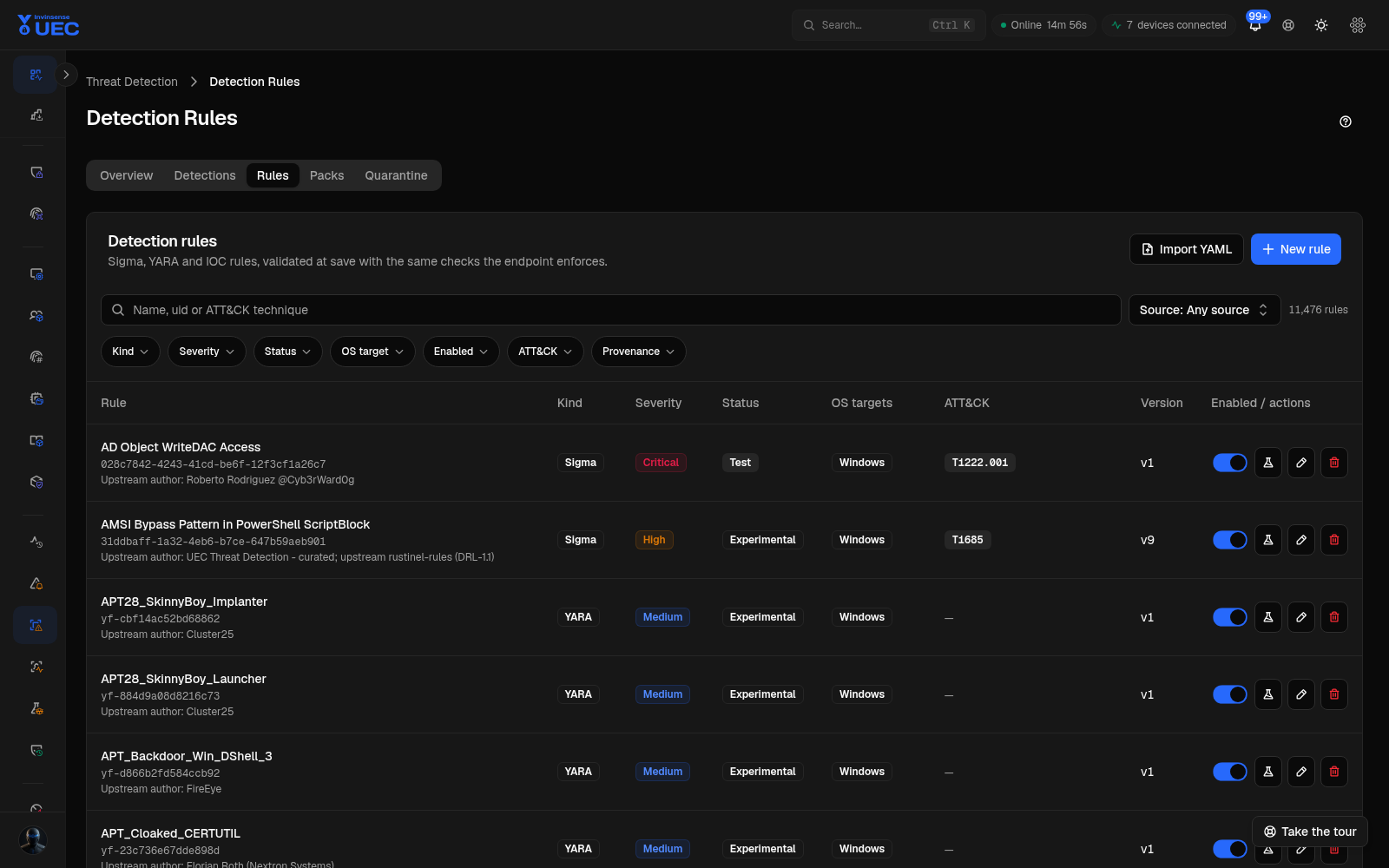
Rule test is a replay against recorded fleet events. A test result is evidence about the selected sample, not a guarantee that every endpoint has the fields or pack version needed in production.
Coverage
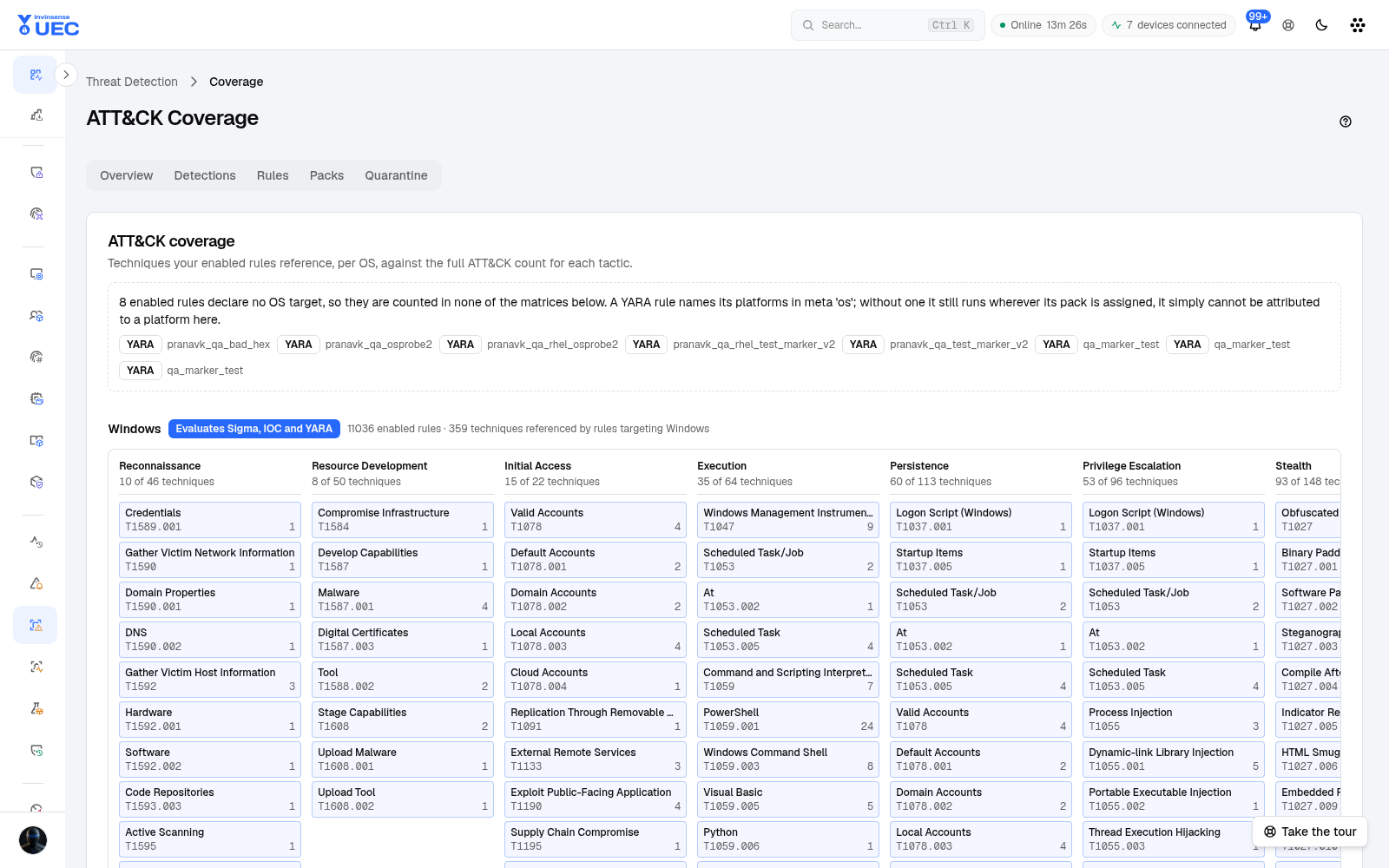
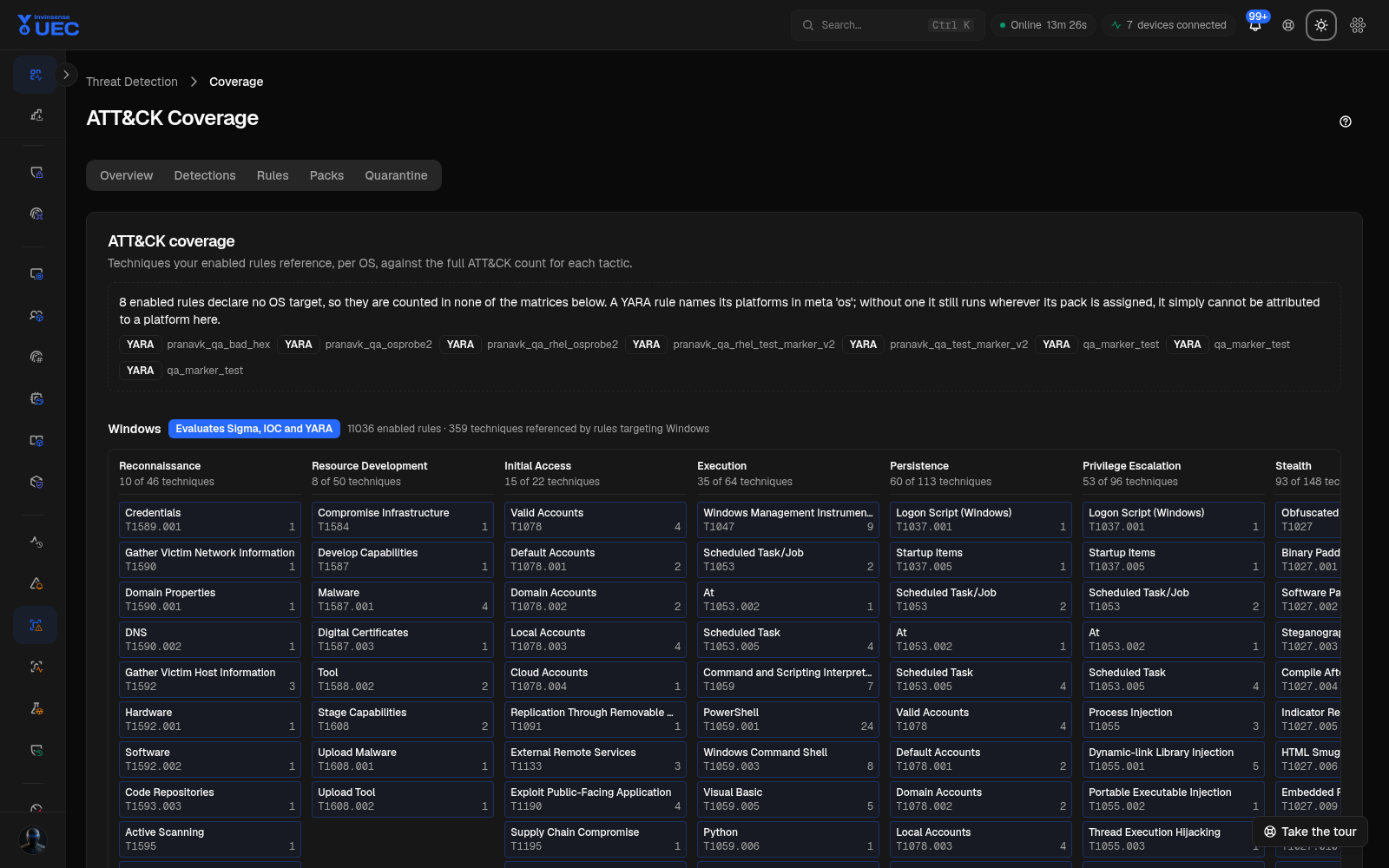
Section titled “Coverage”Coverage is shown per OS and detector. A detector whose telemetry reaches no device is inactive, never green. The page reports:
- devices that shipped required prerequisites in the last 24 hours;
- rule counts by state;
- OS/field availability;
- refused or unavailable rules.
Indicators and quarantine
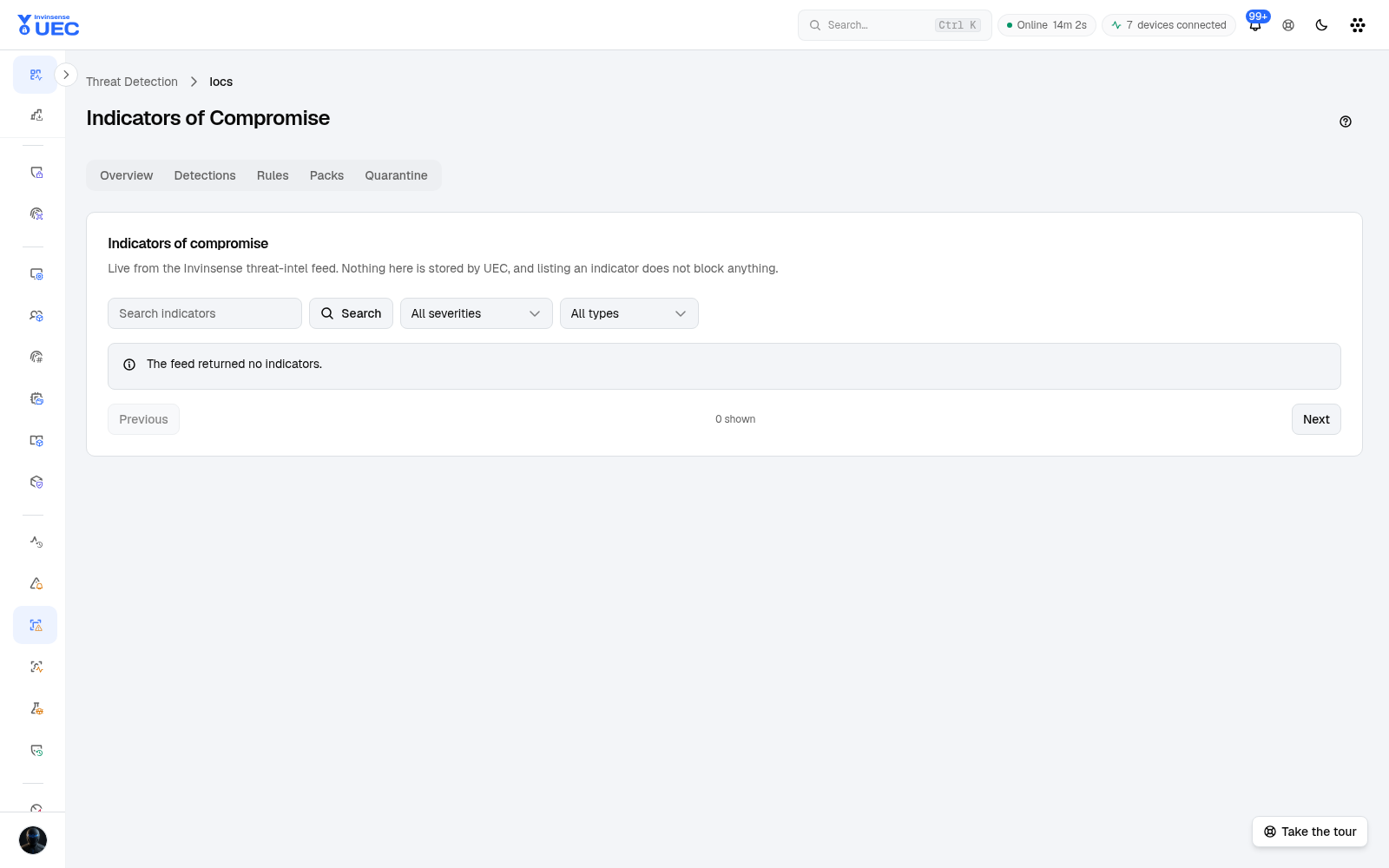
Section titled “Indicators and quarantine”IOCs lists indicators available for matching and investigation. Indicators promoted from sandbox reports enter the same reconciliation model rather than a separate unmanaged list.
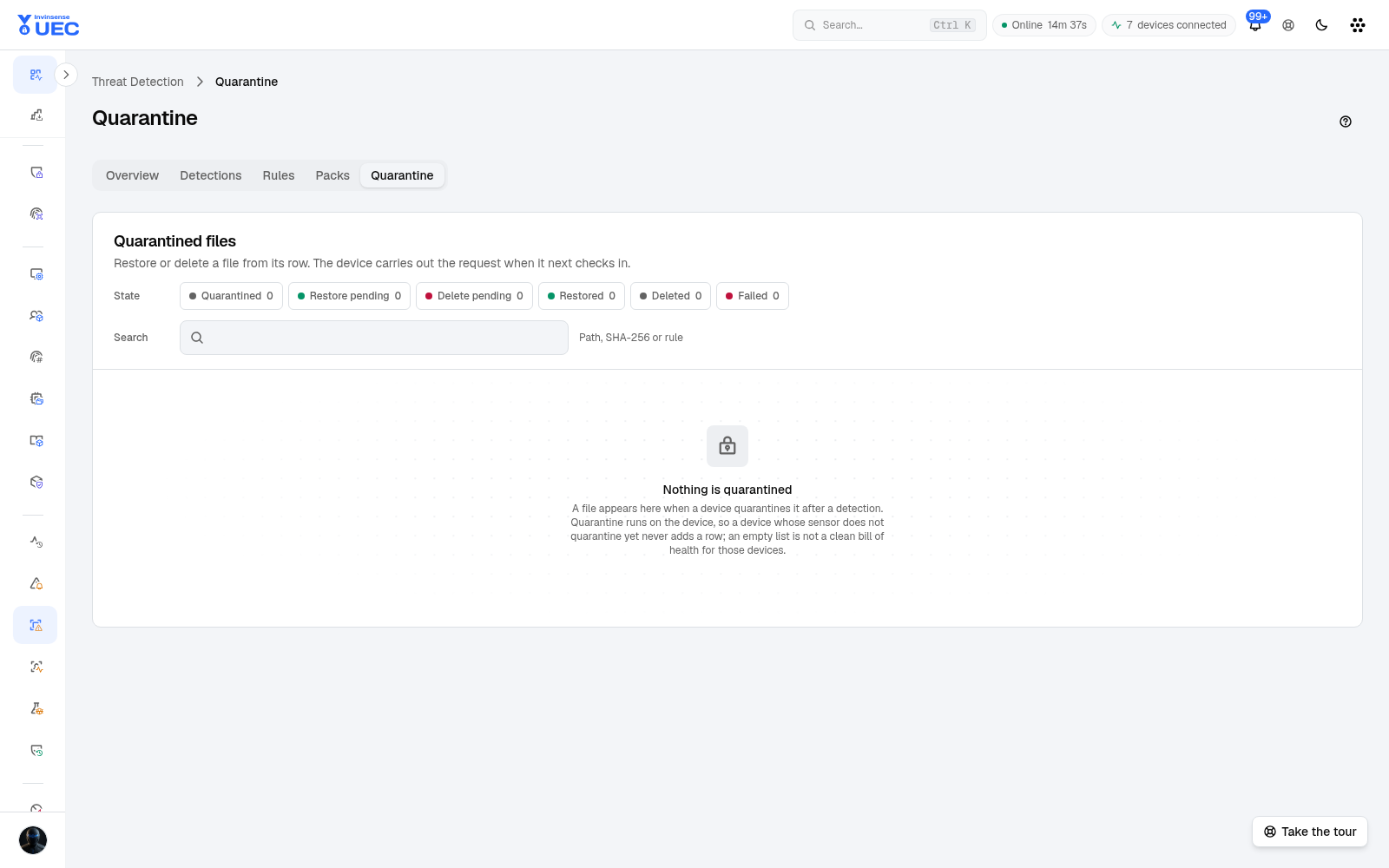
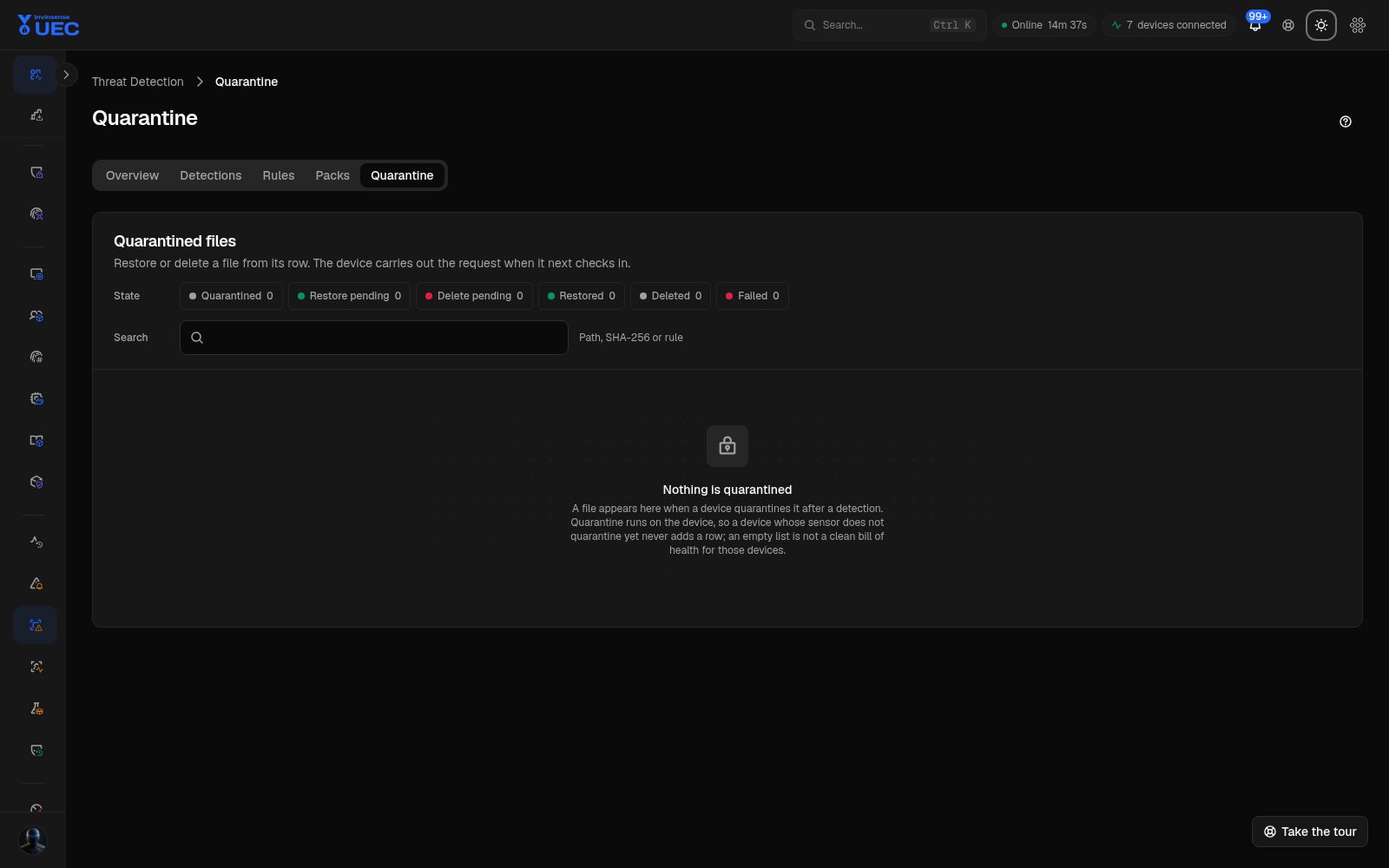
Quarantine shows files the endpoint refused or isolated. Review before restoring: a quarantine entry can be legitimate software caught by a broad rule, or live malware.
Tenant YARA sources
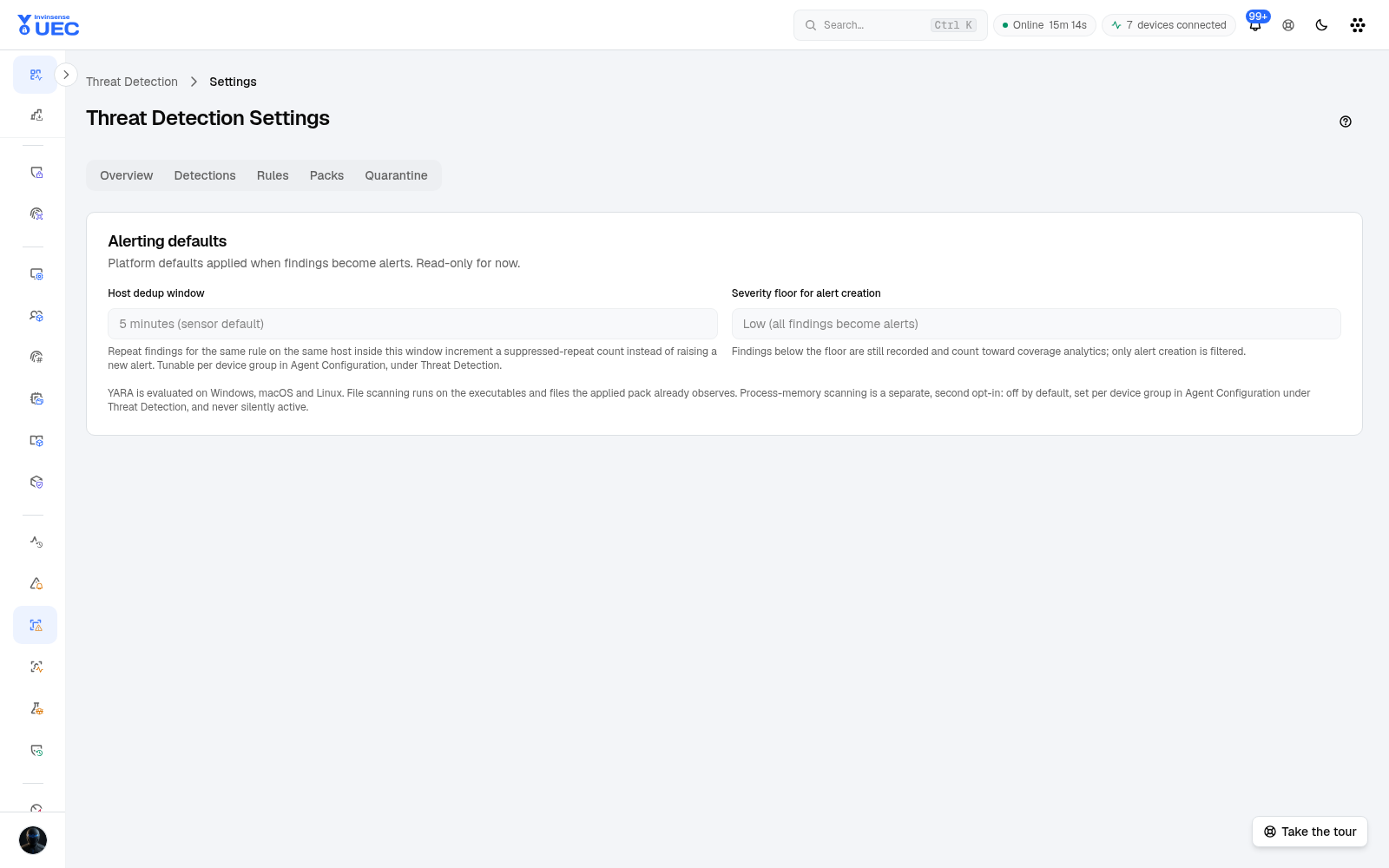
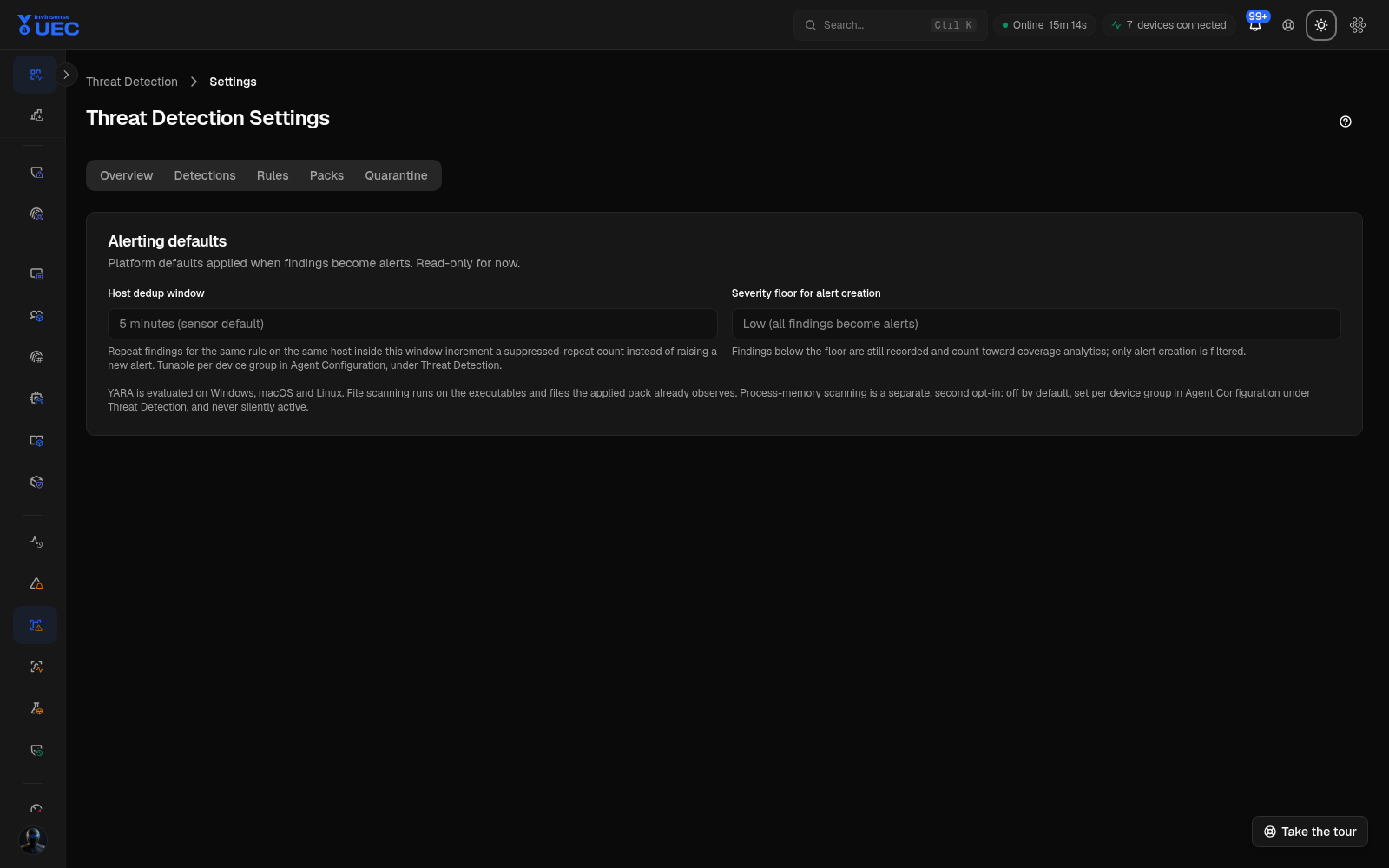
Section titled “Tenant YARA sources”Threat Detection settings let a tenant enable or disable third-party YARA sources. In v7.3.1, CAPE, craiu and ditekSHen are off by default — CAPE and craiu pending licence review and ditekSHen because of a high false-positive rate. Turning a source on changes rule volume and noise; record why.
Relationship to Alert Rules and UEBA
Section titled “Relationship to Alert Rules and UEBA”| System | Where evaluated | Input |
|---|---|---|
| Threat Detection | Endpoint | Sigma/YARA and endpoint telemetry |
| Alert Rules | Server | Ingested event fields/aggregates |
| UEBA | Server | Session, connection and read-access behavior baselines |
They complement each other. A Threat Detection finding is not currently a weighted UEBA input; keeping them separate avoids counting the same event twice.