
Just-in-Time Access
Just-in-Time Access (JIT) grants temporary, approved, expiring elevation instead of leaving users or devices permanently privileged.
Just-in-Time Access (JIT) grants temporary, approved, expiring elevation instead of leaving users or devices permanently privileged.
Request lifecycle
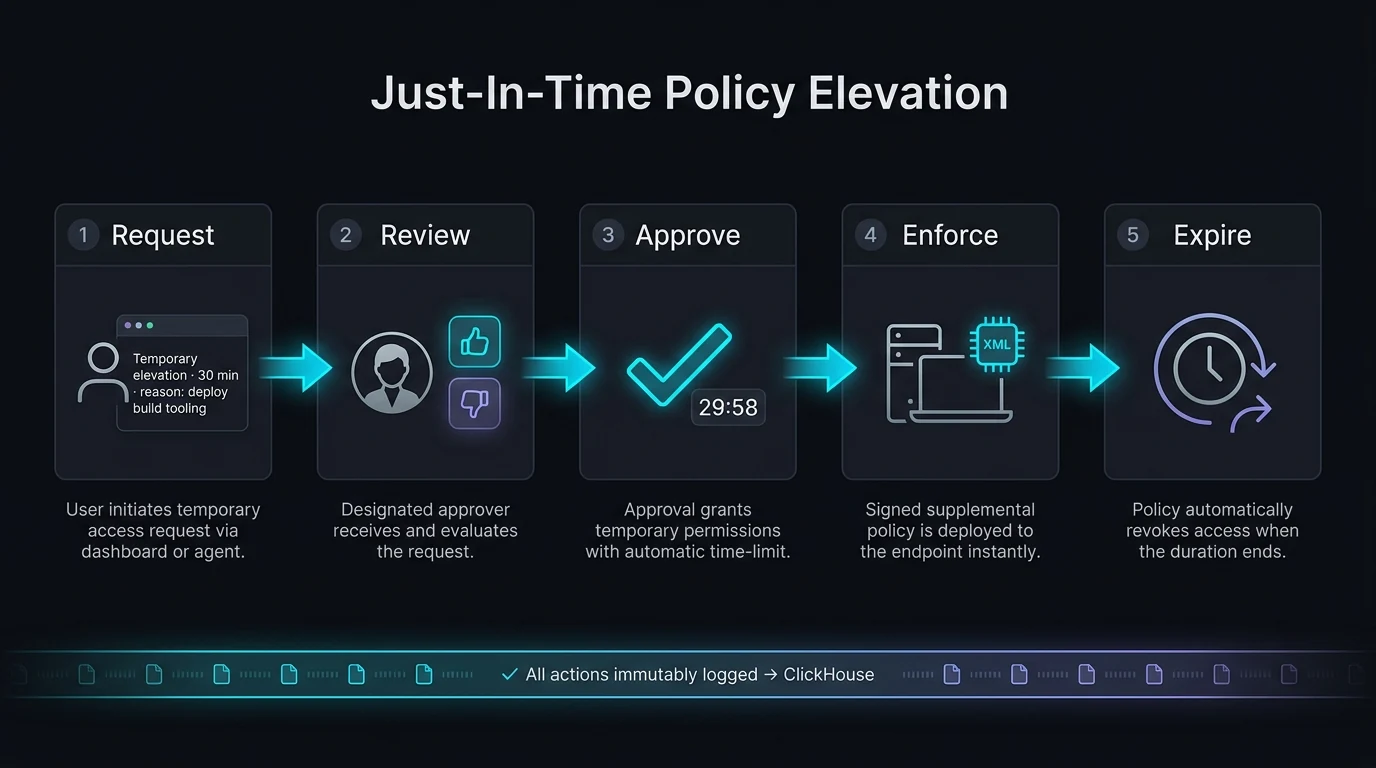
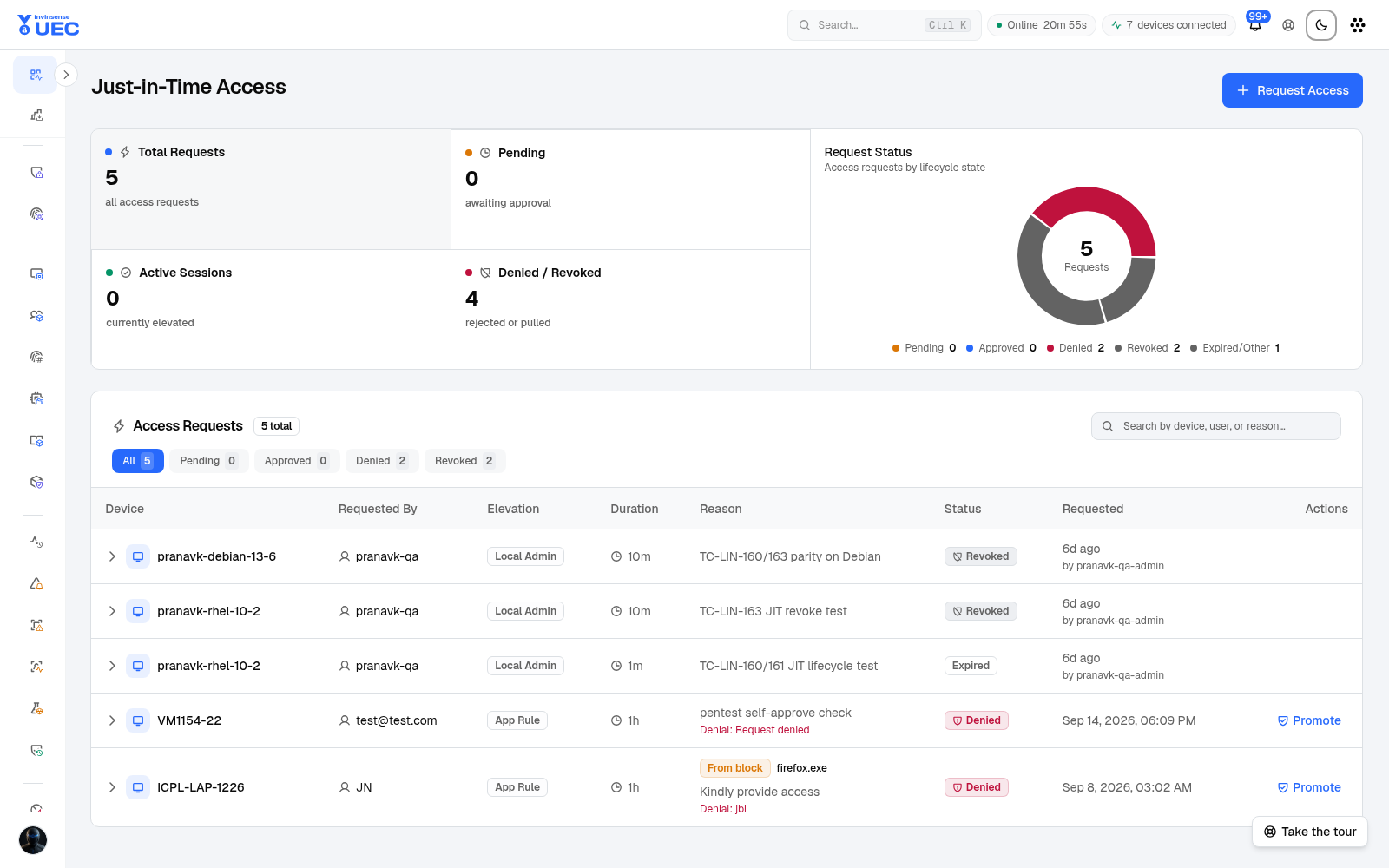
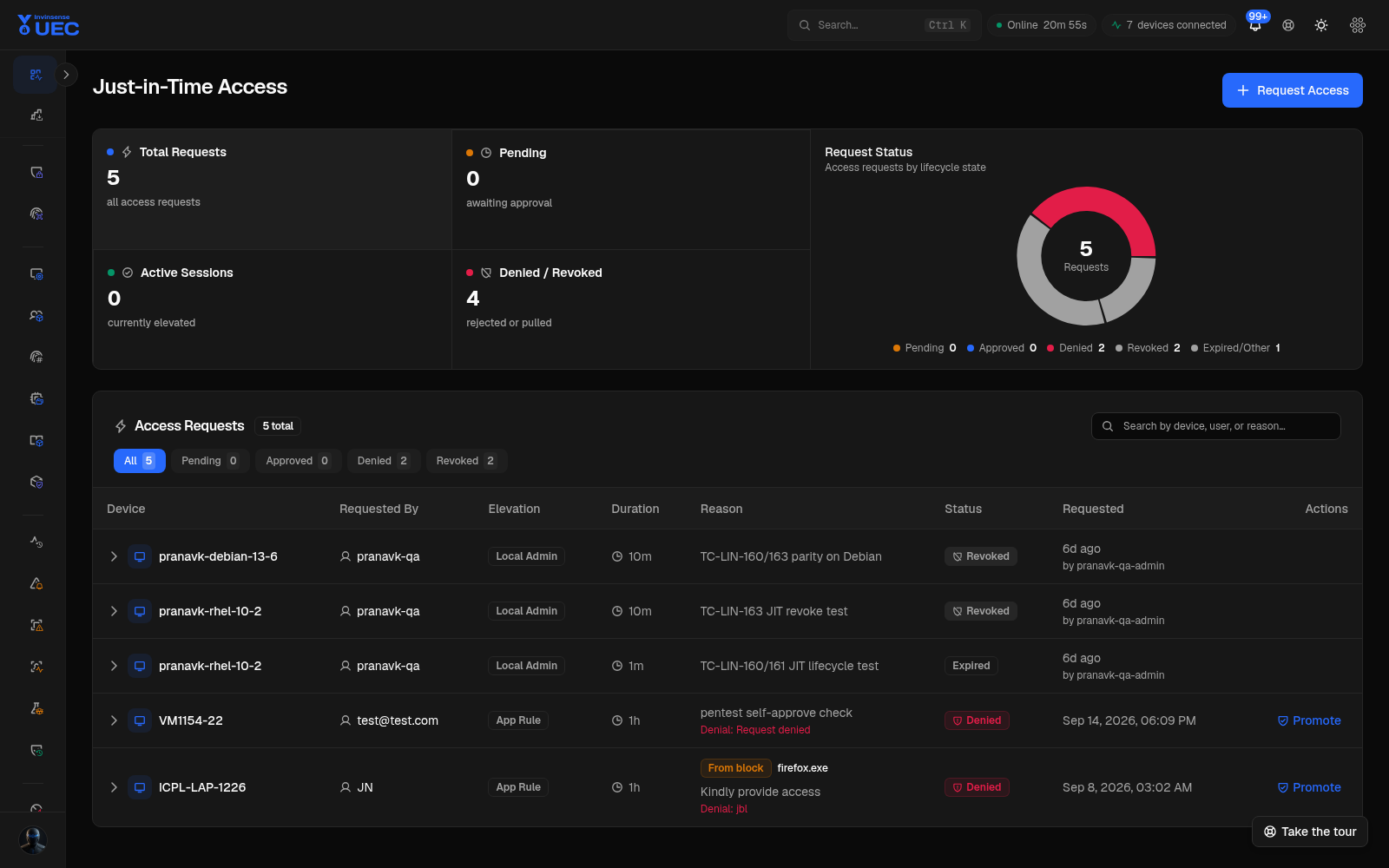
Section titled “Request lifecycle”Requested → Pending → Approved / Denied → Active → Expired / RevokedThe page’s summary separates:
| Tile | Meaning |
|---|---|
| Total Requests | All access requests |
| Pending | Waiting for approval |
| Active Sessions | Currently elevated |
| Lifecycle donut | Pending, approved, denied, revoked and other states |
Tiles filter the request list.
Request sources
Section titled “Request sources”A request can originate from:
- a blocked execution popup on the endpoint;
- an operator-created dashboard request;
- an API request.
A block-originated request links to its source event and keeps a display snapshot of file name, path, hash, publisher/signer and device context. The linked event remains the authoritative identity for high-fidelity policy authoring.
Elevation types
Section titled “Elevation types”| Type | Use |
|---|---|
| ApplicationRule | Allow a specific blocked application or binary |
| FullBypass / elevated mode | Temporary broader execution elevation where policy permits |
Approval can choose the enforcement basis:
Auto → Signer → Hash → PathPrefer signer trust when available, hash for a fixed one-off, and path only when the directory is part of the control.
Approve a request
Section titled “Approve a request”- Open Just-in-Time Access.
- Filter Pending.
- Read requester identity, device, file, hash/signer, business reason and duration.
- Open the approval dialog.
- Choose the rule basis and duration.
- Approve or deny with a reason.
- Watch the request become active and expire automatically.
Approval produces a temporary policy or elevation state; it is not a permanent supplemental policy. If the application should remain allowed, author a reviewed policy separately after validation.
Expiry and safety
Section titled “Expiry and safety”- Elevations are time-bounded.
- Agents apply and expire the state themselves.
- Revocation is supported for active access.
- Requests and approvals are audit records.
- Repeated requests for the same blocked business application are a signal to author policy, not to keep granting exceptions.
Relationship to Discovery Scans
Section titled “Relationship to Discovery Scans”A JIT request can link to a discovery scan. That scan can turn the blocked file’s signer/hash/path into a candidate reviewed policy. The JIT request records the resulting policy, preserving the business justification chain.