
Guided Tour
The guided tour is built into the console header.
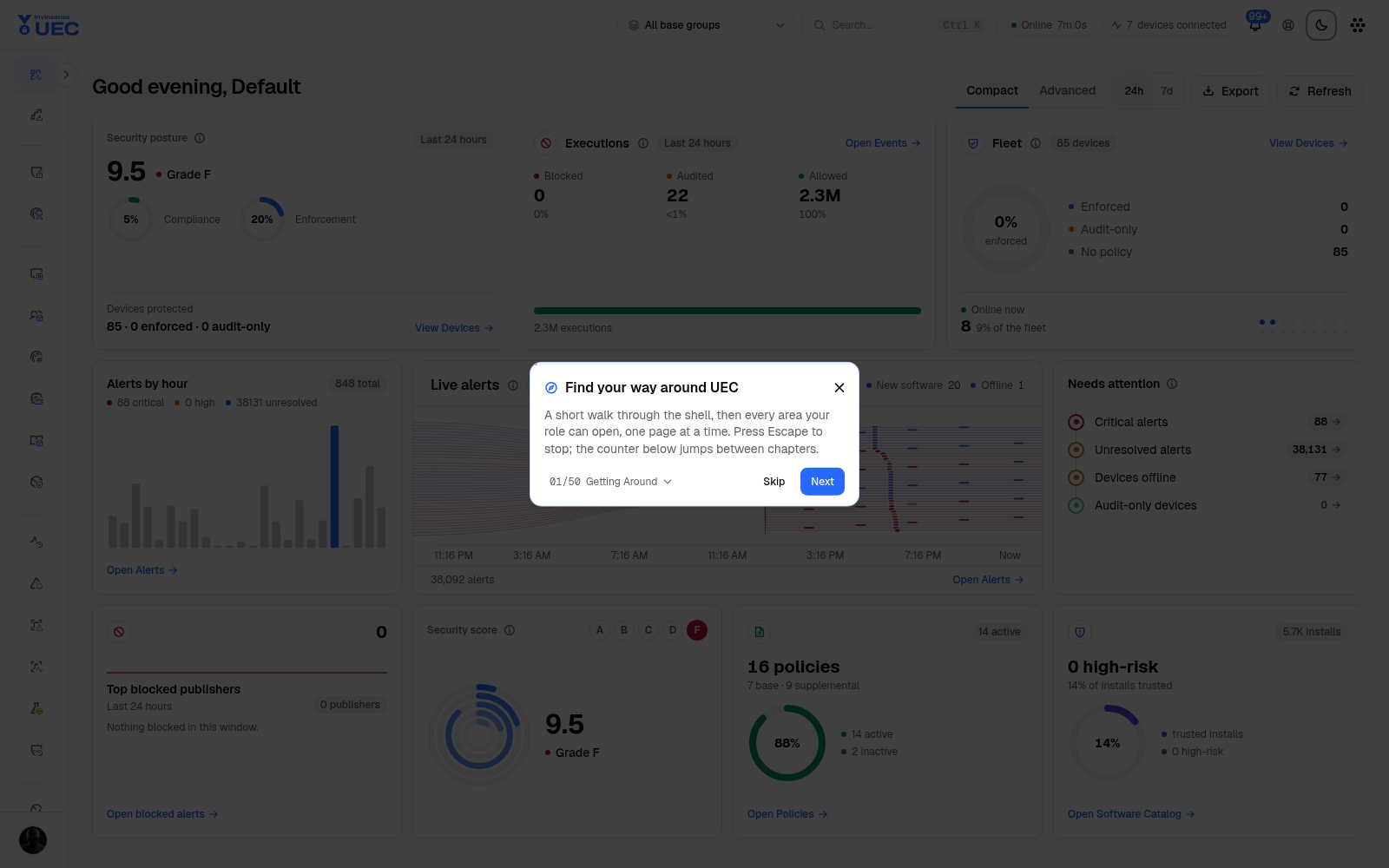
The guided tour is built into the console header. It is intentionally task-oriented rather than a menu tour: every step names one thing an operator can learn or do on a real page.
Tour mechanics
Section titled “Tour mechanics”| Control | Behaviour |
|---|---|
| Next | Moves to the next step. |
| Back | Returns to the previous step. |
| Step N of 50 | Opens the chapter/step picker. |
| Skip | Leaves the current chapter. |
| End tour | Closes the tour. |
| Escape | Stops the tour at any time. |
| Guided tour header button | Restarts it later. A finished tour never restarts by itself. |
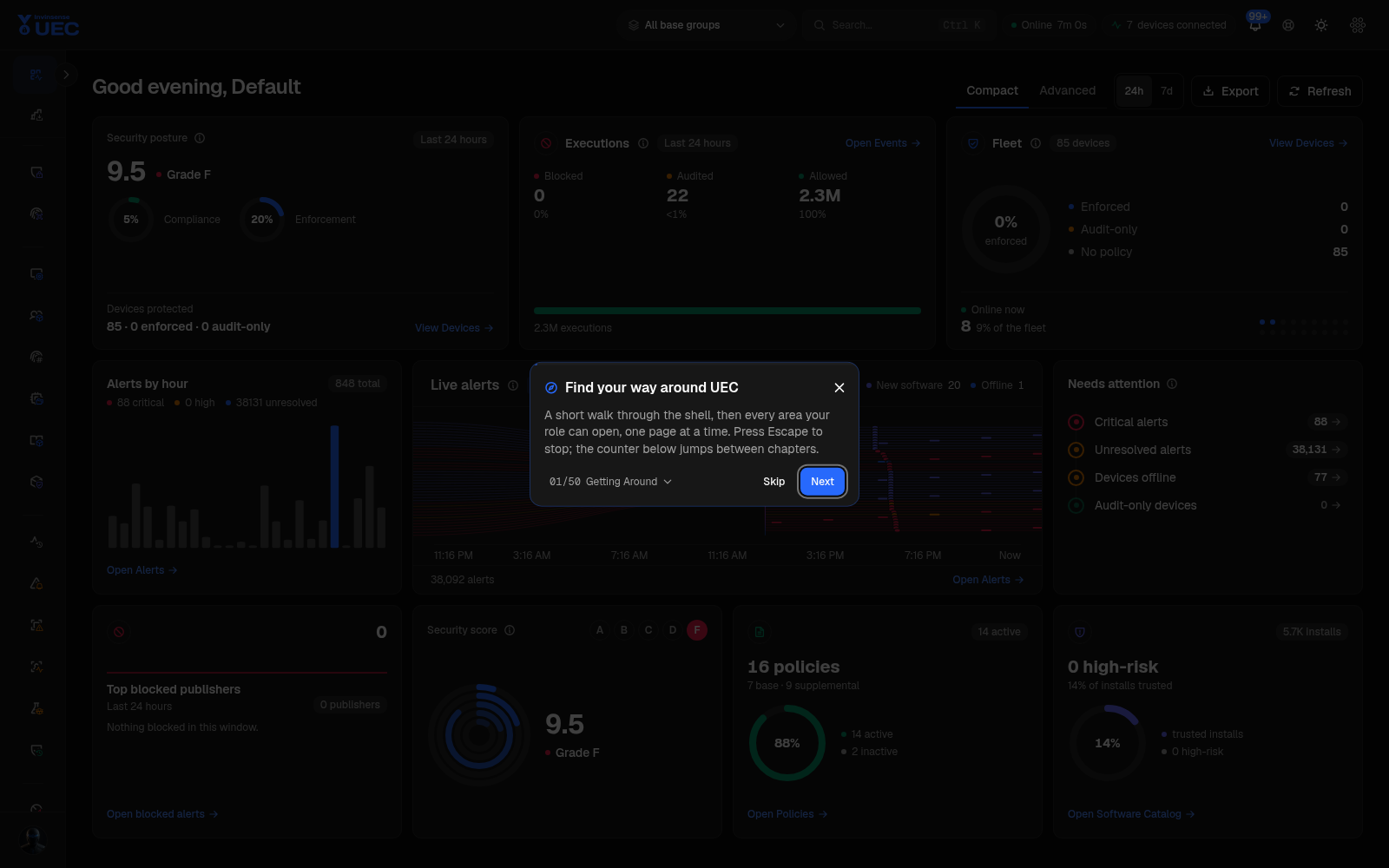
The tour highlights the relevant part of each page and keeps the rest of the console visible. The screenshot set intentionally records each canonical destination once in both themes rather than saving fifty tour-overlay duplicates; open the tour in the console to follow its spotlight live.
Chapter map
Section titled “Chapter map”| Chapter | Steps | Covers |
|---|---|---|
| Getting Around | 1–6 | Shell, sidebar, notifications, replay, themes, product switcher |
| Overview | 7–10 | Top blocked, posture, trends, reports |
| Policy | 11 | Base and supplemental policy authoring |
| Endpoints | 12–17 | Devices, groups, file identities, agents, catalog, tools |
| Events | 18–21 | Filters/views, chart zoom, row pivots, event codes |
| Alerts | 22–26 | Activity filters, live feed, resolution, detection packs, sandbox |
| Audit | 27–28 | Failed-change discovery and field-level diffs |
| Protection | 29–33 | Response, domain blocklist, Defender, firewall, macOS |
| Compliance | 34–38 | Overview, benchmarks, runs, exceptions, sources |
| Operations | 39–43 | JIT, forensics, live response, Windows features, certificates |
| Advanced Tooling | 44–47 | Agent intelligence, MDE hunting, agent config, diagnostics |
| Management | 48–50 | Settings, directory groups, About |
Fifty steps
Section titled “Fifty steps”| # | Step | What it teaches |
|---|---|---|
| 1 | Find your way around UEC | A short walk through the shell, then every area your role can open. |
| 2 | Move between areas from the sidebar | Every area is one click; collapse the sidebar to keep the rail. |
| 3 | See new alerts without leaving the page | The bell counts unread alerts; open one to jump to Alerts. |
| 4 | Replay this tour whenever you need it | The lifebuoy restarts the tour; a finished tour never restarts itself. |
| 5 | Switch between light and dark | Both themes use the same tokens; the choice is remembered. |
| 6 | Open the other Invinsense modules | The apps menu lists licensed modules in a fixed order. |
| 7 | Spot what the fleet blocks most | Top publishers, hashes and paths; pivot or export. |
| 8 | Read the posture score at a glance | Score, active rate, enforcement and signed installs together. |
| 9 | Watch trends after a policy change | Events and alerts over time; watch kernel-mode block rises. |
| 10 | Build a report others can read | Pick a template or design, schedule, then find past runs. |
| 11 | Author and deploy App Control policies | Build, validate and deploy base/supplemental policies. |
| 12 | Find one endpoint in a fleet of thousands | Operator filters, pinned columns, tags and device detail. |
| 13 | Group devices to target policy | Base and supplemental groups resolve policy; tags never do. |
| 14 | Look up any file the fleet has seen | Hash, signer and publisher identities ready for rules. |
| 15 | Ship the agent and enrol endpoints | Installers, enrollment tokens and staged upgrades. |
| 16 | See what is installed and where | Publisher and signature posture from real inventory. |
| 17 | Deploy and configure endpoint tools | Packaged integrations and pipeline configuration. |
| 18 | Narrow events with tokens and views | device:, user:, file:, process: and saved state. |
| 19 | Drag across the chart to zoom the table | Stacked bars narrow the table to a selected span. |
| 20 | Pivot from any value in a row | Pivot device, user, file or process; open row detail. |
| 21 | Decode an event id | Sensor code meaning and verdict; click to filter. |
| 22 | Filter alerts from the activity tiles | Tiles are filters with their own trends. |
| 23 | Watch alerts arrive on the live feed | One thread per alert; hover or click to investigate. |
| 24 | Resolve an alert with a note | Key fields, resolution note and containment in one sheet. |
| 25 | Assign detection packs to rings | Sigma/YARA evaluation and refused-content reporting. |
| 26 | Detonate a suspicious file | Verdict, process graph, network activity and IOCs. |
| 27 | Find failed changes fast | Successful/failed audit entries over time. |
| 28 | See exactly what a change touched | Field-level before/after diff and actor/resource pivots. |
| 29 | Contain a device in one click | Isolate, block domain/USB, with an action log and undo. |
| 30 | Block a domain fleet-wide | Curate catalogues, publish immutable version, watch convergence. |
| 31 | Hold a Defender baseline across groups | Version ASR/protection settings and detect drift. |
| 32 | Roll out host firewall rules safely | Audit soak, enforce, and dead-man halt. |
| 33 | Manage Gatekeeper and read XProtect | Version a Gatekeeper baseline and monitor XProtect. |
| 34 | Read the fleet pass rate | Benchmark pass/fail and worst rules/devices. |
| 35 | Tailor a benchmark before you publish | Rules, variables, target groups and impact preview. |
| 36 | Find out why a device did not report | Scan-run reach and per-device errors; gaps are not failures. |
| 37 | Accept a failed rule with an end date | Owner, approver and automatic expiry. |
| 38 | Check where the rules come from | Licence, verification and custom audit-file import. |
| 39 | Grant temporary elevation | Review and approve time-boxed JIT requests. |
| 40 | Ask an endpoint a question | osquery-style forensic queries against live devices. |
| 41 | Open a live session to a device | Vetted commands with a retained transcript. |
| 42 | Manage Windows features at scale | Inventory, enable or disable features/packages through DISM. |
| 43 | Trust the right signers | Manage code-signing and trusted root certificates. |
| 44 | Scan agents for intelligence | Security intelligence scans on connected Windows agents. |
| 45 | Hunt across Defender for Endpoint | Advanced hunting beside UEC telemetry. |
| 46 | Configure agents without a redeploy | Versioned log, telemetry and heartbeat assignments. |
| 47 | Diagnose a block before you change policy | Hashes, PE headers, signing level, CI flags and simulation. |
| 48 | Tune the tenant | Notifications, integrations, identity, retention and modules. |
| 49 | Browse directory groups | Connect Entra ID and browse security groups. |
| 50 | Check versions and platform health | Product version, licences and service health. |
Suggested role paths through the tour
Section titled “Suggested role paths through the tour”- Endpoint administrator: 1–17, 29–33, 39–43, 46, 48–50
- SOC analyst: 1–10, 18–30, 34–38, 40–41
- Detection engineer: 18–26, 44–47
- Compliance reviewer: 27–28, 34–38, 48, 50
- Platform operator: 1–6, 15, 17, 43, 46–50
Stop the tour at any time. The sidebar and command search remain the fastest ways to return to a page once you know the product.