
Alerts
Alerts turns selected endpoint conditions into operator work.
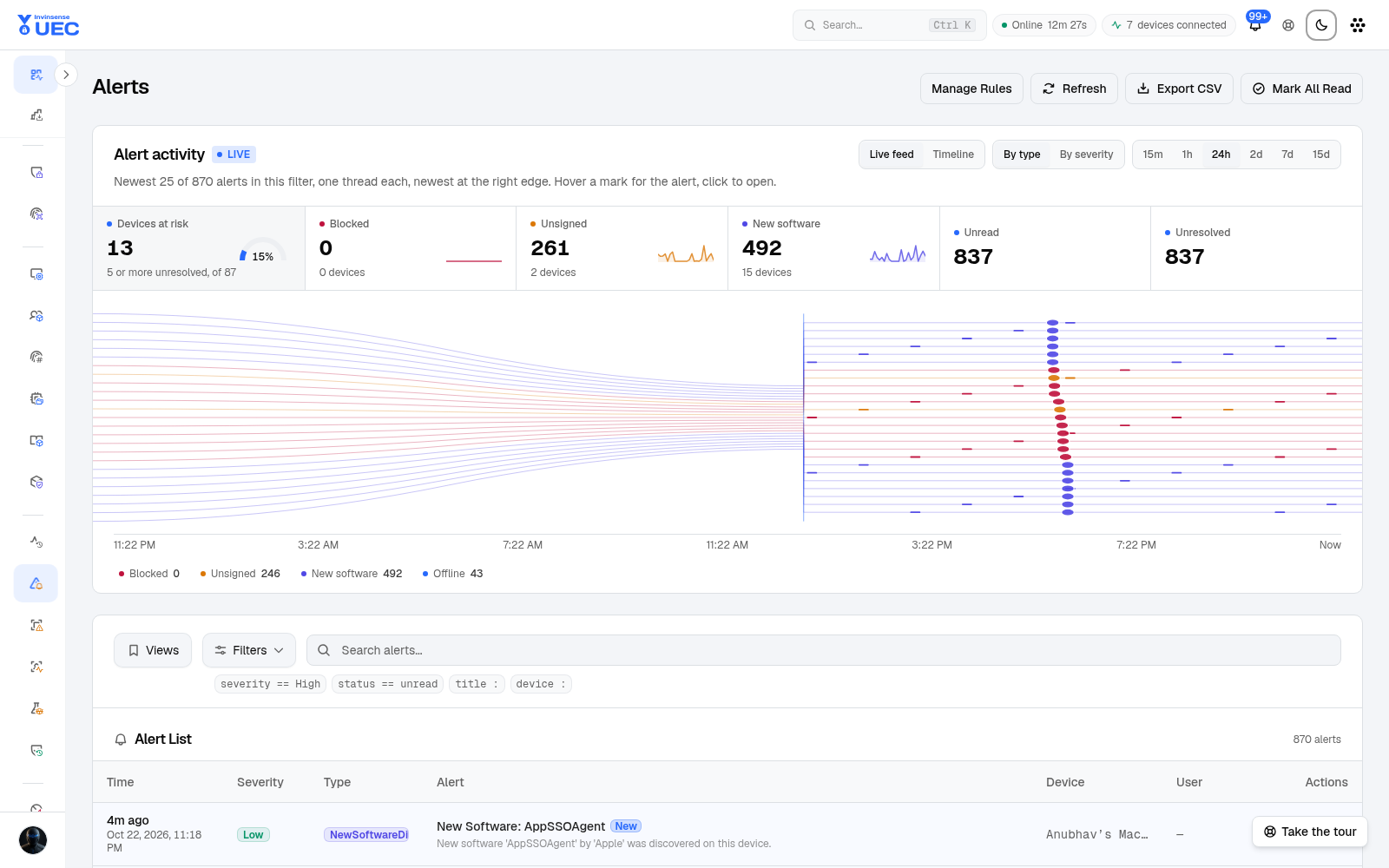
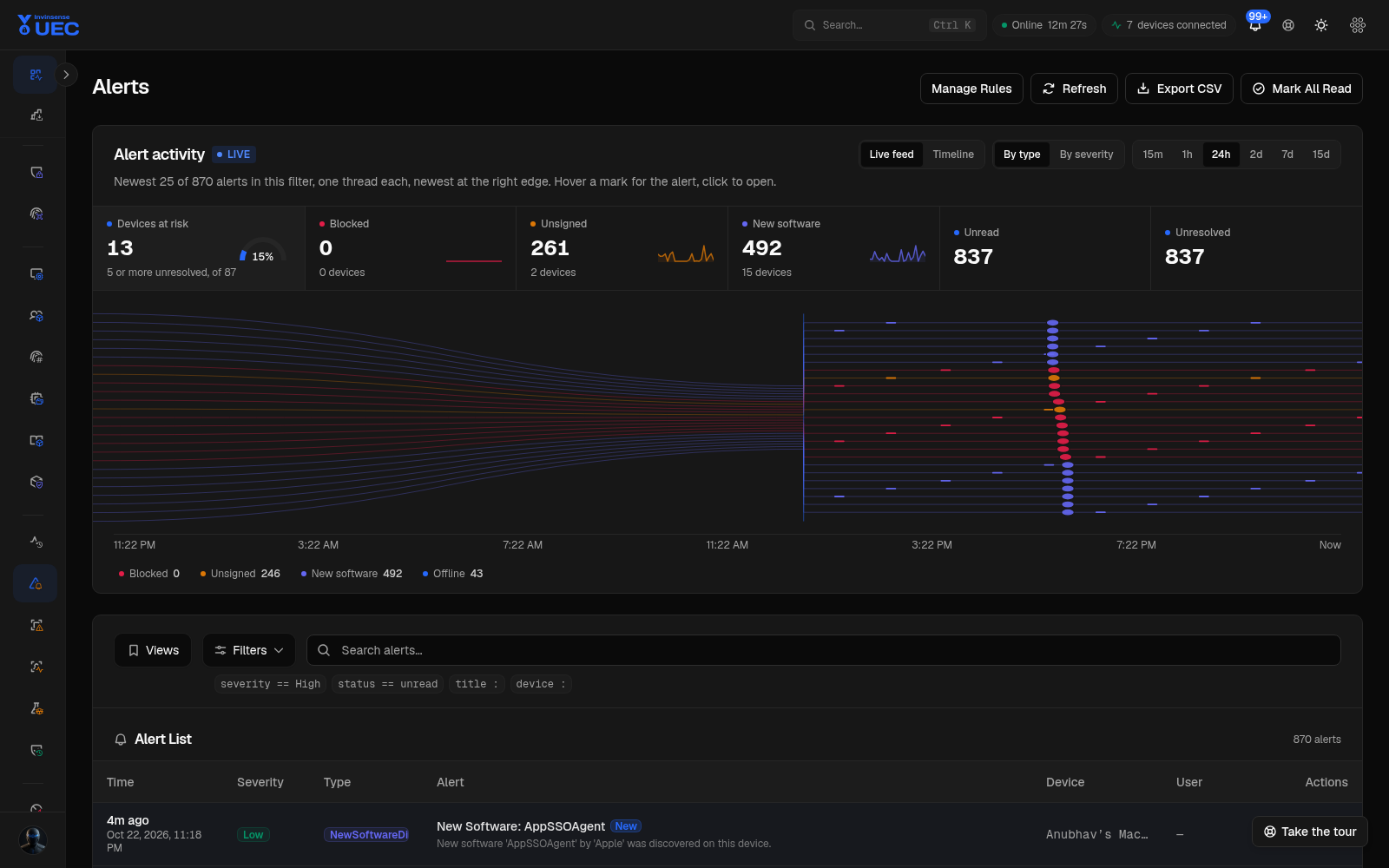
Alerts turns selected endpoint conditions into operator work. It combines activity tiles, a live thread stream, a timeline, a filterable list and a triage sheet with correlated events.
Activity tiles
Section titled “Activity tiles”Each tile is a filter. Clicking an active tile clears it.
| Tile | Filter | Notes |
|---|---|---|
| Devices at risk | all | Dial of devices over the server high-risk threshold over total devices; no verdict word or confidence is invented |
| Blocked | BlockedExecution |
Count and device count; blocked trend sparkline |
| Unsigned | UnsignedSoftware |
Unsigned software trend |
| New software | NewSoftwareDiscovered |
Newly observed software trend |
| Unread | unread |
Tenant-wide read state |
| Unresolved | unresolved |
Work not yet resolved |
Tiles and timeline legends share one vocabulary. Hovering a legend entry emphasises the same band in the chart and live feed.
Live feed and timeline
Section titled “Live feed and timeline”The activity card has two remembered views:
- Live feed draws every loaded alert as a thread. Time runs left-to-right; each mark carries title, severity, family, device/IP and time. New hub arrivals land at full strength and are counted in the “N new” chip. Read and resolved alerts fade.
- Timeline stacks alert volume by type or severity. Select a band to filter; select it again to clear.
The feed shows the same filter, range and loaded pages as the list. It is not a separate “everything” stream.
Filters and list
Section titled “Filters and list”| Filter | Values |
|---|---|
| Type | Blocked execution, unsigned software, new software, agent offline, threat finding, UEBA risk, FIM and other alert types |
| Severity | Critical, High, Medium, Low, Info |
| State | Created, Acknowledged, Resolved |
| Device | One device |
| Time | 24h, 7d, 30d, custom |
Columns show severity, type, title, device, state and time. Selecting a title opens the alert sheet. The list is server-filtered and paginated rather than loading the tenant into the browser.
Alert detail sheet
Section titled “Alert detail sheet”| Section | What it gives you |
|---|---|
| Summary | Title, message, severity, type, state, device, timestamps |
| Key fields | The first-screen triage subset |
| All fields | Application, signature, hashes, packaging, process correlation, raw JSON |
| State history | Created → acknowledged → resolved with actor and note |
| Correlated events | Source events; selecting one opens Events with event id, type and device filters |
| Actions | Acknowledge, resolve with note, mark read, contain device |
Resolution notes are not optional decoration: they are what makes the next repeat alert triageable. Write what was true, what you checked and what changed.
Triage workflow
Section titled “Triage workflow”- Start with Unresolved or a severity tile.
- Read the title, device, source event and process context.
- Open correlated events.
- Check file identity/signature and process tree.
- Decide:
- true positive → contain/respond;
- policy gap → build a narrowly scoped supplemental rule;
- benign new software → document and resolve;
- false positive → tune rule/pack/rule scope.
- Resolve with a note.
- If containment was used, verify the rollback path and ownership.
Do not mark an alert read merely because it is familiar. Read state removes it from the unread worklist; it does not resolve the underlying condition.
Alert rules
Section titled “Alert rules”Open Alert Rules to manage server-side per-event conditions.
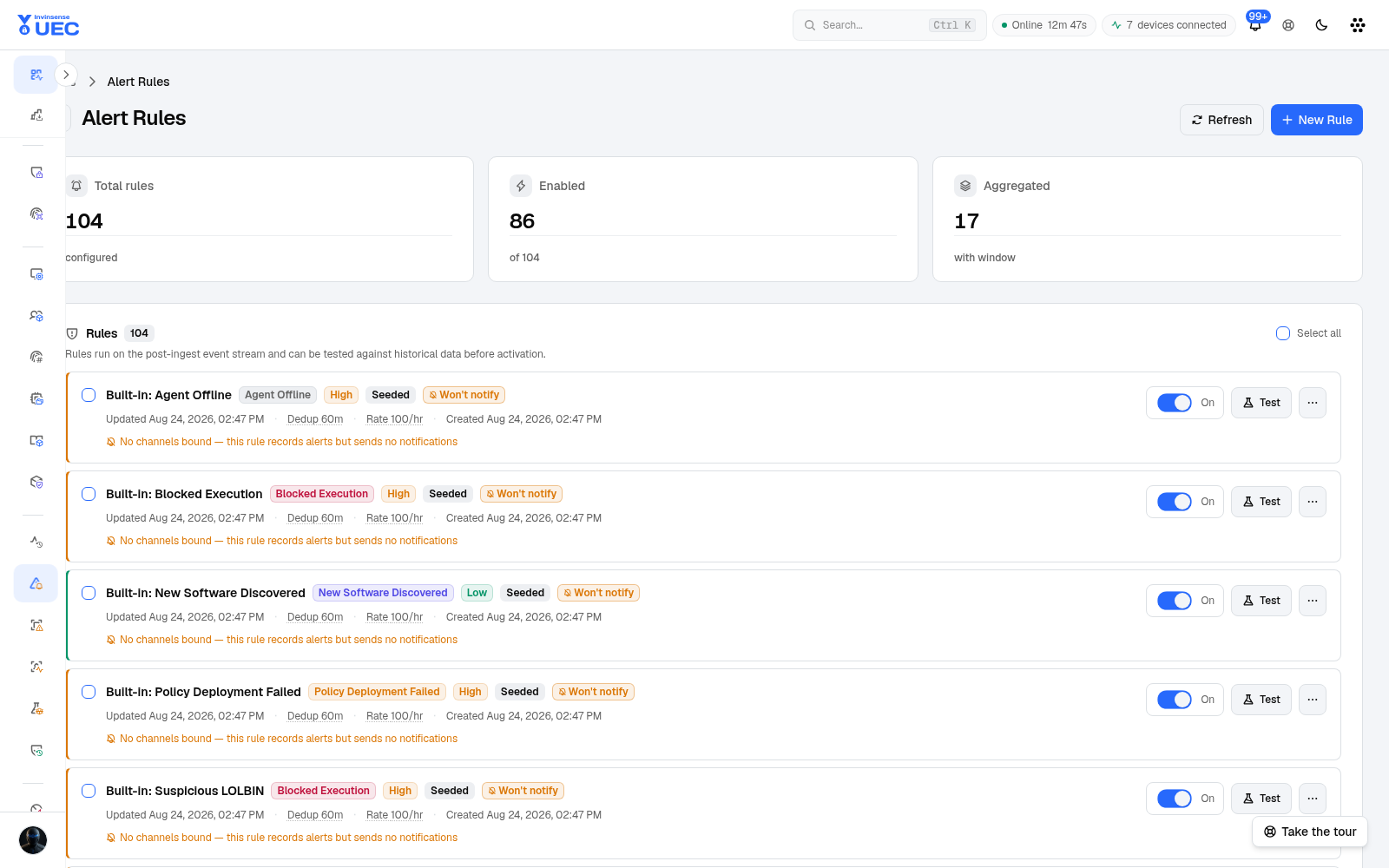
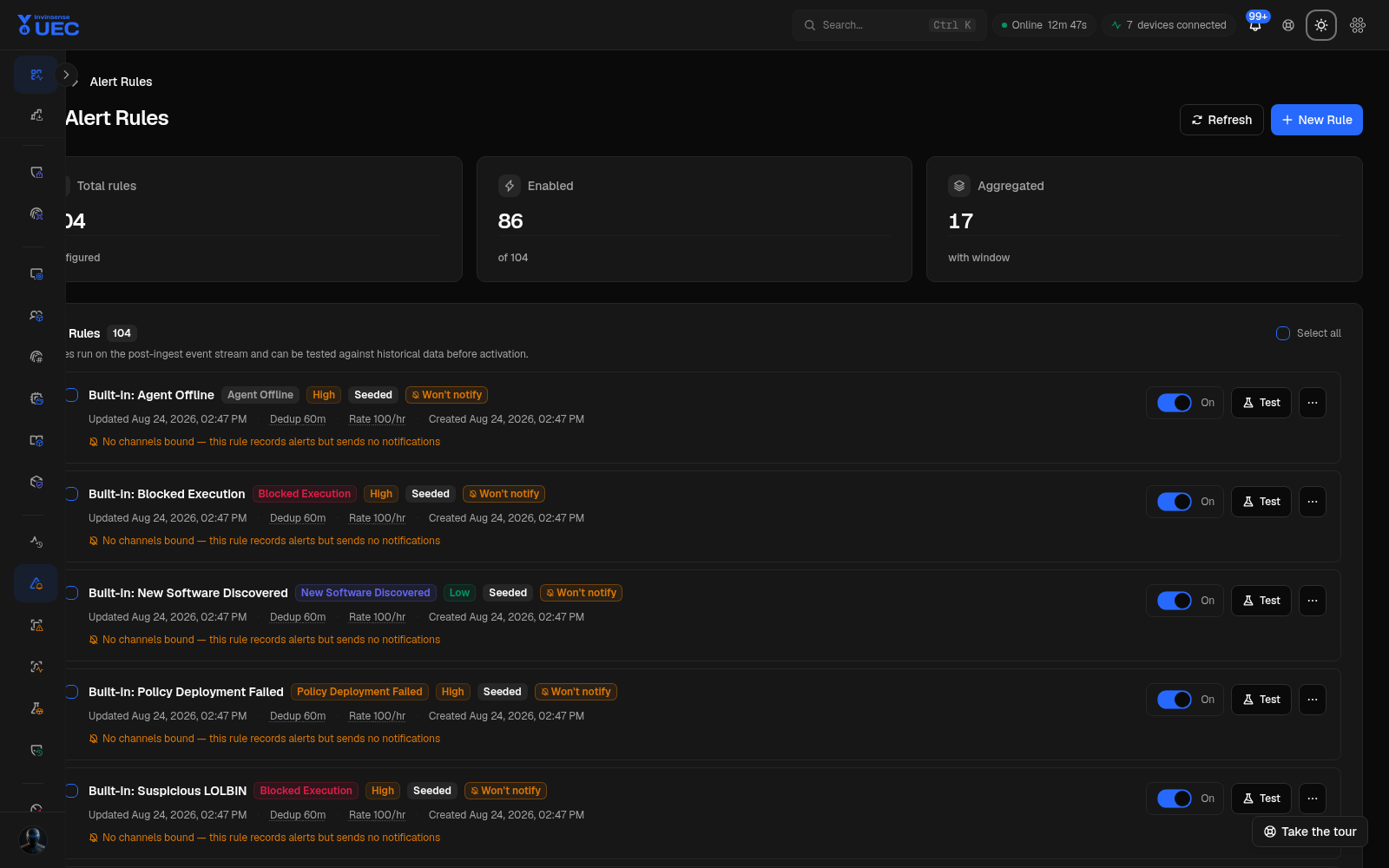
Alert rules use a safe expression engine, not arbitrary code. They can match event fields, aggregate within windows, apply clock conditions and produce typed alerts. The editor supports Test Rule so you can replay a candidate against representative events before enabling it.
Rule hygiene
Section titled “Rule hygiene”- Name rules for the behavior, not the device.
- Prefer narrow fields over broad message text.
- Set an owner and review cadence.
- Disable noisy rules rather than training analysts to ignore a bell.
- Remember detection pack findings and Alert Rules are different systems: a Threat Detection finding is evaluated on the endpoint; an Alert Rule evaluates ingested events server-side.
Real-time behaviour
Section titled “Real-time behaviour”EventHub broadcasts new alerts to the tenant alerts group. The page invalidates the list, tiles and
timeline once per burst, then places the new alert in the live feed. When the hub is disconnected,
queries fall back to a one-minute poll and the feed shows reconnecting state.
The notification bell counts unread alerts plus waiting approvals. Fleet agent-offline alerts can be collapsed into one fleet row with the first three device names.