
Defender Baselines
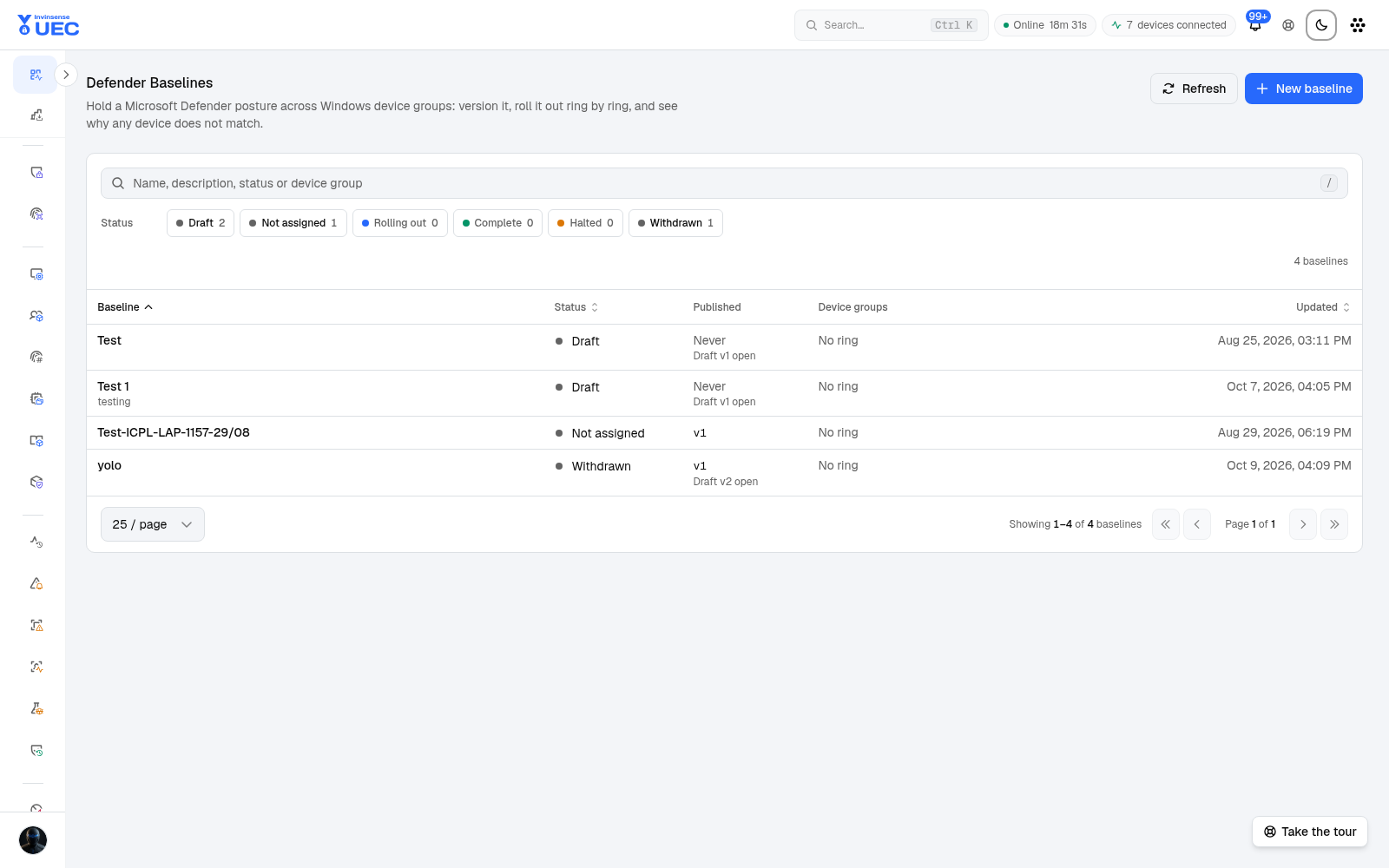
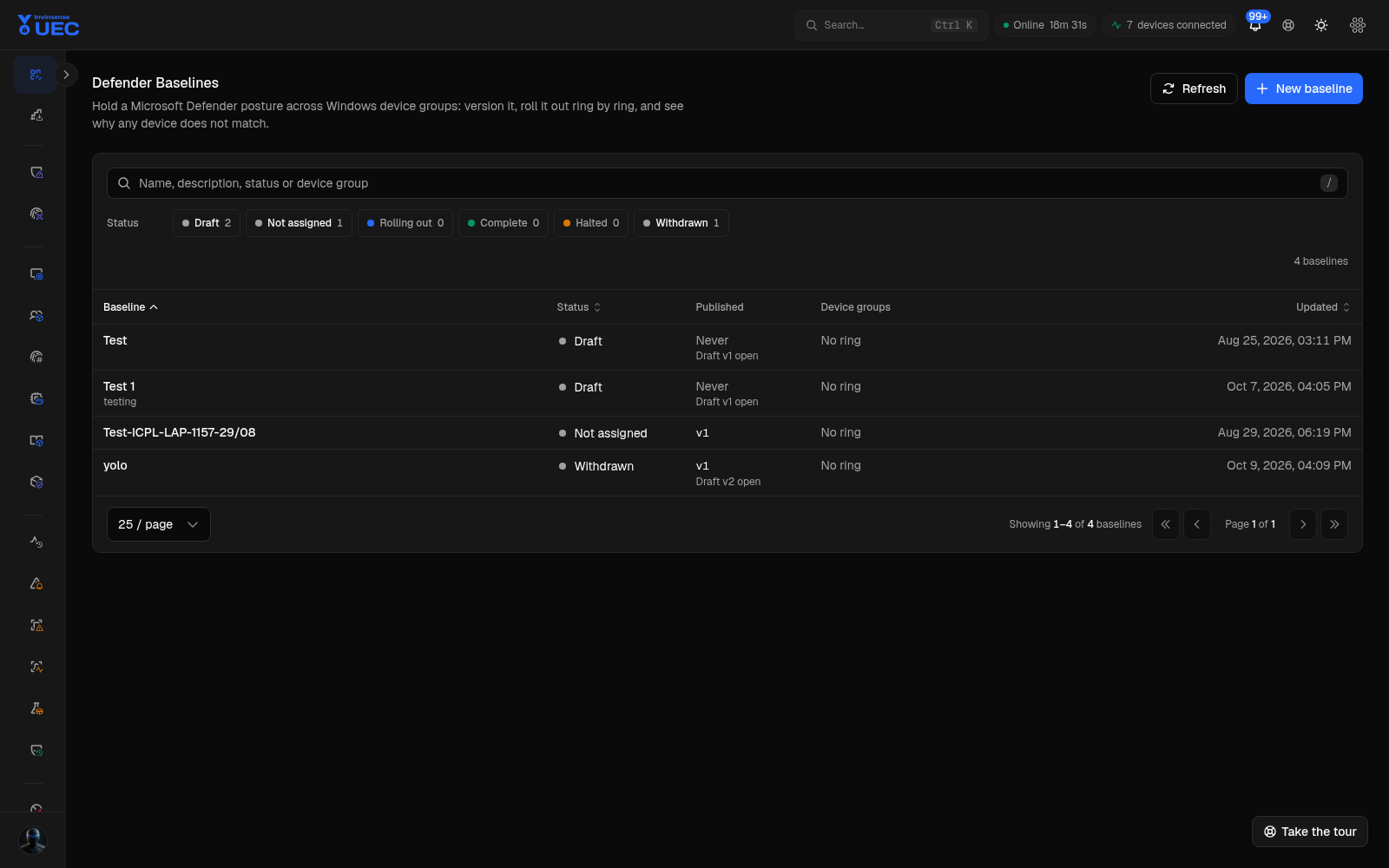
Defender Baselines holds a fleet-wide Microsoft Defender posture: attack-surface-reduction rules, ASR-only exclusions, protection settings and the self-harm opt-in.
Defender Baselines holds a fleet-wide Microsoft Defender posture: attack-surface-reduction rules, ASR-only exclusions, protection settings and the self-harm opt-in. It is Windows-only and capability-gated by the host’s Defender platform/engine.
| Layer | Meaning |
|---|---|
| Baseline | Stable named identity |
| Version | Immutable published settings document |
| Assignment/ring | Which device group receives which version, in ordered rollout position |
| Device state | Applied version, convergence and per-setting drift |
| Executor | Windows Defender convergence helper |
Only one draft exists per baseline. Editing a published version mints a new draft; the old version is retained for rollback and audit.
Status tiles
Section titled “Status tiles”| Tile | Meaning |
|---|---|
| Draft | Editable, unpublished version |
| Not assigned | No rollout ring |
| Rolling out | A ring is in progress |
| Complete | Assigned devices rebooted and verified |
| Halted | Rollout stopped |
| Withdrawn | Baseline withdrawn from management |
A rollout advances only on rebooted-and-verified devices, never on the number of documents pushed.
Why null matters
Section titled “Why null matters”A protection field omitted from a baseline means unmanaged: UEC leaves that setting alone. It does not mean the setting is turned off. This prevents a baseline from accidentally disabling a protection the security team did not discuss.
Drift kinds
Section titled “Drift kinds”UEC keeps four kinds of “not converged” separate:
| Drift | Meaning |
|---|---|
| Fixed / mismatch | UEC set or corrected the value |
| External ownership | Group Policy or another manager owns the setting |
| Refused | Tamper Protection or Defender refused the change |
| Unsupported | Defender platform/engine is too old for the requested setting |
Collapsing these into one “non-compliant” number would hide the correct fix.
Safe rollout
Section titled “Safe rollout”- Create a baseline.
- Define ASR rules, exclusions and only the protection settings you intend to manage.
- Validate authoring and capability.
- Publish an immutable version.
- Assign Ring 0.
- Require reboot and verified convergence.
- Inspect per-device/per-setting drift.
- Advance ring by ring.
Do not combine a large ASR change with a firewall or application-control enforcement change in the same window unless rollback ownership is explicit.