
Policy Diagnostics
Policy Diagnostics is the workbench for a single file.
Policy Diagnostics is the workbench for a single file. Use it before changing policy so you can distinguish “wrong policy” from “unexpected binary”, “wrong signing level” or “path rule behaviour”.
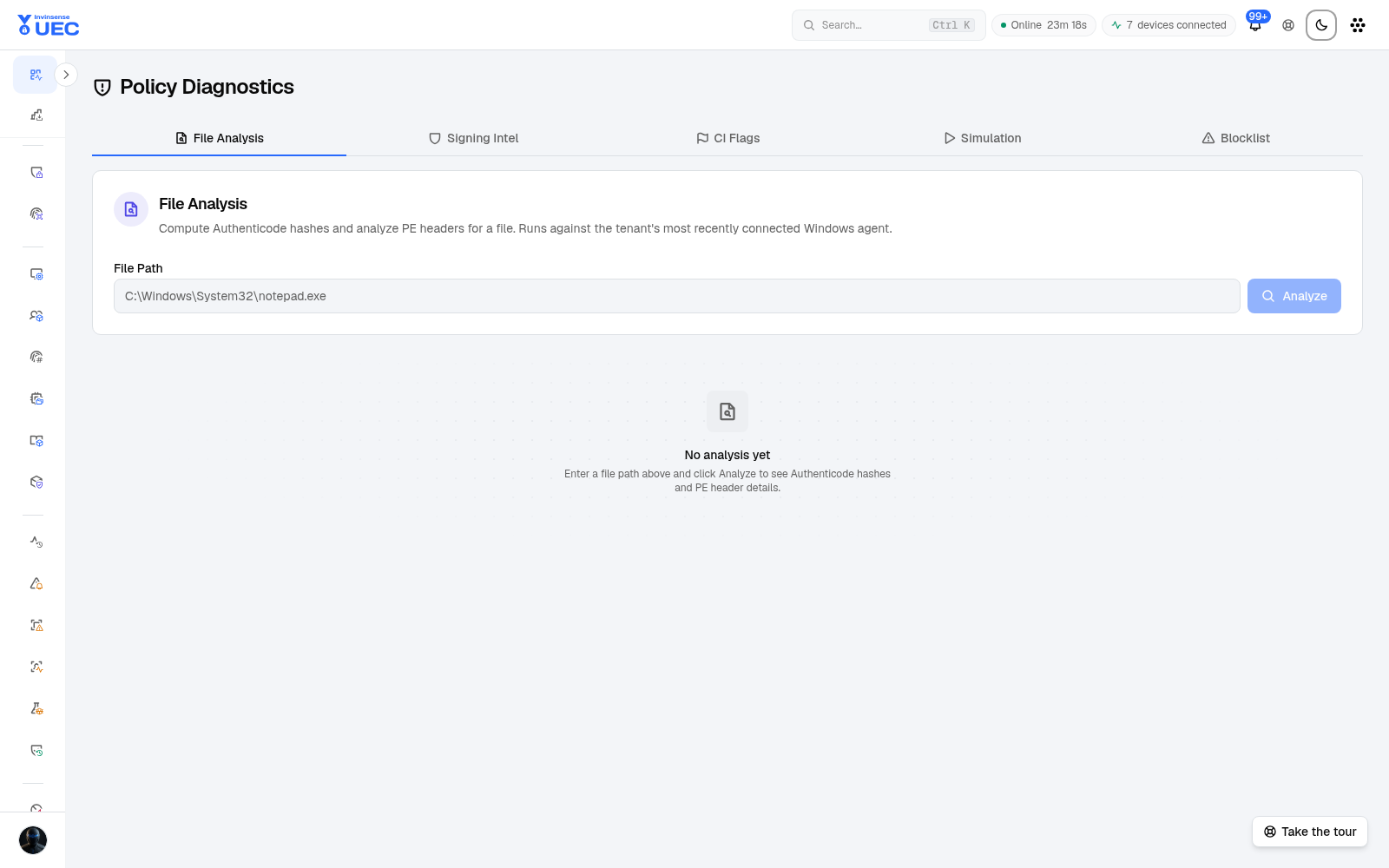
| Tab | Purpose |
|---|---|
| File Analysis | Hashes, PE metadata and signing level for a submitted file |
| Signing Intel | Certificate chain, signer and publisher details |
| CI Flags | Decode Code Integrity flags into readable meaning |
| Simulation | Evaluate a chosen policy against the file without deploying it |
| Blocklist | Check the identity against blocklist state |
Safe diagnostic workflow
Section titled “Safe diagnostic workflow”- Collect the file from the blocked event, alert or device.
- Submit it to File Analysis.
- Record SHA256, signer and signing level.
- Decode CI flags from the endpoint event.
- Simulate the policy that should allow or block it.
- Compare expected and actual verdict.
- Only then edit policy:
- trusted publisher → supplemental allow;
- exact pinned tool → hash allow;
- malicious → deny/quarantine workflow;
- policy bug → new variant, never an ad-hoc device exception.
What simulation tells you
Section titled “What simulation tells you”A simulation can show that a policy would allow or deny a file for a target base/supplemental set. It does not prove every device has the artifact or that a live event used the same file. Combine it with device policy state and Events for end-to-end confirmation.