
Protected Devices
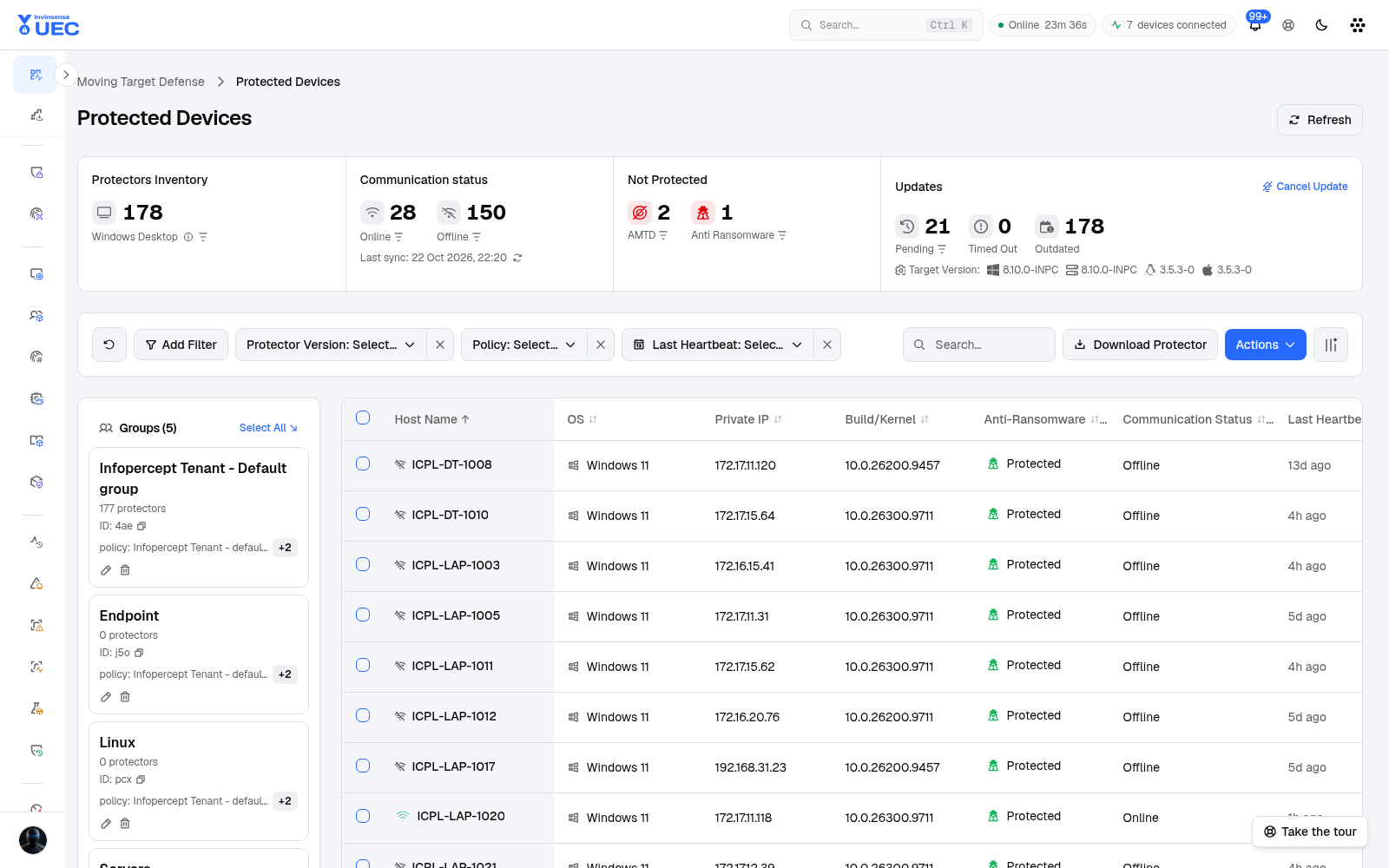
Protected Devices is the protector inventory: every AMTD/Morphisec protector, its group, policy, version, online state and update status.
Protected Devices is the protector inventory: every AMTD/Morphisec protector, its group, policy, version, online state and update status.
What the page shows
Section titled “What the page shows”| Area | Use |
|---|---|
| Protector type tiles | Filter by protector type or policy |
| Online / Offline | Reporting state |
| Versions breakdown | Identify version fragmentation |
| Filters | Protector version, policy, last heartbeat |
| Search | Find a group or device |
| Download Protector | Obtain the expected package |
| Refresh / Cancel Update | Control a staged protector update |
| Actions / Columns | Edit groups, select output columns |
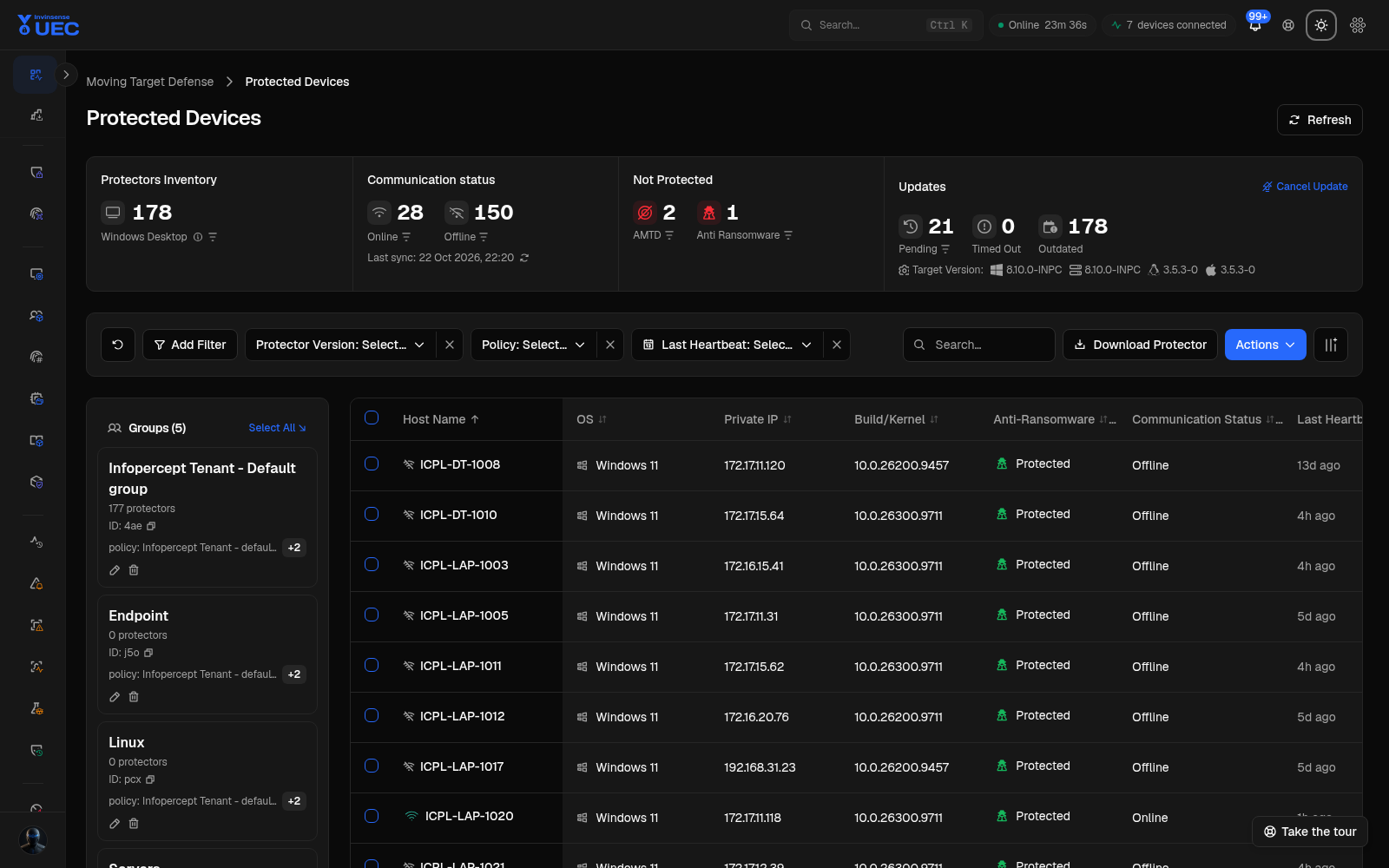
Rows are AMTD protector groups, with protector counts, group ID, assigned policy, and edit/delete actions. A group with zero protectors is visible rather than hidden, which matters when policy is assigned but no endpoint has enrolled.
Update workflow
Section titled “Update workflow”- Open Versions breakdown.
- Identify outdated and offline protectors.
- Choose the smallest group first.
- Start the update and monitor heartbeat.
- Cancel only before convergence is required.
- Confirm all protectors report the target version.
The dashboard’s AMTD card also offers an update all protectors action. Treat that as a fleet-wide change: confirm version compatibility and support coverage first.
Troubleshooting
Section titled “Troubleshooting”| Observation | Likely next step |
|---|---|
| Group has policy but 0 protectors | Check AMTD enrollment and device mapping |
| Protectors offline | Check endpoint/service health and AMTD connectivity |
| Version drift | Review update policy and failed updates |
| Filters return no rows | Wait for live data load, clear filters |
| Refresh disabled | Existing request is still running |