
Platform Tools and Configurations
Tool Deployment installs, upgrades and removes packaged endpoint tools, and separately versions endpoint configurations such as Advance Telemetry and Fluent Bit pipelines.
Tool Deployment installs, upgrades and removes packaged endpoint tools, and separately versions endpoint configurations such as Advance Telemetry and Fluent Bit pipelines.
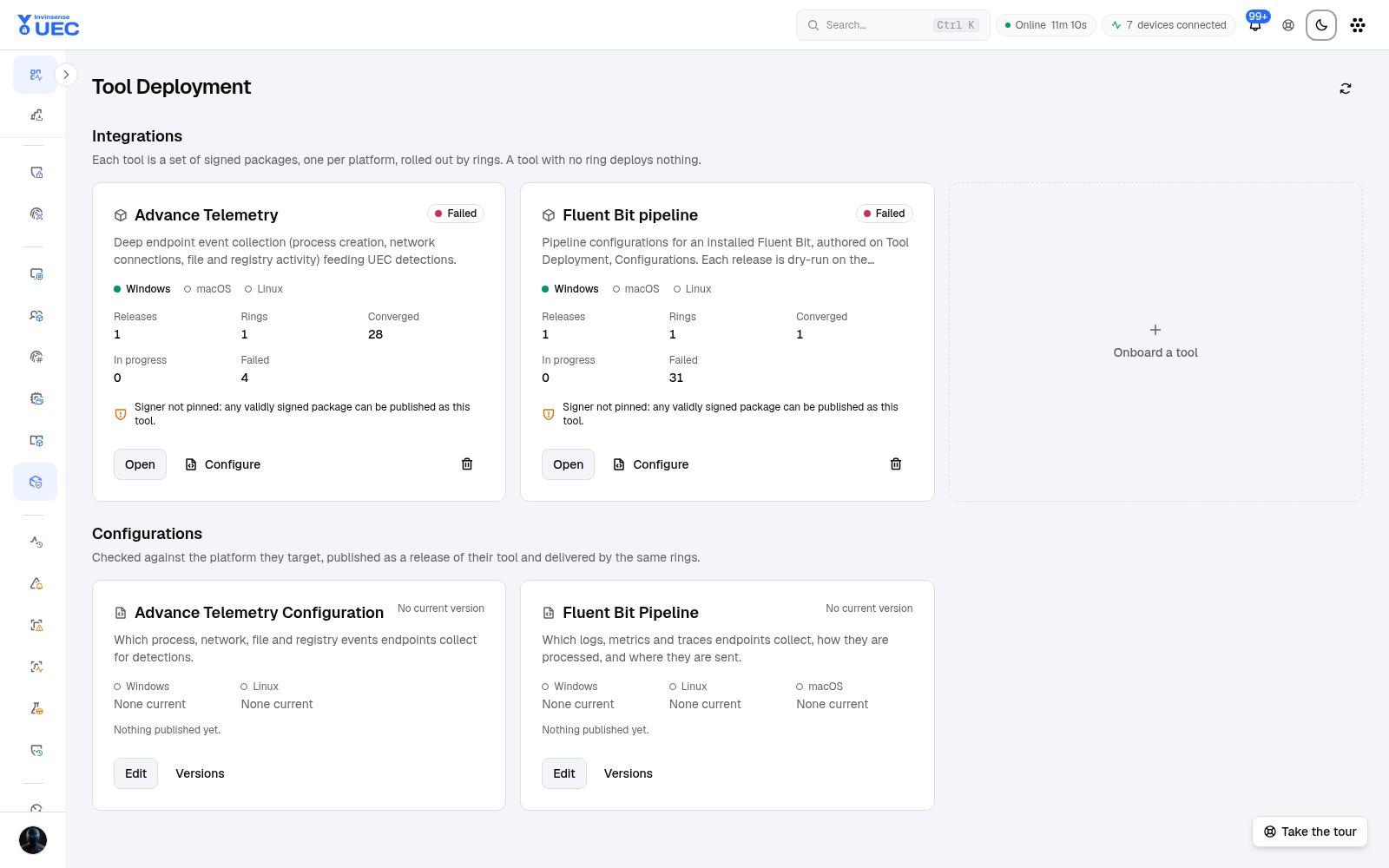
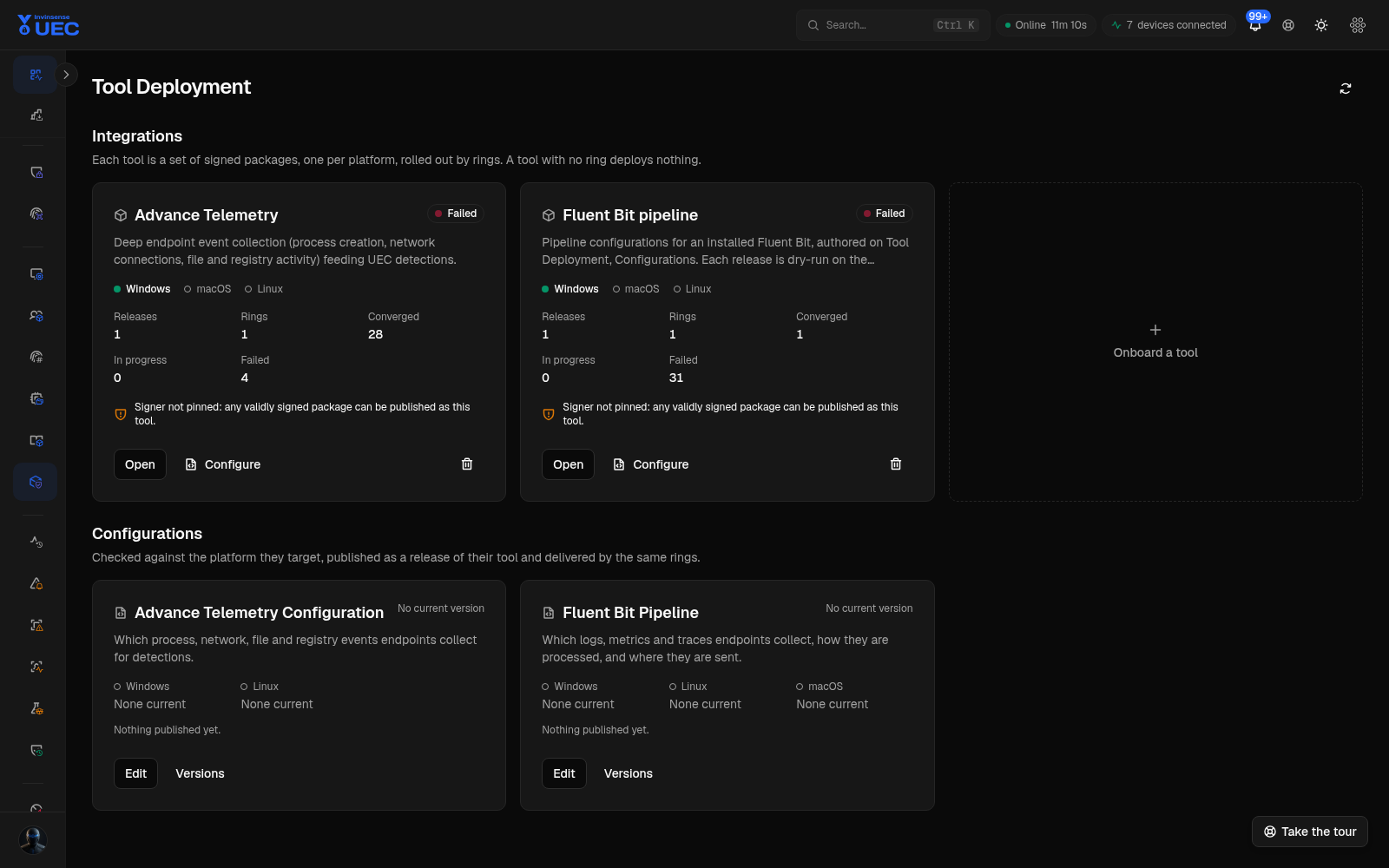
Tool model
Section titled “Tool model”A tool definition combines:
- tool name and version;
- package or packaged script;
- install, detect and uninstall instructions;
- target OS/architecture;
- package integrity hash/signer details;
- optional encrypted license secret;
- release state.
Assign a definition to a deployment ring scoped globally, to a device group, or to an explicit device. The platform resolves one desired state per device:
| Desired state | Meaning |
|---|---|
| Unmanaged | No desired tool state |
| Present at version | Install or upgrade to the selected version |
| Absent | Remove the tool |
There is no agent-local “auto-update whatever is newest” behaviour. A device converges to the exact server-resolved desired state.
Supported package types
Section titled “Supported package types”| Type | Formats |
|---|---|
| Windows installers | .msi, .exe |
| macOS packages | .pkg |
| Linux packages | .deb, .rpm |
| Packaged scripts | .ps1, .cmd, .bat, .sh |
Scripts ship inside a hashed, signer-pinned package and therefore inherit the same verify-before- execute chain as an installer. The interpreter is selected by the package contract, not by arbitrary endpoint input.
Status vocabulary
Section titled “Status vocabulary”| Status | Meaning |
|---|---|
| Staged | Pending/downloading or another neutral pre-install state |
| Installing | Install in progress |
| Applying config | Configuration release in progress |
| Verifying | Post-change verification |
| Active | Desired version installed |
| Failed | Install or uninstall failed |
| Rolled back | Endpoint restored the previous state |
| Pending reboot | Waiting for a device restart |
| Pending approval | Waiting for platform/user approval, notably macOS |
A release is Current or Available. Failed is the error state; pending states are not mistakenly coloured as failures.
Configuration releases
Section titled “Configuration releases”Open Configurations to manage named versions of:
- Advance Telemetry configuration;
- Fluent Bit pipeline configuration.
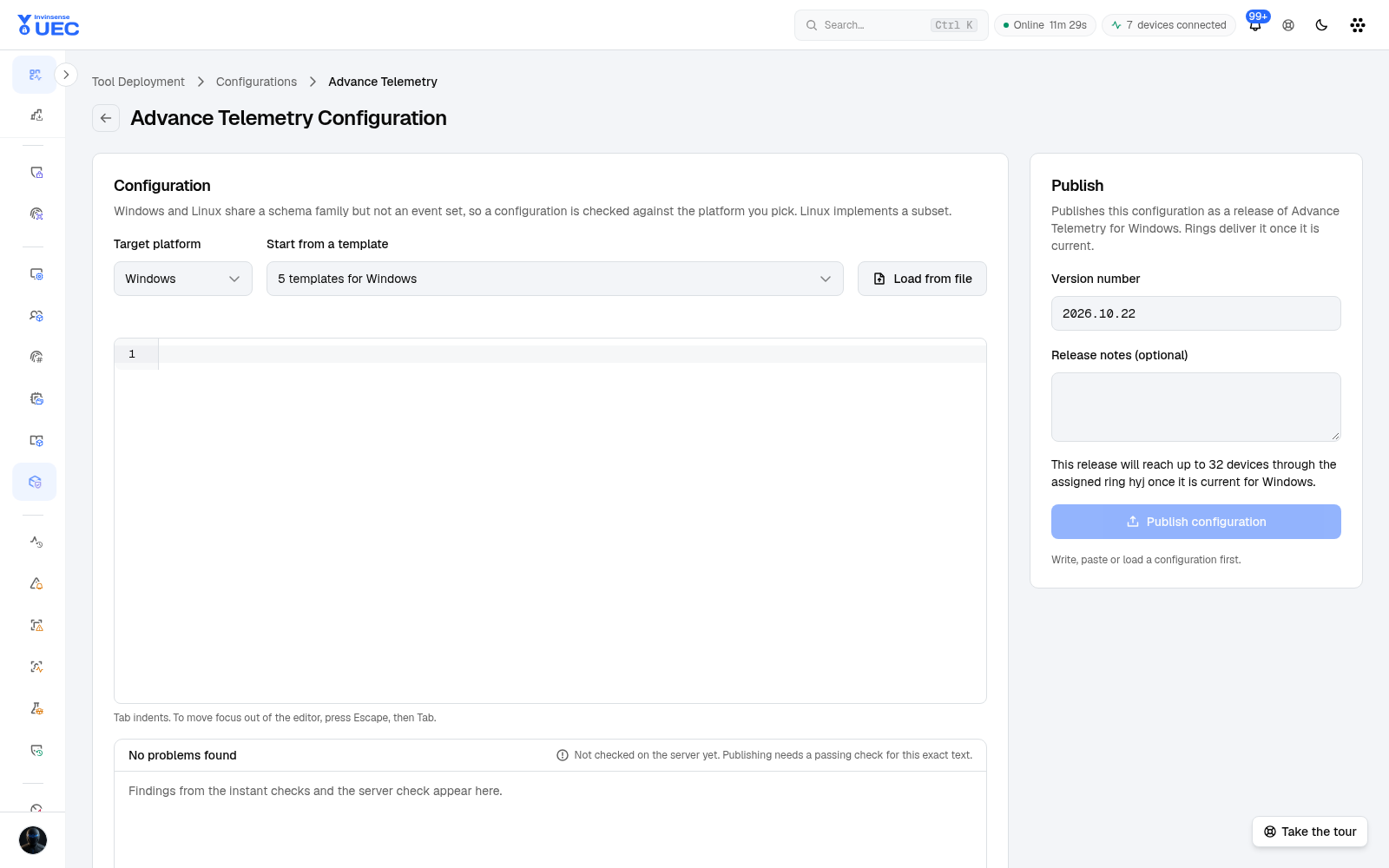
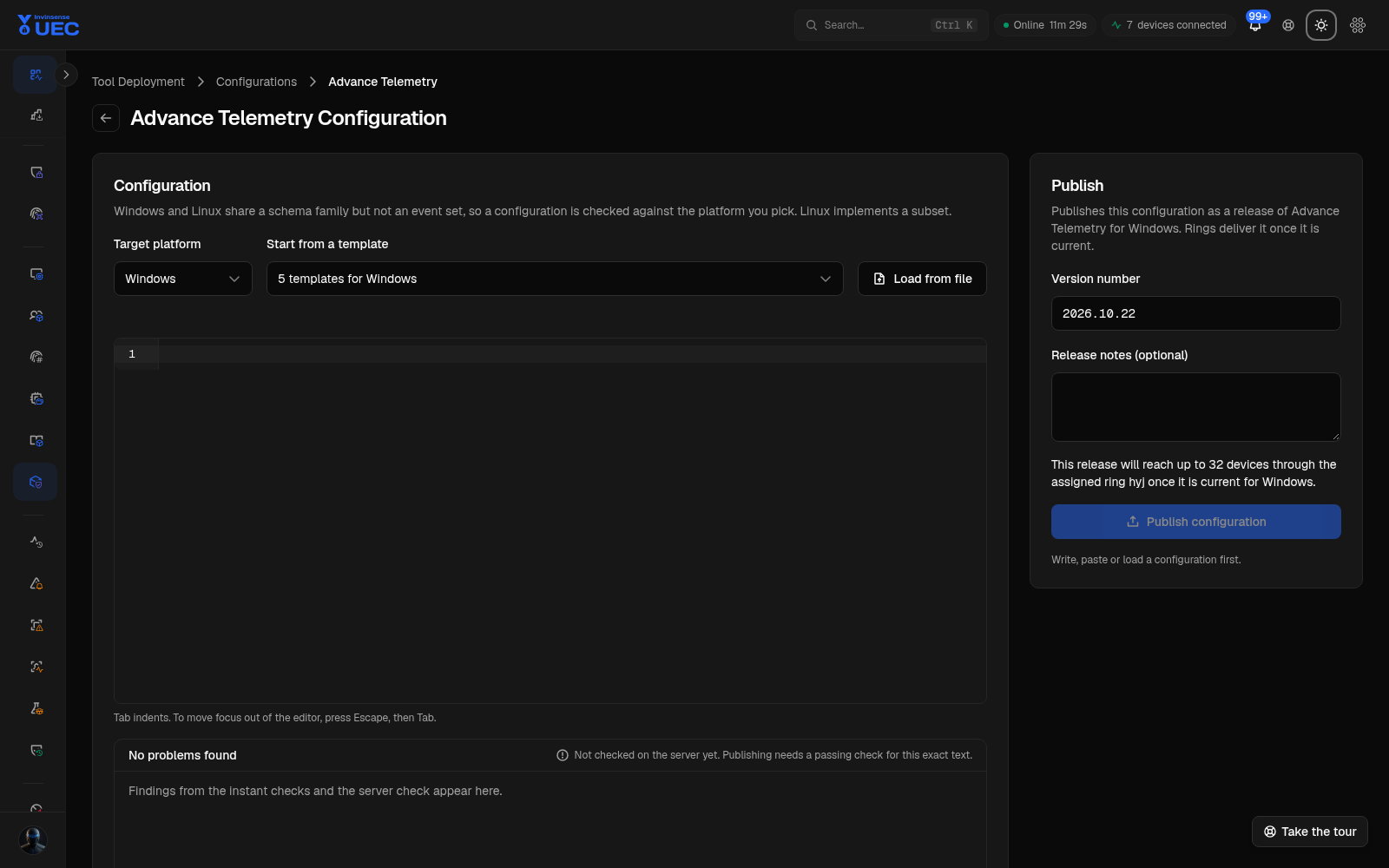
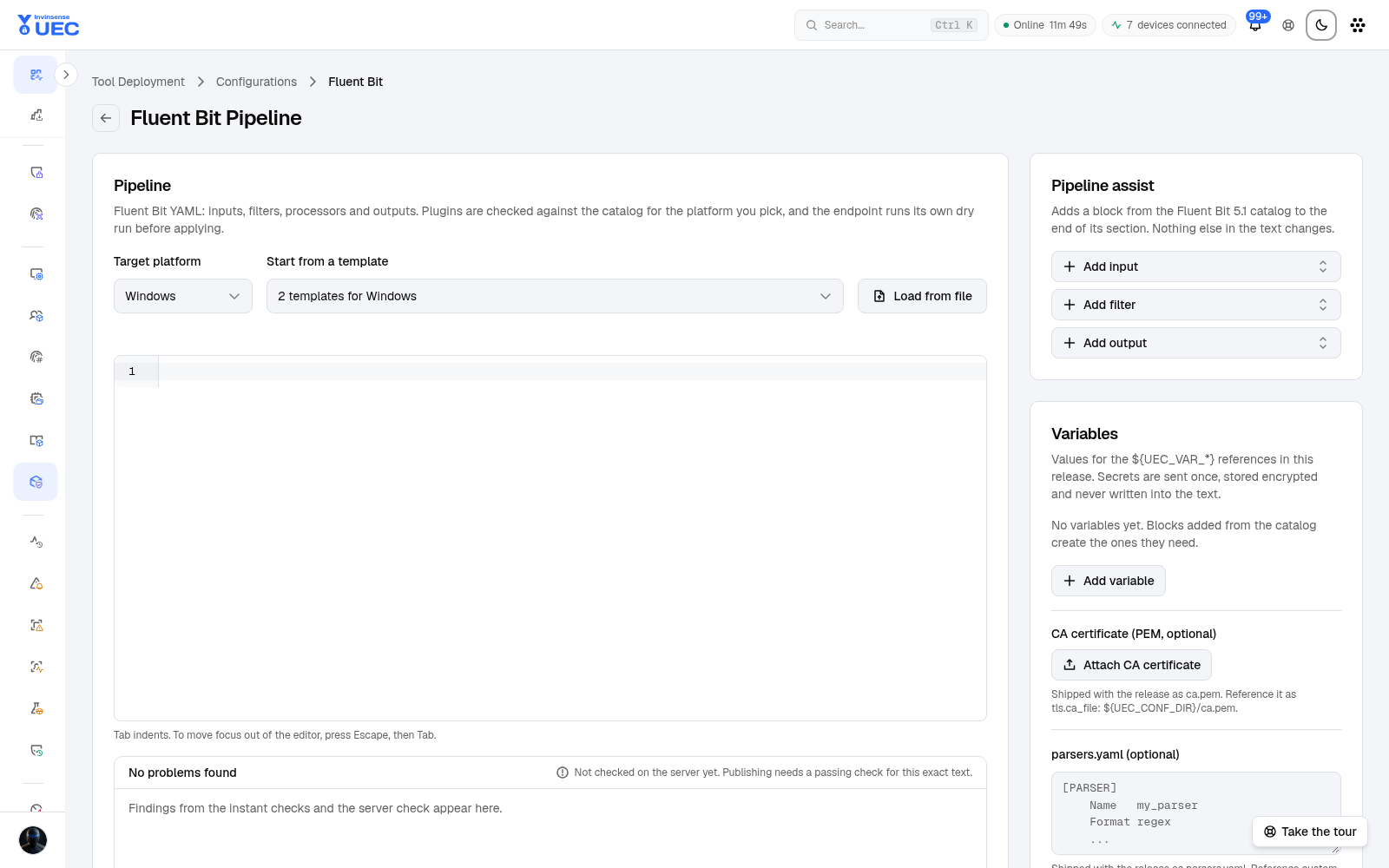
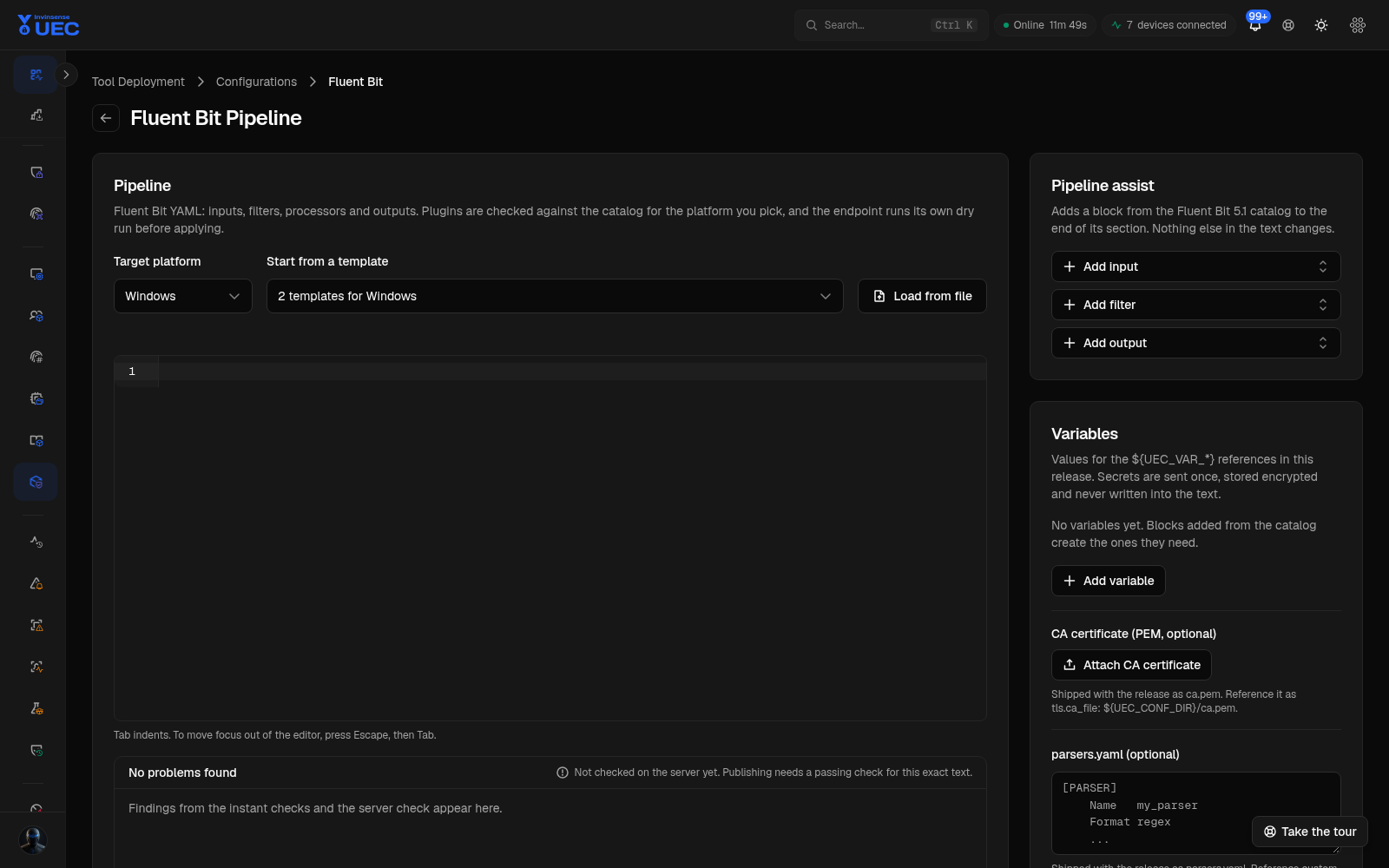
Fluent Bit editor
Section titled “Fluent Bit editor”The editor validates YAML, allowed sections, required plugin keys, platform availability and secret
references. Secrets are represented as ${UEC_VAR_*} variables rather than embedded credentials.
Validation runs in tiers:
- Client — immediate syntax and structural findings.
- Server — authoritative configuration validation with positioned diagnostics.
- Endpoint — dry-run, health check and automatic rollback after apply.
A configuration release can be compared with the current published text, saved, and then rolled out through rings. Do not publish an unvalidated pipeline to a broad fleet.
Safe rollout
Section titled “Safe rollout”- Validate configuration in the editor.
- Publish a named release.
- Apply to one test device.
- Verify logs/events and endpoint health.
- Expand to Ring 1.
- Keep the previous release available for rollback.
For tools and pipelines alike, the safety boundary is desired state plus confirmation, not “command sent”.